Core Summary:FlowScroll is an open-source productivity tool designed to extend the classic "middle-click auto-scroll" interaction mode in browsers to the entire system desktop environment. It enables smooth omnidirectional scrolling with a regular mouse when working with code, PDFs, or extra-wide tables, and supports customizable inertia and acceleration, greatly reducing finger fatigue when reading long documents.
When dealing with thousands of lines of code, browsing lengthy PDFs, or dragging hundreds of columns of a timeline in video editing software, the scroll wheel of a regular mouse often proves inadequate—frequent scrolling not only tires the hand, but also makes positioning extremely inaccurate by dragging a small scroll bar.
Most users are accustomed to this operation in browsers: pressing the middle mouse button displays a crosshair on the screen, and the page automatically scrolls in the direction the mouse moves, with the speed depending on the distance moved. FlowScroll's core goal is to break the limitations of this experience and bring this efficient interaction method to all desktop software.
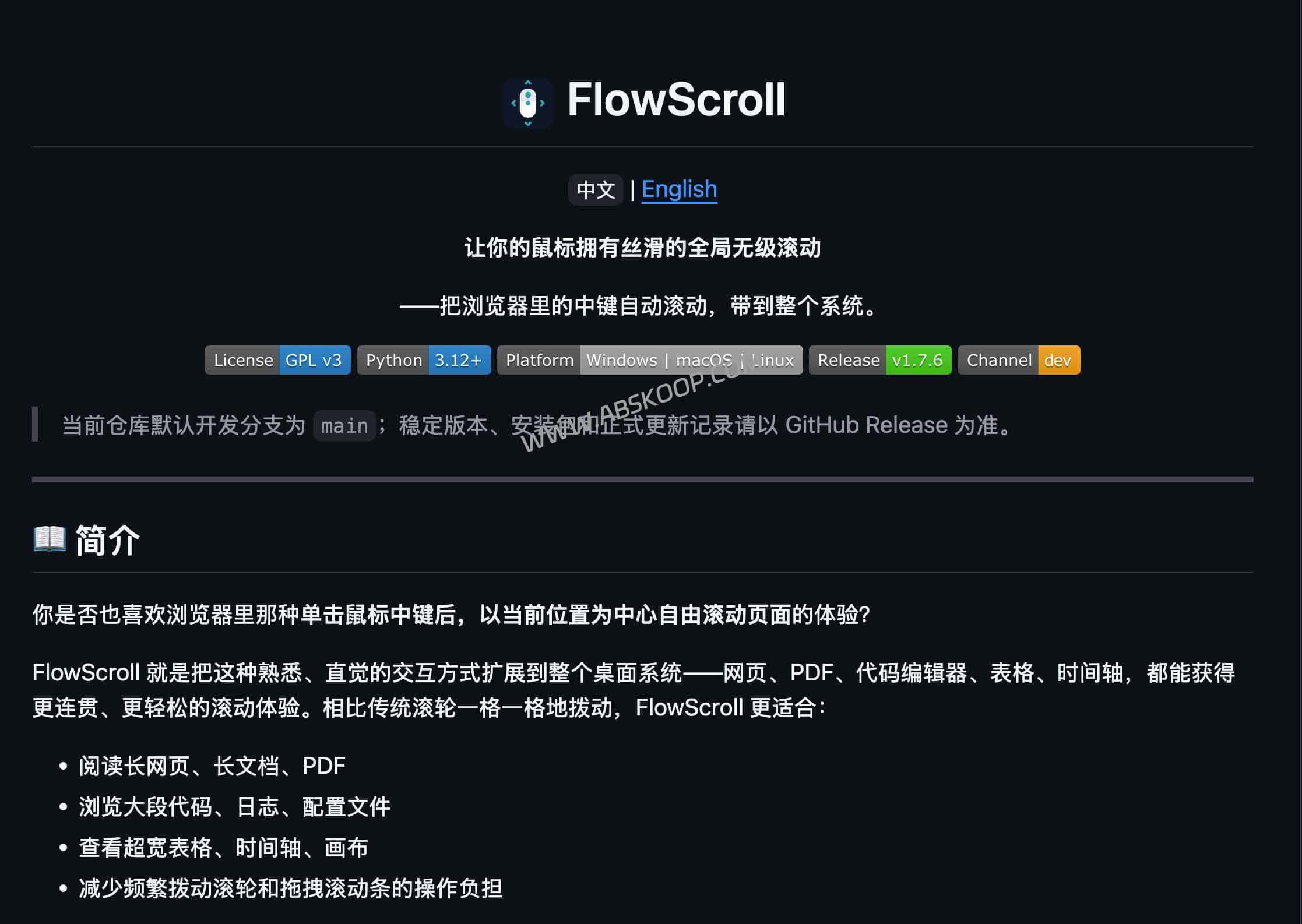
More than just speed: FlowScroll brings an enhanced interactive experience
Some people might think that increasing the "number of lines to scroll at once" setting in the system settings would solve the speed problem. However, simply increasing the number of lines can cause the scrolling process to be too abrupt, resulting in visual "line skipping" and making it difficult to read accurately.
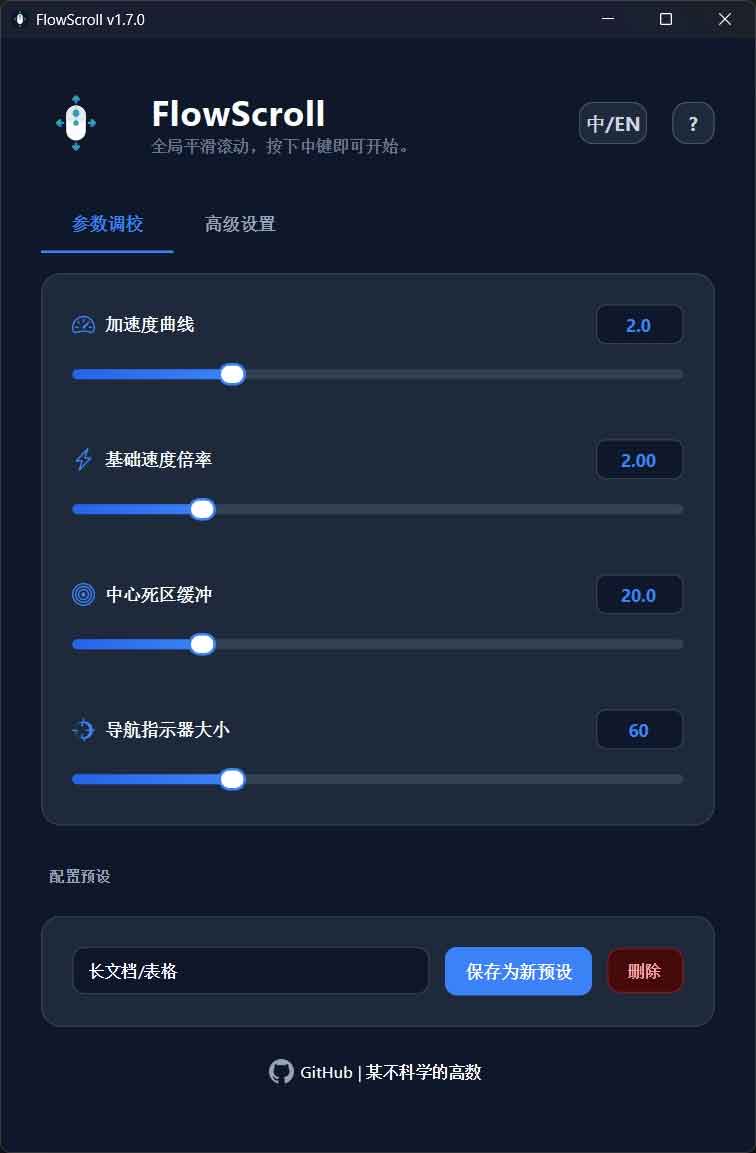
FlowScroll provides a complete scrolling logic system:
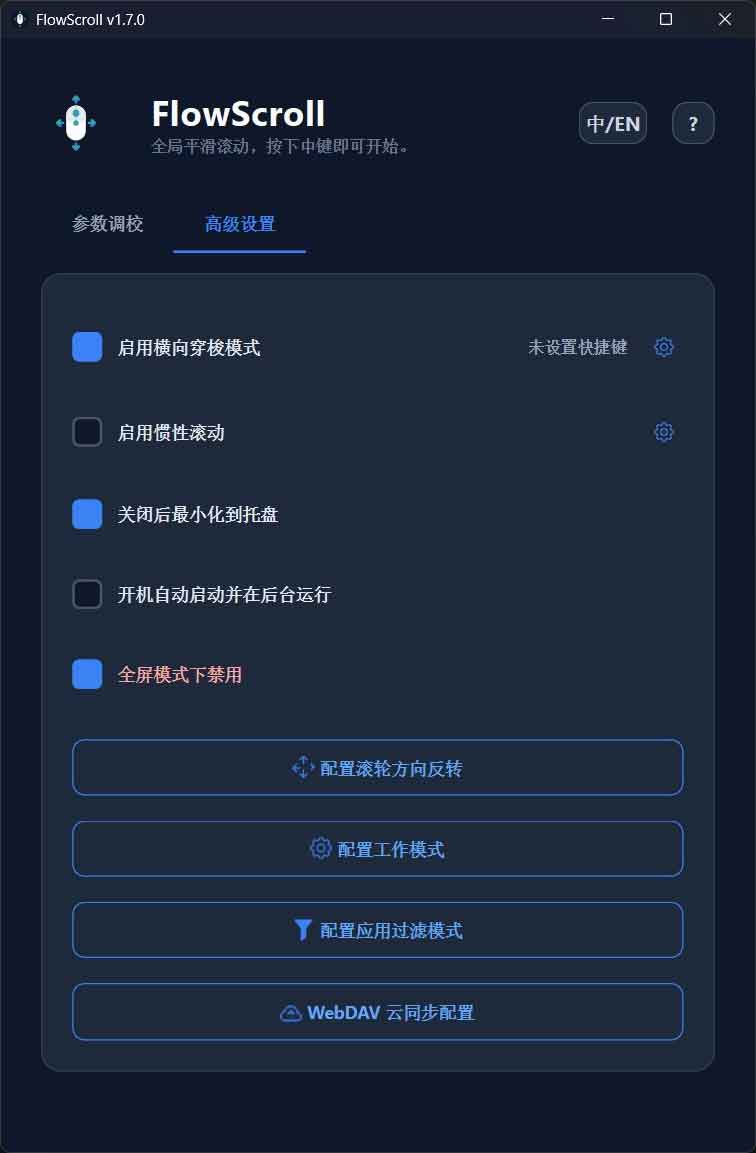
- Omnidirectional scrolling: Horizontal scrolling is integrated into the same logic. Pressing the middle mouse button and dragging left or right allows for natural navigation of wide tables or timelines, without relying on a special horizontal scroll wheel.
- Customizable feel: It supports configuring acceleration curves and dead zone settings. You can adjust it to a rhythm of "light push, slow walk; far push, fast rush," and with the inertial scrolling function, make the operation feel as smooth as a touchpad.
- Configuration synchronization: For users with multiple devices working together, this tool supports preset WebDAV synchronization parameters to ensure consistent scrolling habits across different computers.
Platform compatibility and system limitations
Because it involves global input takeover, FlowScroll behaves differently on different operating systems:
- ✅ Windows: It offers the most complete user experience and can be run with normal user privileges, making it the most recommended platform currently.
- ⚠️ macOS: It can be used, but you need to manually authorize it in "System Settings > Privacy & Security > Accessibility", and the full-screen detection accuracy is relatively low.
- 🔬 Linux: Currently, only X11/Xorg is supported. Due to Wayland's security mechanisms restricting global input listening, the platform is currently in preview.
Security and privacy boundaries
As a software based on "system hooks", FlowScroll's operating mechanism is limited to local use, and its privacy boundaries are clearly defined:
- Input Listening: Keyboard monitoring is only used to trigger shortcut keys and does not record any character content.
- Behavioral restrictions: Do not save mouse cursors, do not read the clipboard, and do not take screenshots.
- Network request: Only request updates from the GitHub API at startup; do not upload user data.
- Data synchronization:WebDAV only synchronizes scrolling parameters; passwords are stored in the system credential management system and are not written to the local configuration file.
Deployment Considerations
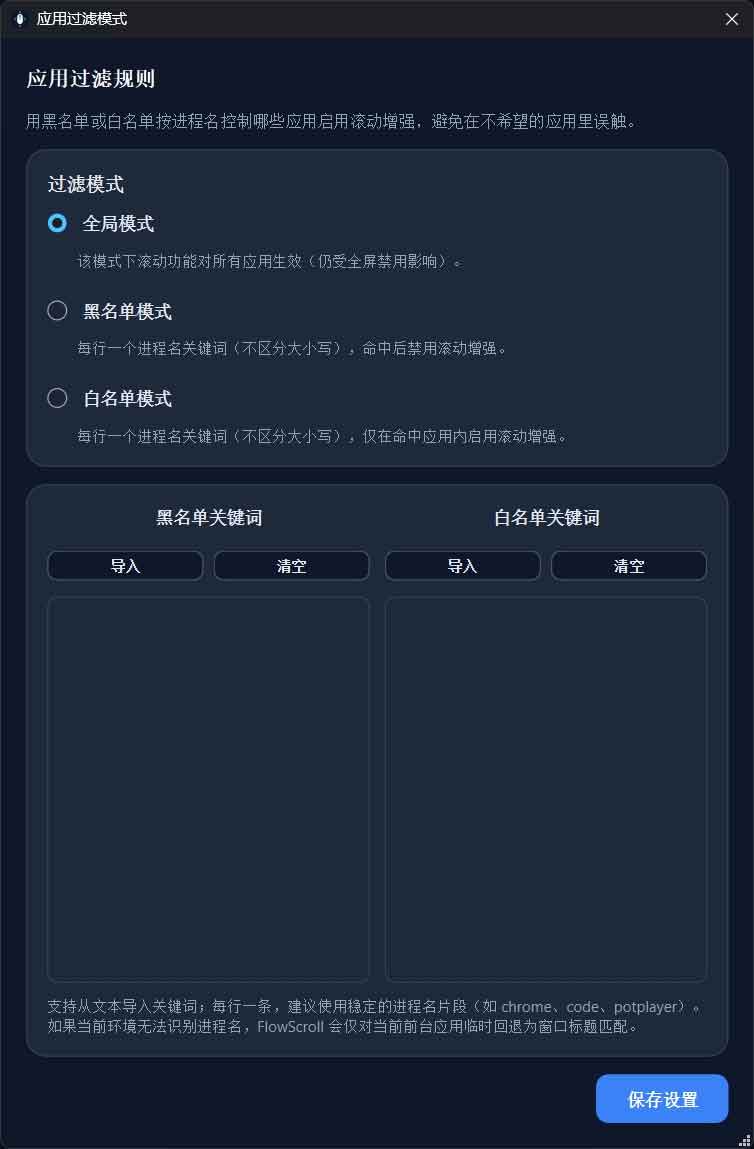
- Browser conflict:Chrome and Edge have similar built-in functionality. Enabling FlowScroll will override the native behavior. It is recommended to...
ChromeandmsedgeAdd to the blacklist, or enable "Delayed Launch" to differentiate between short press (original function) and long press (FlowScroll). - Software conflict: If you use deep key mapping tools such as AutoHotkey, or run games with underlying anti-cheat systems, hook conflicts may occur, causing hotkeys to malfunction.
- Application limitations: Some UWP sandbox applications downloaded from the Windows Store may not respond properly to mouse hooks.
Summary of applicable scenarios
Recommended installation: If you are a Windows user and your workflow involves a lot of long documents, code reviews, wide table analysis, or timeline editing, FlowScroll can provide a very tangible efficiency boost.
No installation required: 如果你的工作几乎全部在浏览器内完成,或者已经拥有带电磁滚轮 / 横向滚轮的高端鼠标(如罗技 MX Master 系列),该工具带来的边际收益将相对有限。
Project Resources and Downloads
🌐 GitHub Project Homepage View source code and project description
📥 Release Version Download Page Get the latest installation packages for Windows / macOS / Linux
Disclaimer: This article is based on publicly available information from GitHub and aims to provide a reference for selecting efficiency tools. Because this software involves system-level key press monitoring, conflicts may occur in certain controlled environments or anti-cheat games. Please assess the risks before installation. For commercial use, please verify the relevant open-source license.
