终端 /IDE 不走代理?你需要应用级分流
In the macOS development environment, it is common to encounter the error message: "The browser can access the internet normally, but..." curl、git This could be a situation where Xcode downloads dependencies extremely slowly. This is usually because these processes do not automatically follow the system's global proxy settings.
To solve this problem, many users try the "global takeover" solution, but this often leads to the failure of intranet services or abnormal LAN connections.Antify 提供了一种更轻量且免费的替代方案,允许用户在 App/ 进程层面精确控制流量走向。

Antify Core Principles Analysis
Antify is based on the native macOS platform. NetworkExtension The framework implements Application-level network traffic offloadingUnlike traditional global proxies, it allows you to define independent network policies for different applications, thus ensuring efficient networking for development tools while avoiding collateral damage to the local network environment.
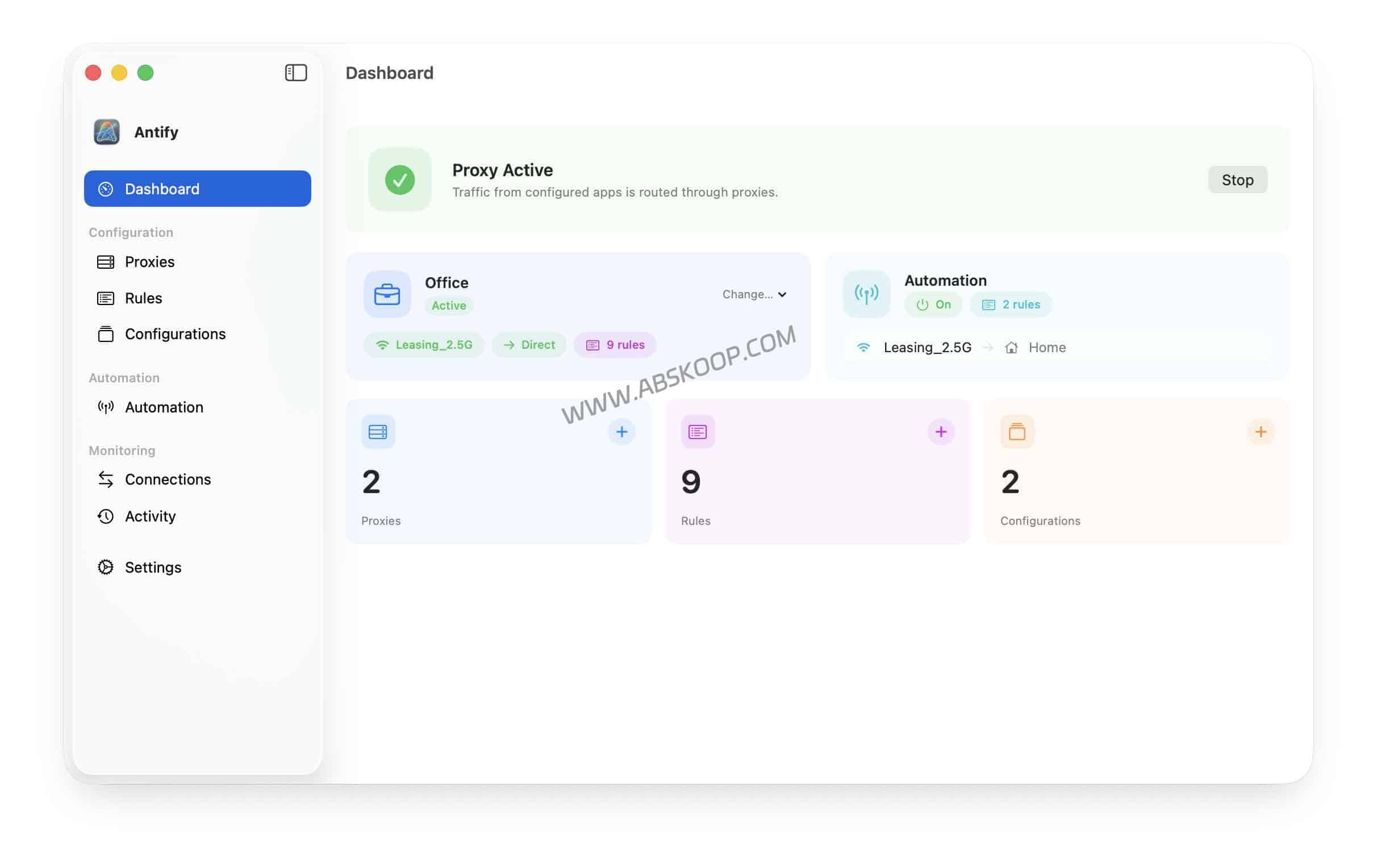
Key Functions Explained
1. Precise application splitting (Split Tunneling)
After adding the target app to the rule list, you can specify three different processing methods for it:
- Proxy: Forced
Xcode、Cursor、Claude DesktopTools like these connect to the internet via local SOCKS5/HTTP ports, resolving the issue of slow dependency downloads. - Direct connection: let
WeChat、Tencent MeetingSoftware that bypasses the proxy can connect directly, reducing latency and improving stability. - Block (block): It can directly block specific apps from accessing the network, used to prevent automatic background updates or protect privacy.
2. Developer-friendly: CLI and child process support
Antify addresses the pain point of many traffic offloading tools that "only apply to the main application," and supports... Automatic inheritance by child processes Rules. This means... git、npm、pip Traffic from command-line tools can also be effectively covered, eliminating the need to configure environment variables separately for each CLI tool.
3. Automatic scene switching based on Wi-Fi SSID
It supports creating multiple configuration schemes (such as: company, home, public places) and binding the corresponding Wi-Fi SSID. When you switch network environments, Antify will automatically load the corresponding traffic splitting rules, without the need for manual adjustments.
Solution Comparison: Antify vs. Similar Tools
| 工具 | Core positioning | 上手难度 | price |
|---|---|---|---|
| Antify | Lightweight application traffic offloading + local network control | ⭐ (低) | free |
| Proxifier | Professional-grade application routing tools | ⭐⭐⭐ (Chinese) | .95 |
| Global takeover plan | Full traffic takeover can easily interfere with the internal network. | ⭐⭐ (Chinese) | free / 付费 |
Precautions
- System version: Must run in macOS 14 (Sonoma) Or a higher version.
- Excluding lines: Antify only provides "traffic scheduling" functionality.No proxy nodes providedYou need to configure your local SOCKS5/HTTP proxy port yourself.
- Extension Conflict: 若同时运行其他网络接管组件或防火墙,可能会产生冲突。建议排查时仅保留一个接管工具。
Resource Acquisition
📥 Official Download and Version Information
Get the latest installation package and macOS 14+ installation requirements.
💬 Discussion and Troubleshooting Entry Point
View the summary of known issues and compatibility discussions
⚠️ Compliance Notice: This software is for local network policy management only and does not provide any proxy node services. Enterprise users should use it in compliance with regulations and assess the impact of access control isolation.
