"Manually renaming and archiving hundreds of files every day—can't this kind of repetitive work be handed over to AI?"
Faced with pain points such as "accumulated download folders, chaotic contract and invoice naming, and cumbersome document archiving," what users truly need is not a chatbot, but a system that can... Follow the rules The local assistant.
While Claude's Computer Use concept is strong, its high cost and cloud privacy concerns deter many. Therefore, we recommend a more controllable, on-premises-first solution:Accomplish。
This is an open-source AI desktop agent designed to automate file management, document generation, and browser workflows within user-authorized limits. It is an ideal open-source alternative to Claude Cowork.
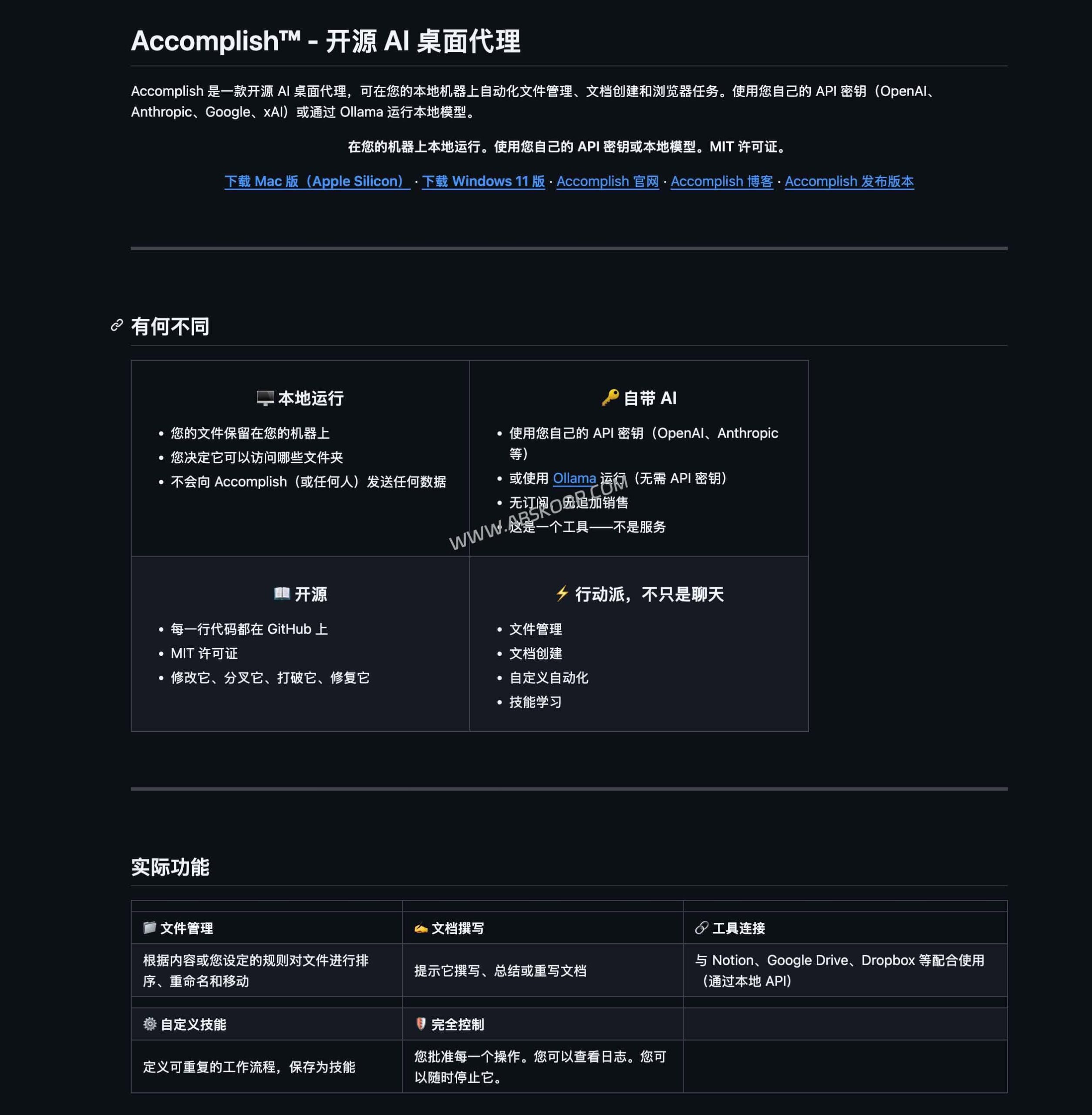
From RPA to intelligent agents: What can Accomplish do?
Unlike ChatGPT, a "conversational" tool, Accomplish is positioned as an "execution-oriented" tool. It combines traditional RPA (Robotic Process Automation) with semantic understanding of large models, making it more flexible in handling tasks than simple scripts, and allowing users to control key steps.
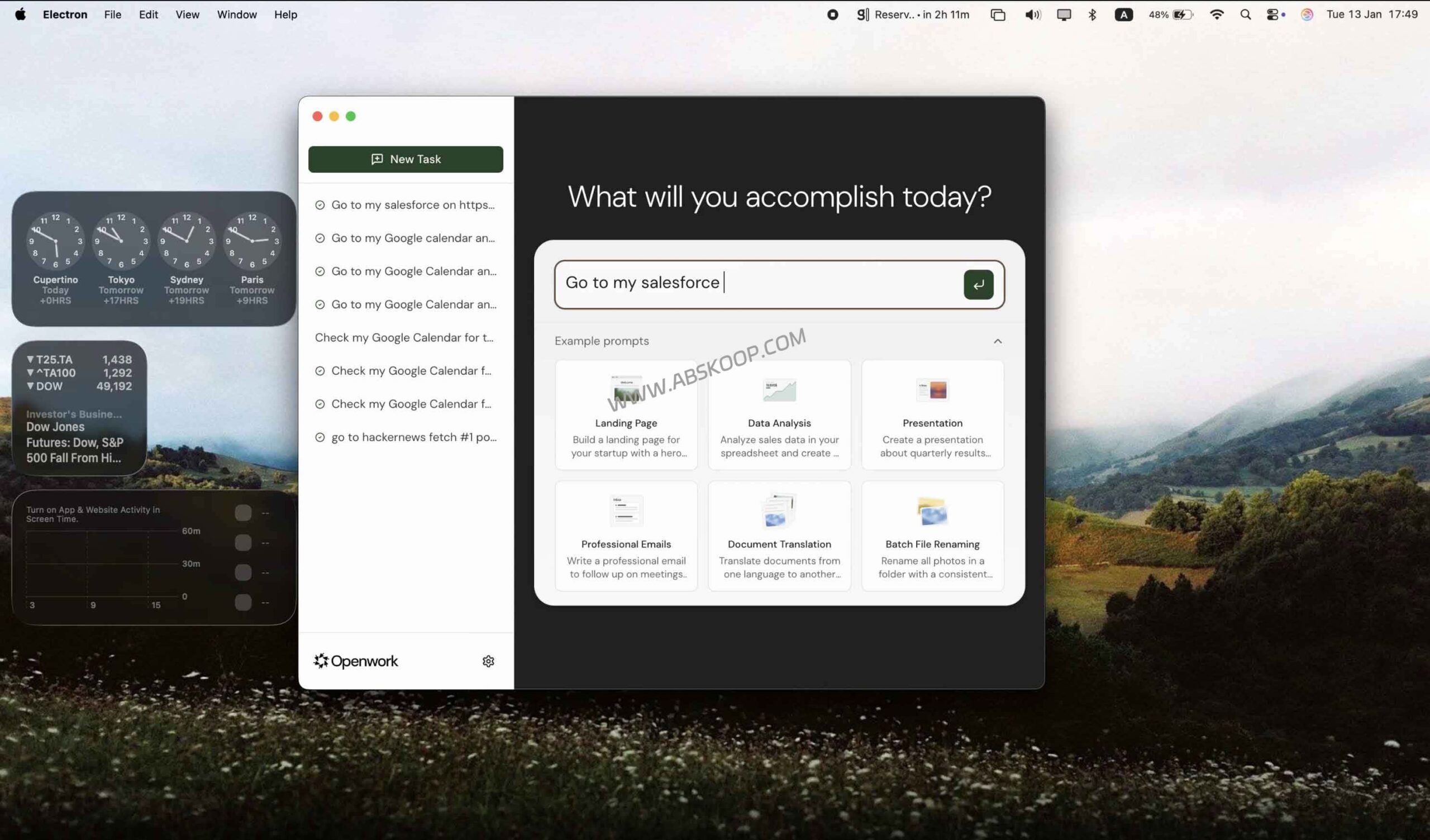
- Intelligent file archiving: It can understand complex naming logic. For example, you can ask it to "filter all invoices in the download folder, create folders by month, and rename the file names to 'Company Name_Date_Amount'", thus simplifying hundreds of clicks into a single instruction.
- Local document automation: It supports reading local data such as TXT, PDF, and meeting minutes and outputting them in a structured format. For example, it can extract key points from fragmented notes and generate a standard weekly report, which can then be saved directly to a specified directory.
- Browser workflow automation: It can handle simple web page operations, such as regularly scraping industry trends and summarizing them into a report, transforming repetitive "manual data collection" into reusable automated steps.
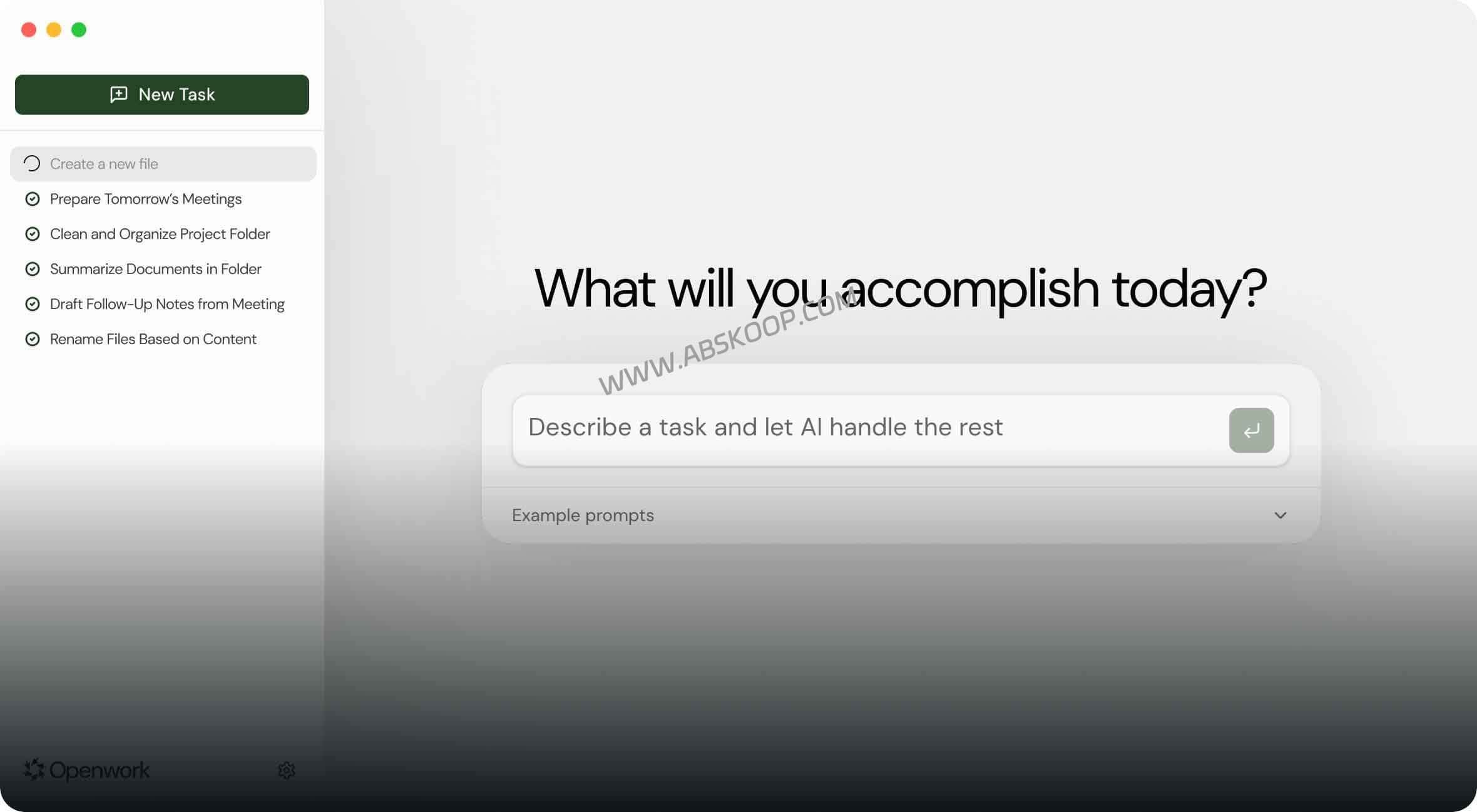
Privacy First: Building a Secure Data Barrier
To address the risk of leakage of sensitive data such as contracts, reports, and customer lists, Accomplish adopts a design logic of "controllable permissions + operation confirmation + log traceability":
- Localized deployment: The application runs locally and supports... Ollama By integrating local models, sensitive content can be ensured to be free from being uploaded to the cloud.
- Explicit authorization mechanism: AI can only access folders explicitly authorized by the user and cannot scan the entire disk without authorization.
- Human-in-the-loop collaboration: All critical operations such as moving, deleting, or creating files must be approved by the user. Approve Only then will it be implemented.
Want to learn more about local AI deployment tools? Click to view the [2026 Best Open Source AI Tools Collection]
⚠️ Configuration Recommendations and Troubleshooting Guide
- Model selection (BYOK): The tool itself is open source, but its capabilities depend on the model. For ultimate privacy, it can be paired with Ollama (such as Qwen 2.5 / Llama 3); for high inference capabilities, it can be connected to cloud APIs.
- System compatibility: Priority support is given to macOS (Apple Silicon M series) and Windows 11 (x64). Users of older systems may need to compile the code themselves.
- Domestic environment adaptation: It supports the OpenAI standard API format and can be seamlessly integrated with high-performance models such as DeepSeek, Kimi, and Zhipu GLM.
Applicable Scenarios Analysis
Recommended audience:
- Administrative and operational staff who need to frequently handle document archiving and data summarization.
- Product and content teams that need to quickly transform fragmented data into standard reports.
- Enterprise users who are extremely sensitive to data privacy and require complete control over their permissions.
- Tech geeks who want to try out desktop agents with a low-cost solution.
Not recommended for: Users seeking a minimalist "zero-configuration" experience, or users with low-end hardware and who rely solely on local models for operation.
📌 Project Resources
If you're struggling with repetitive clicks and naming, solidifying your workflow with Accomplish can significantly improve your work efficiency.
💻 GitHub project homepage: Accomplish Source Code
It is open source under the MIT license, supporting secondary development and private deployment.
📥 Direct link to the official website: Accomplish (Win/Mac download)
Provides pre-compiled installation packages for quick deployment and use.
⚠️ Disclaimer: The software described in this article is an open-source project, and its stability depends on the specific version. When processing sensitive files, it is recommended to run it in a controlled environment and prioritize local model solutions (such as Ollama) to reduce risks.
