macOS's native clipboard only supports single records, meaning newly copied content immediately overwrites older content. For users who frequently switch between the terminal, editors, and AI tools, the loss of paths, code snippets, or prompts is extremely inefficient. pastememo It's not just a simple history recorder; it "materializes" copied content, turning the clipboard into a directly manipulated resource pool.
PasteMemo is a native Mac application that resides in the menu bar. Its core value lies in transforming text, screenshots, and links into draggable, uploadable physical content, thus seamlessly integrating them into subsequent productivity workflows.

Key Difference: From "Recording History" to "Physical Utilization"
There is no shortage of lightweight or aesthetically pleasing clipboard tools on the market, but PasteMemo's competitiveness lies in solving the pain point of "closing out" after copying.
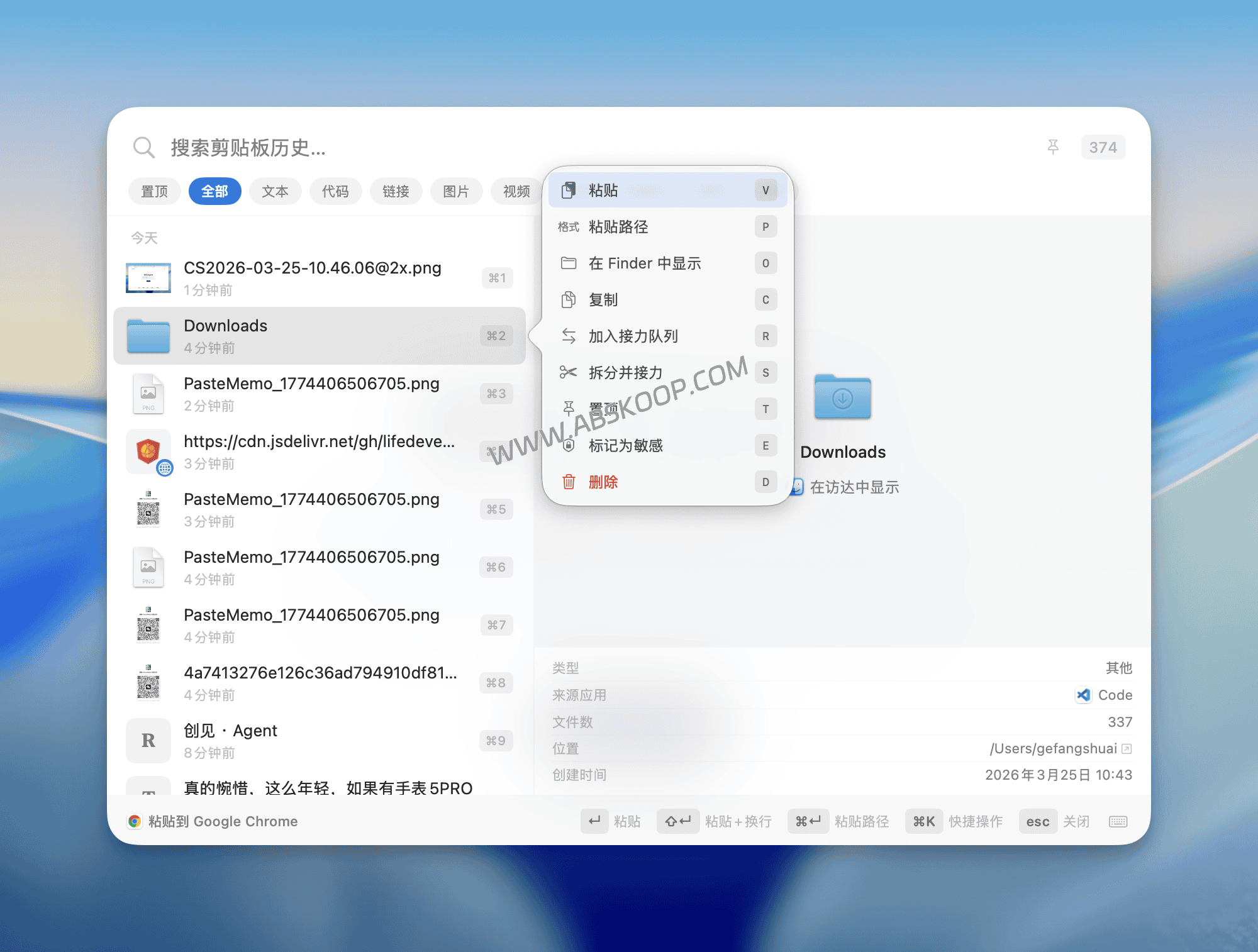
1. Copying is equivalent to copying a file; drag and drop is supported.
In conventional tools, copying text only temporarily stores the string. PasteMemo, however, allows you to directly use text from a panel as... .txt You can drag and drop files, or drag screenshots directly as image files into Finder, the upload window, and the file selection dialog box.
Pain point solutions: In the past, we needed to "take a screenshot, save it to the desktop, find the path, and upload it." Now, with PasteMemo, these mechanical steps are completely eliminated.
2. Deeply optimize the terminal and AI workflow
For frequent developers, PasteMemo offers highly practical and detailed enhancements:
- Quick path conversion: Selected text can be directly pasted into its corresponding "file path".
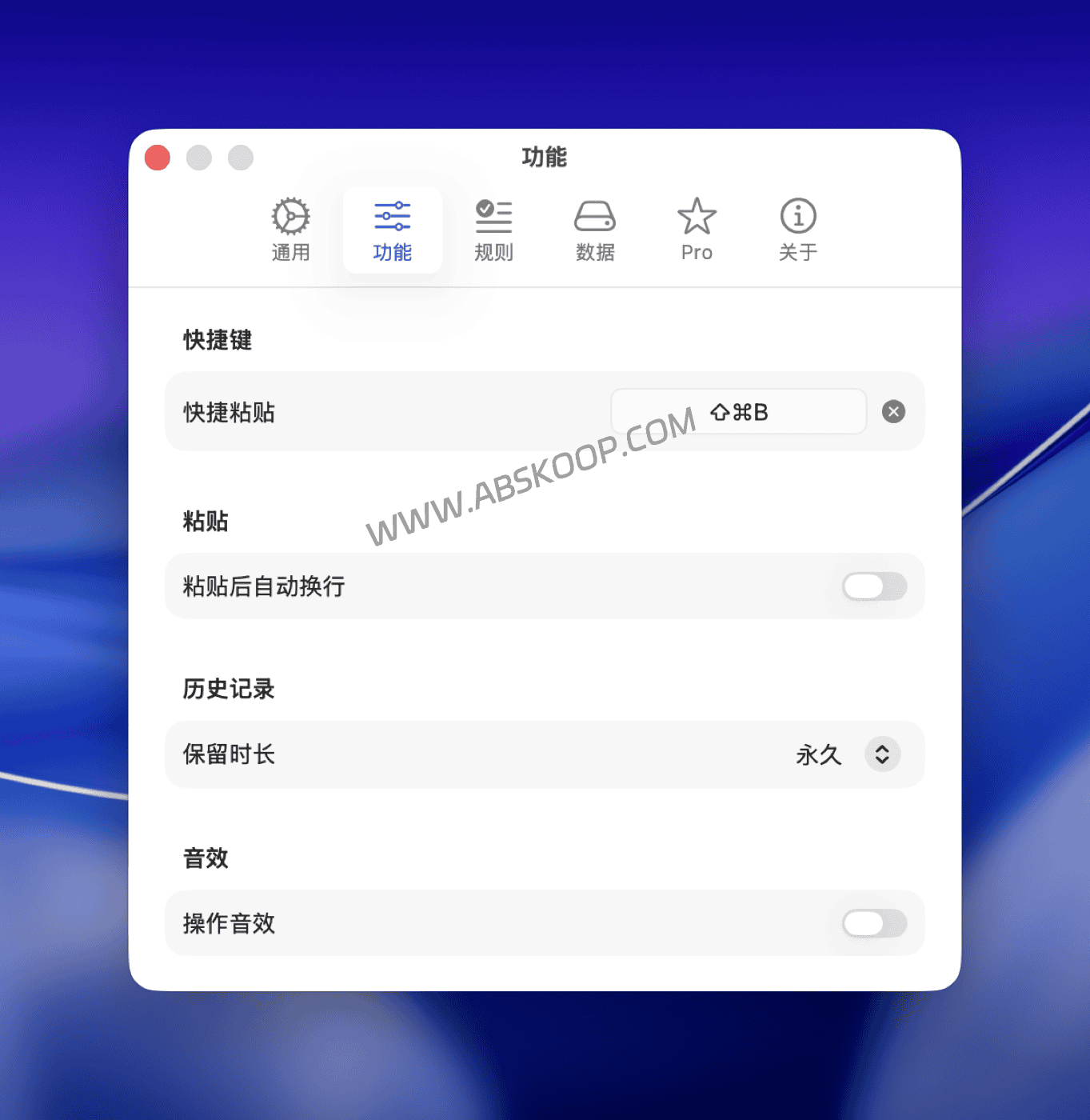
- Automated Enter key return: Support through
⇧↵The shortcut key will automatically trigger the Enter key after pasting.
This design significantly reduces operational redundancy when frequently inputting commands to the terminal or feeding code snippets to AI tools.
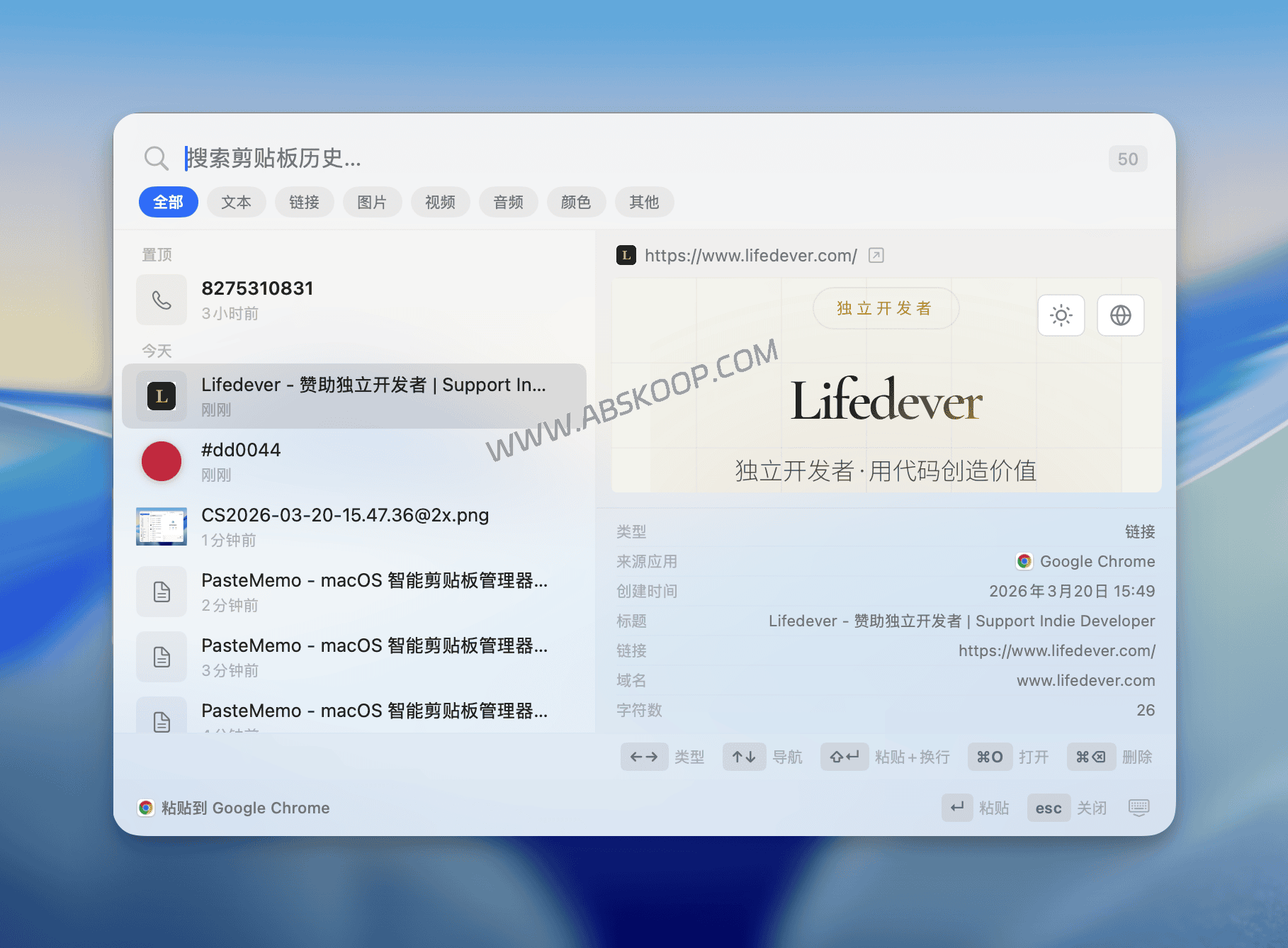
3. Intelligent identification and precise screening
To avoid searching through massive amounts of historical data like "finding a needle in a haystack," PasteMemo implements intelligent category preview:
- Content-aware: Automatically distinguishes between links, codes, color values, phone numbers, and file paths.
- Source filtering: It supports filtering by application, such as viewing only copy records from VS Code.

Key Features Overview
- Quickly wake up: Global shortcut keys
⌘⇧VCall at any time - Highly efficient organization: Supports one-click pinning of frequently used items.
- Native experience: Built on SwiftUI, it resides only in the menu bar and does not occupy the Dock.
- Easy updates: Automatically check version via GitHub/Gitee
- Multilingual: Fully supports Chinese interface
Privacy and security: The commitment to purely local operation
Unlike many tools that rely on iCloud or cloud synchronization, PasteMemo operates entirely offline, with all data stored only on the local device.
For developers dealing with API keys, sensitive internal code, or confidential documents, this architecture reduces the chances of data leakage and provides a greater sense of control.
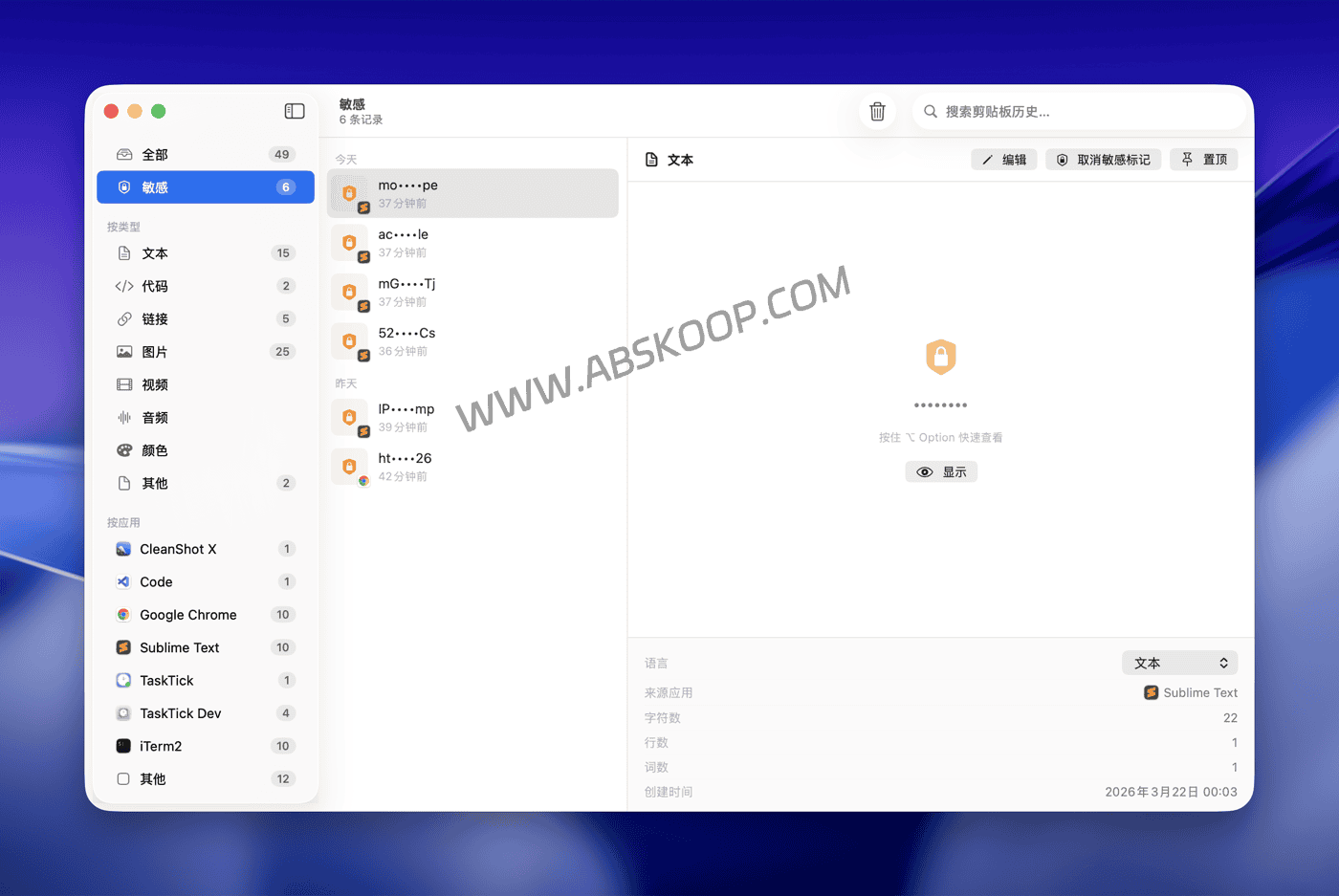
Notice: While local operation reduces cloud-based risks, it does not guarantee absolute security. In enterprise environments with extremely high compliance requirements, it is recommended to independently verify the underlying network call details.
Applicable Scenarios Analysis
PasteMemo's utility is very clear: it is not suitable for all users.
- Highly recommended: For developers, content creators, and heavy AI users, this feature can significantly improve efficiency if you frequently need to move paths and snippets between browsers, terminals, and editors.
- No installation required: Light users who only occasionally use copy and paste, or users who heavily rely on Apple's suite of cross-device syncing (universal clipboard).
Installation Guide
System requirements: Must be macOS 14 (Sonoma) Or a higher version.
We recommend using Homebrew for installation; it's convenient and easy to maintain.
brew tap lifedever/tap brew install --cask pastememoUpgrade command:
brew upgrade --cask pastememo Of course, you can also download it from GitHub Releases. .dmg The package can be installed manually.
In conclusion: Is it worth your space?
The standard for evaluating PasteMemo is not whether it can record history, but whether you need to transform copied content into "operable files." If your workflow involves a lot of file uploads, terminal input, and AI dialogue, then "copying as a file" will become your most frequent point of productivity improvement every day. We recommend trying a comparison. Other developer local tools Find the operating logic that best suits you.
Resource Links
🌐 Direct access to the official website PasteMemo Official Homepage and Download Channel
🐙 GitHub Project Homepage View source code, changelog, and Brew installation instructions.
Disclaimer: This article only provides an objective introduction to the tool's functions. Please refer to the official website for software system compatibility and distribution policies. This site does not provide any cracked or infringing resources.
