ZuUnlock: Turning your iPhone into a smart key for Windows
ZuUnlock This is an automatic unlocking tool that utilizes Bluetooth Low Energy (BLE) technology. It turns your iPhone or Apple Watch into a "virtual key," allowing your Windows computer to automatically unlock when you approach and lock immediately when you leave, completely eliminating the hassle of password input and requiring no additional hardware purchase.
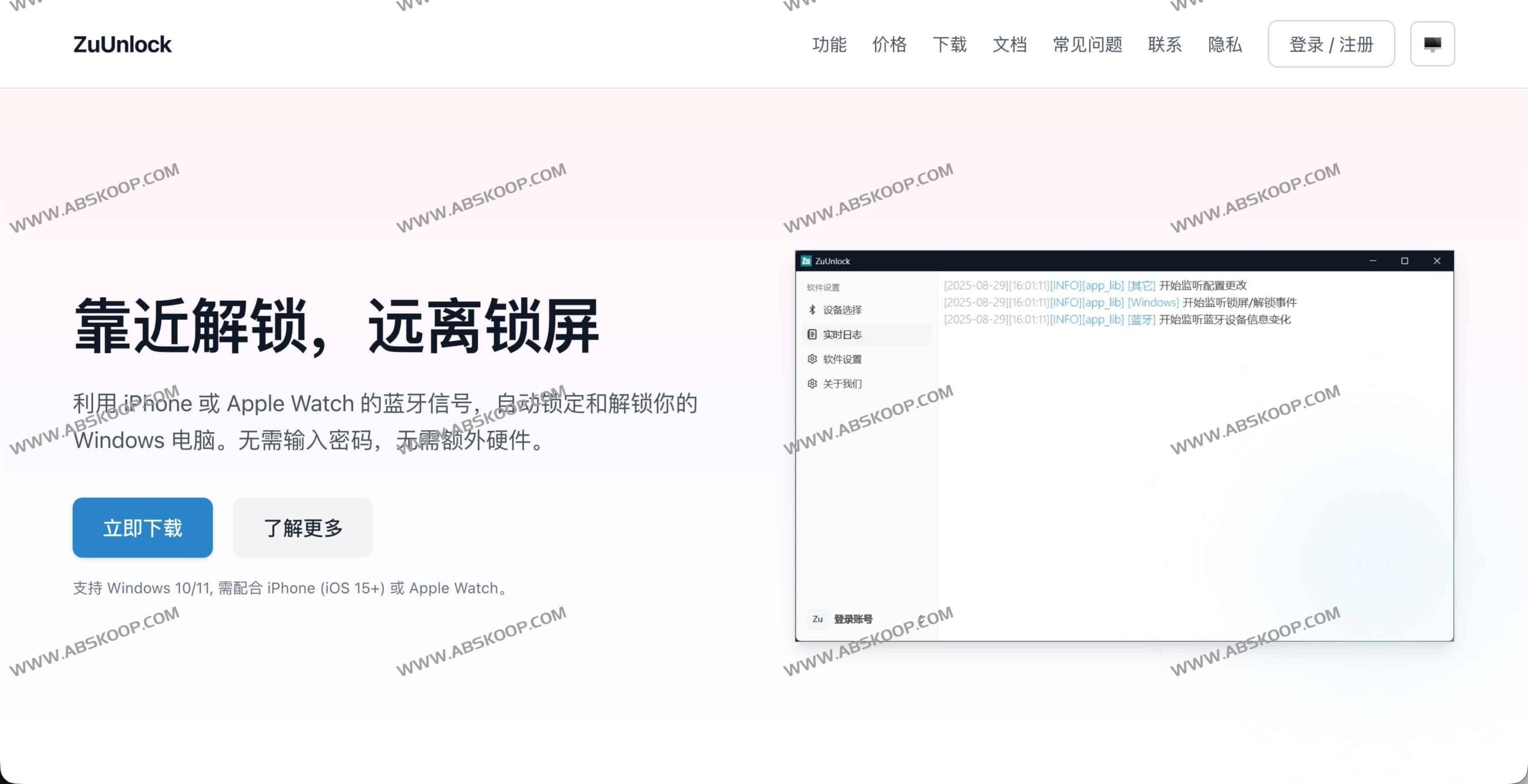
Core Functions and Technological Advantages
ZuUnlock aims to improve work efficiency through a minimalist interface, and its core highlights include:
- Intelligent distance perception: Based on RSSI (Received Signal Strength Indicator), the device location is dynamically determined, enabling "unlock when approaching and lock screen when leaving" without manual intervention.
- Minimalist deployment experience: No USB receiver is required, and no app needs to be installed on the iPhone/Apple Watch; activation can be completed simply by registering and linking an account.
- Privacy and security: The unlocking logic runs locally, without uploading passwords or recording Bluetooth connection details, ensuring that data is not leaked.
- Low power design: Using the BLE passive scanning mode, it has almost no impact on computer system performance or mobile device battery life.
- Extensive compatibility: Currently, it natively supports iPhones and Apple Watches, and will be expanded to more Bluetooth devices and ecosystems in the future.
- Rapid iteration: The team continuously optimizes the distance recognition algorithm to improve the stability and response speed of unlocking.
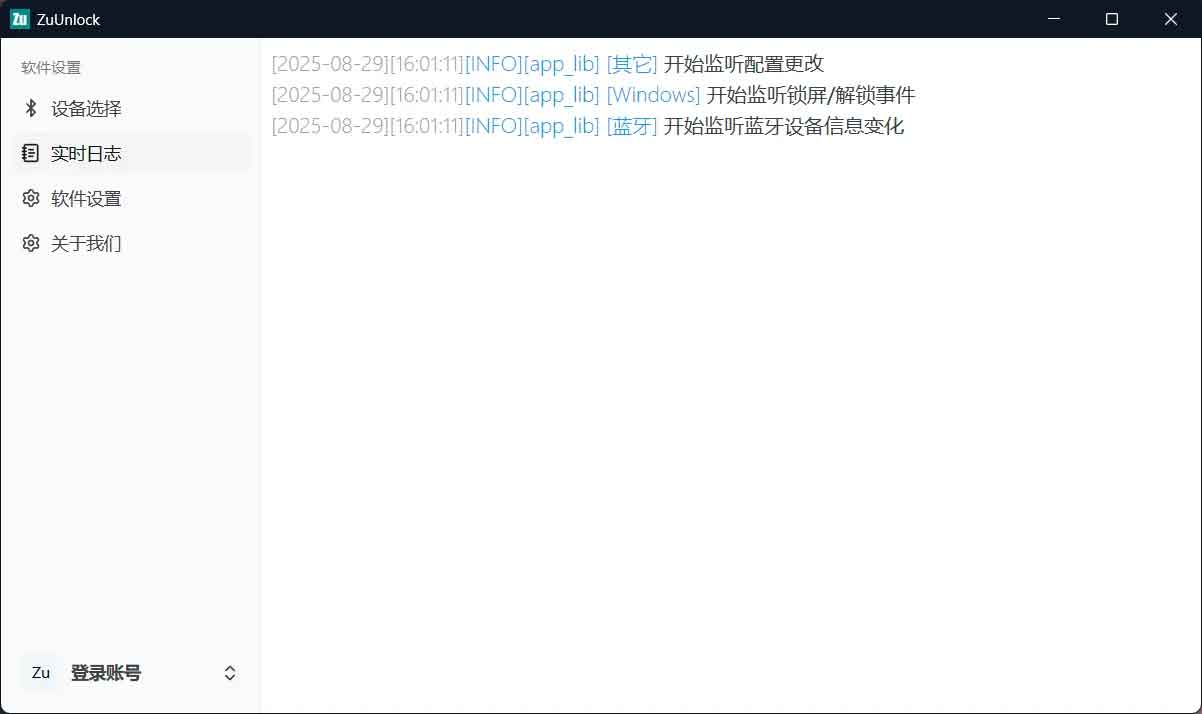
Quick FAQ
- Costs and Open Source: It is currently free to use for a limited time (registration and login required), and is not yet open source.
- Connection method: It does not require traditional Bluetooth pairing; it can work by passively scanning BLE signals.
- Network requirements: The software login process requires an internet connection, but the core unlocking logic and configuration are all completed locally.
- Impact on battery life: The use of low-power technology will not cause abnormal power consumption of the device.
Applicable Environment
- operating system: Windows 10/11 (64-bit)
- mobile device: iPhone (iOS 15+) / Apple Watch (watchOS 8+ recommended)
Acquisition Channels
Official website address: Try ZuUnlock now
Download link: Quark Drive
End of text
