Secure PDF Editor is a PDF masking tool focused on local processing. Running in a browser foreground, it allows users to quickly mask sensitive information in documents without uploading files to third-party servers, effectively balancing ease of use with data privacy and security.
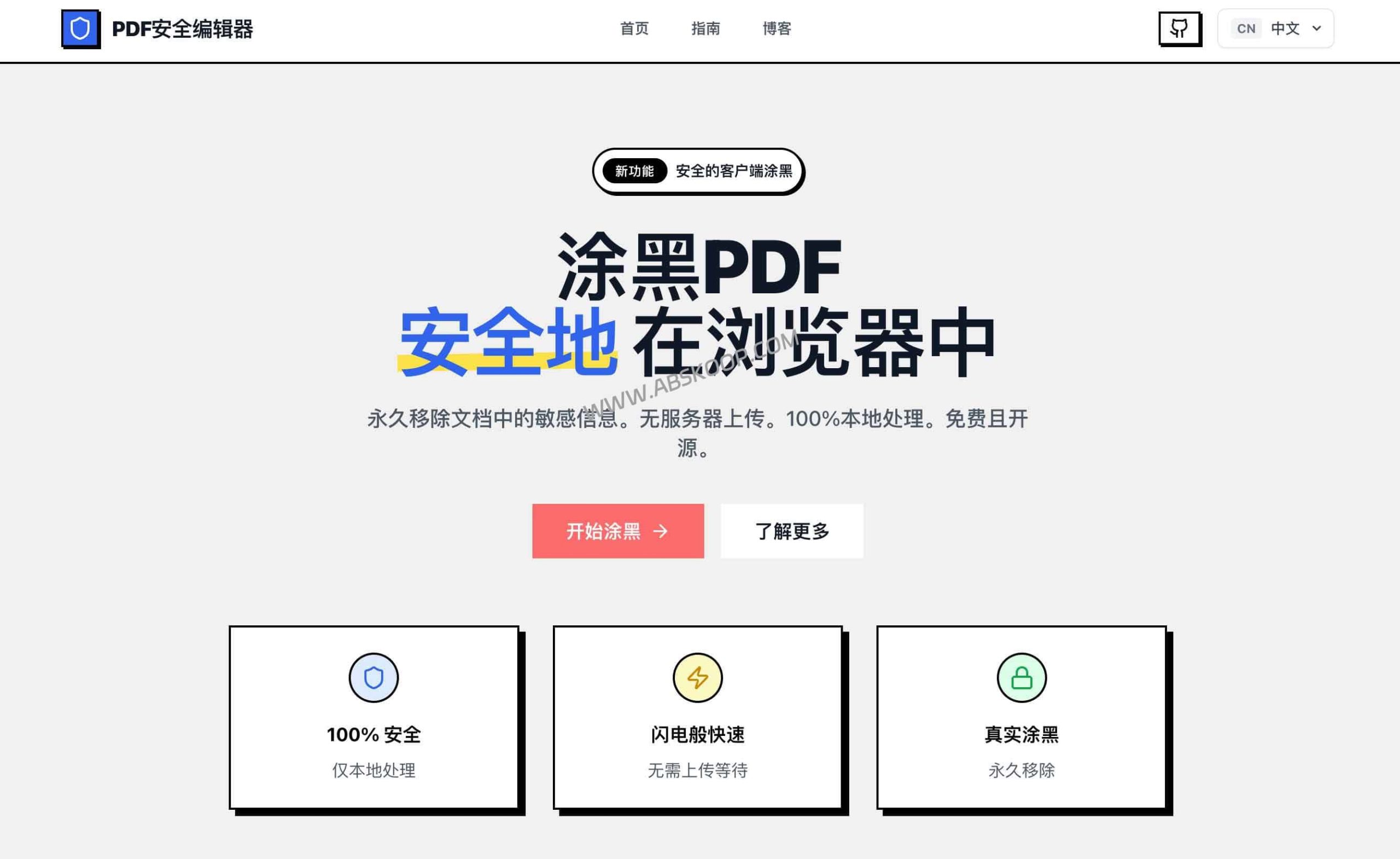
Recommended PDF highlighting tool: Secure PDF Editor
When dealing with PDFs containing sensitive information, such as invoices, contracts, ID documents, or resumes, many people habitually cover them with black rectangles or take screenshots directly. However, simple visual obfuscation often fails to remove the underlying data, while screenshots can damage the document's structure and searchability. More importantly, most online PDF tools require users to upload files, which poses a security risk to the flow of highly sensitive data.
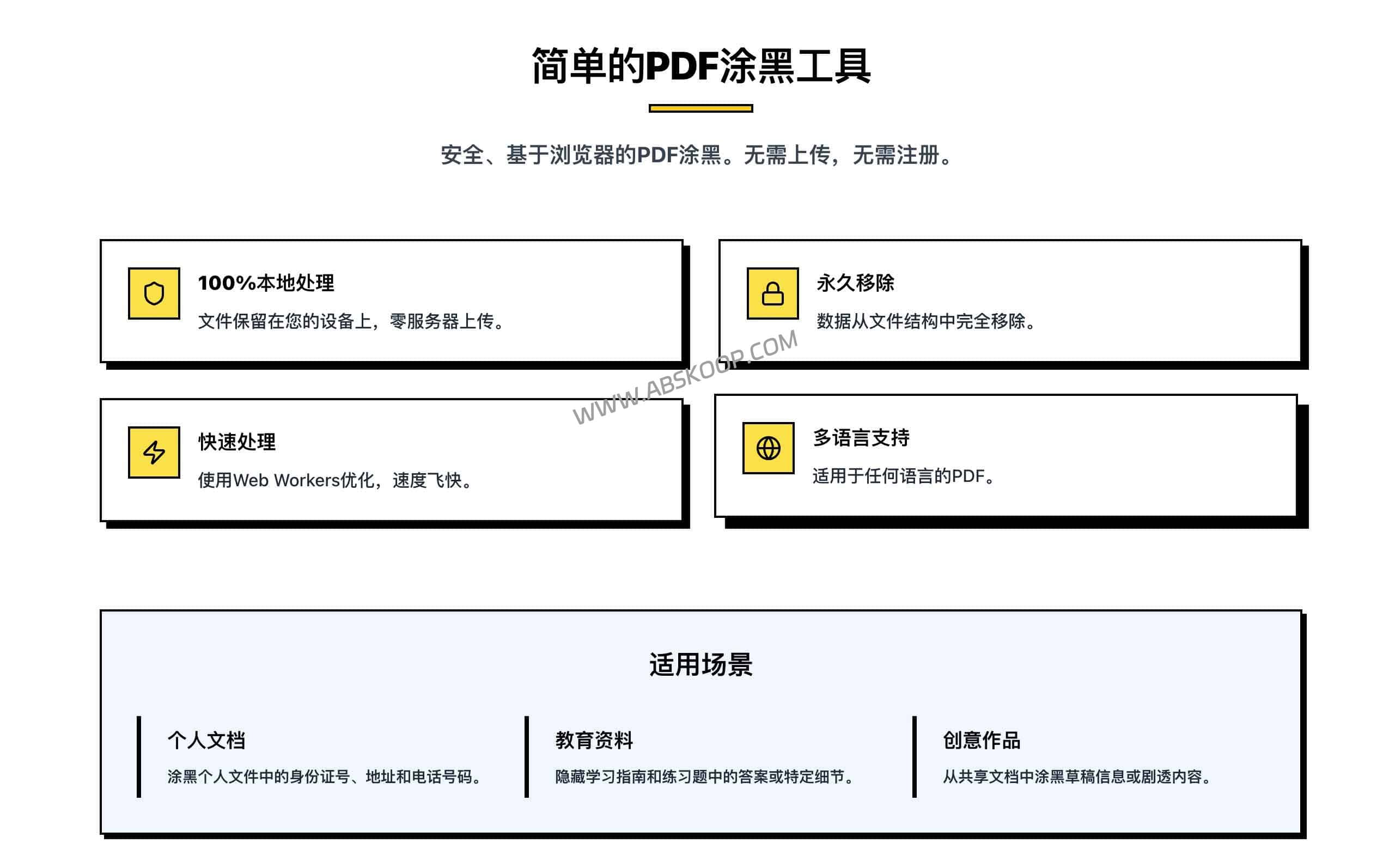
Secure PDF Editor avoids these pain points. It doesn't offer extensive office suite features, nor does it focus on enterprise-level batch data masking; instead, it precisely focuses on… Local masking This core scenario requires no installation or registration; all processing is completed locally in the browser, ensuring that sensitive data does not leave the device.
Why is professional "blackening" needed instead of simple covering?
Common PDF de-identification methods and their potential risks are as follows:
- Save screenshot: While it can cover up the text, it loses the text layer, making the document unsearchable and damaging the layout.
- Manually draw black blocks: Many tools only overlay black blocks on the visual layer; the underlying text remains and can be restored by copying or using specific software.
- Common online tools: Files must be uploaded to the cloud, and for documents with extremely high confidentiality requirements, the data transmission link is uncontrollable.
- Local browser handling: Eliminating the upload step and generating processed files locally significantly improves security.
Core technical logic: Canvas rendering vs. pixelation
Secure PDF Editor offers two processing solutions to meet different levels of desensitization requirements:
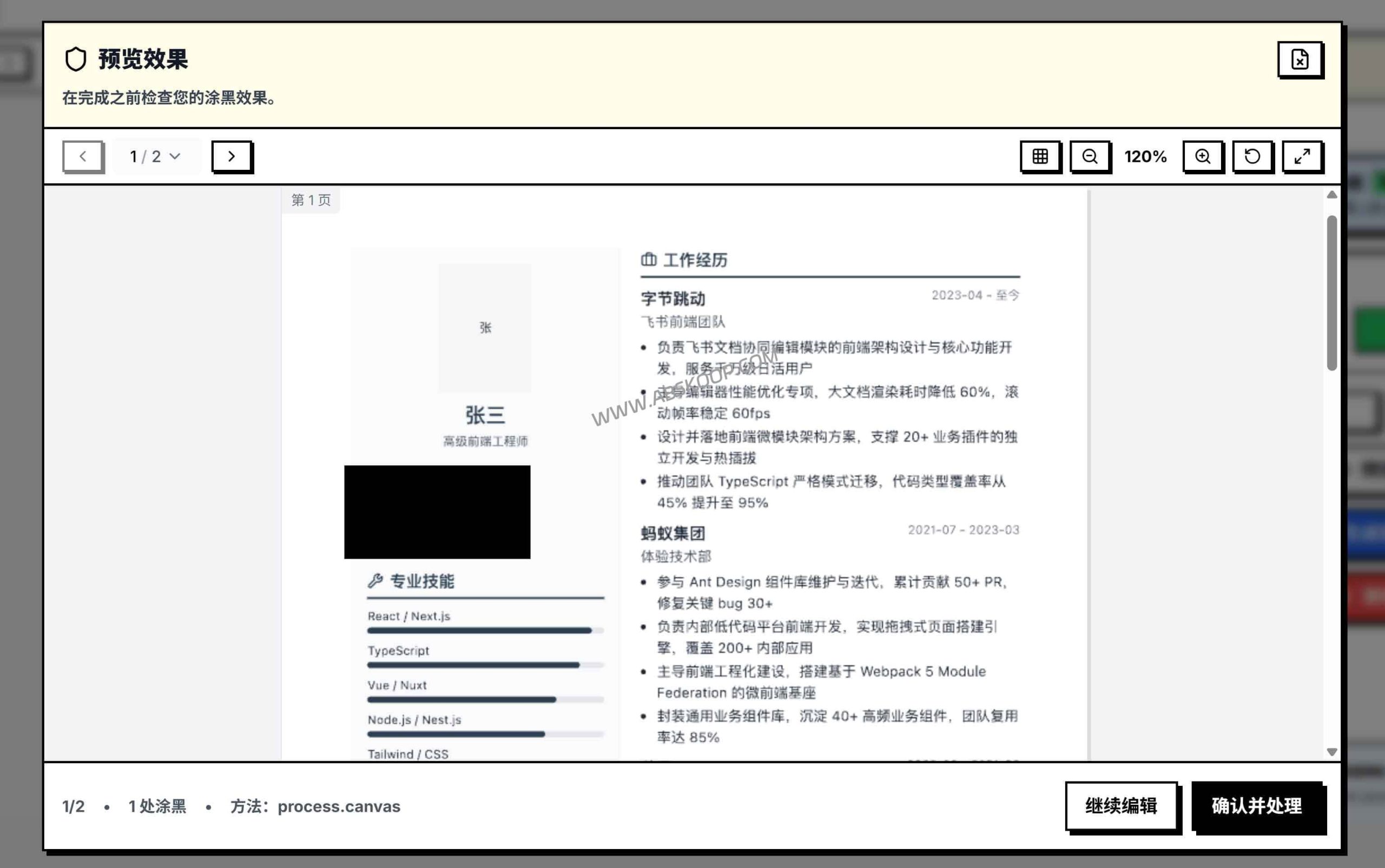
1. Canvas rendering method (high-intensity desensitization)
This mode re-renders the PDF page as an image before exporting it. Simply put, it's like taking a "de-sensitized snapshot" of the page. Because the original text layer is replaced by an image, sensitive content is almost impossible to recover.
Features: 优先级最高的是安全性。代价是文件体积会增大,且未遮盖的文字也将失去可选中 / 复制的属性。
2. Pixelation (lightweight occlusion)
This method only applies a mosaic effect to the selected area, preserving as much of the original document's structure and the editability of the unmasked text as possible. It's more like a visual partial masking.
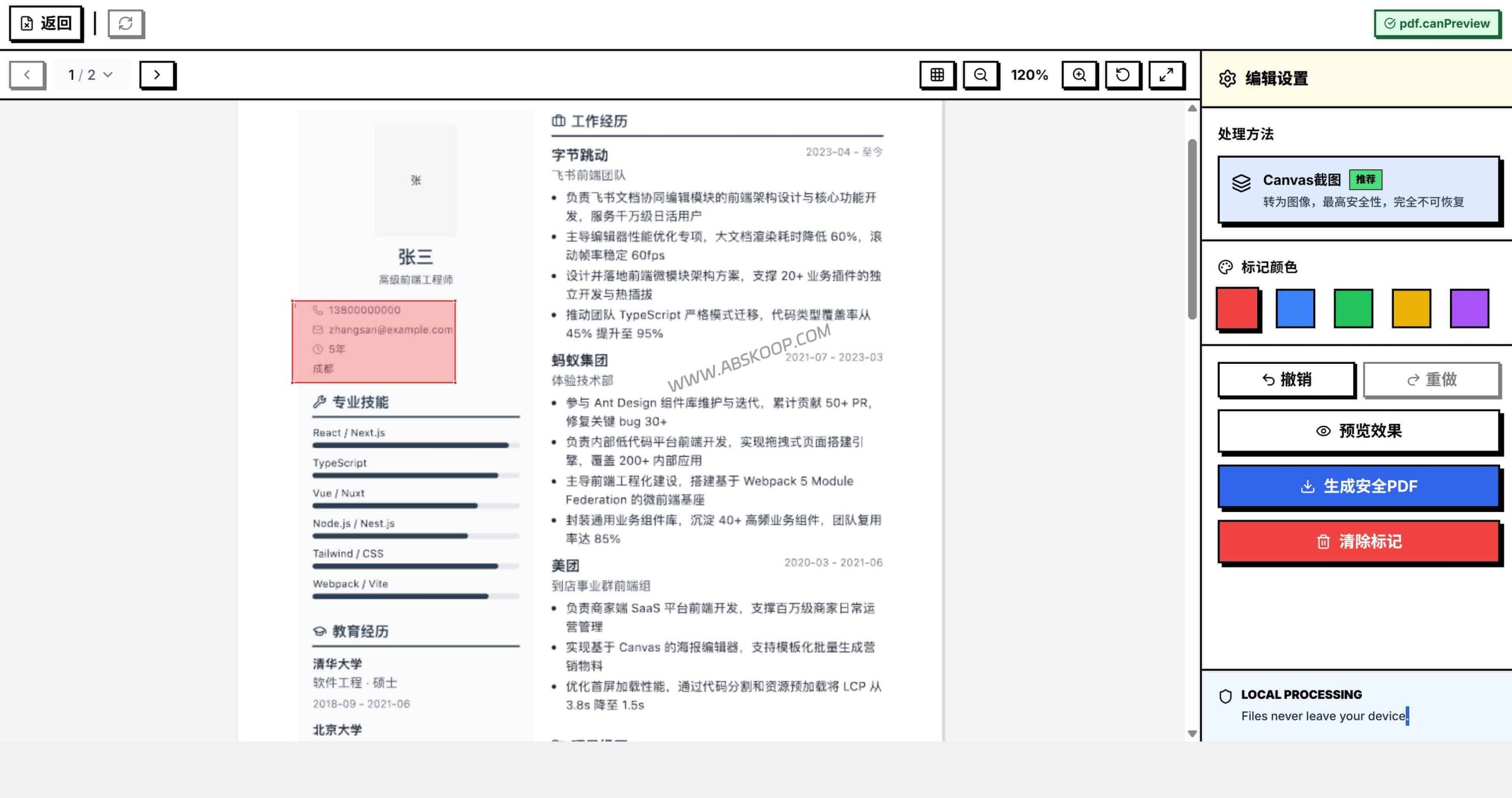
⚠️ Safety recommendations: When handling highly sensitive documents such as ID cards and financial statements, please be sure to select [the appropriate option]. Canvas rendering methodPixelation is only suitable for low-risk local occlusion (such as covering exam answers).
Usage Restrictions and Deployment Schemes
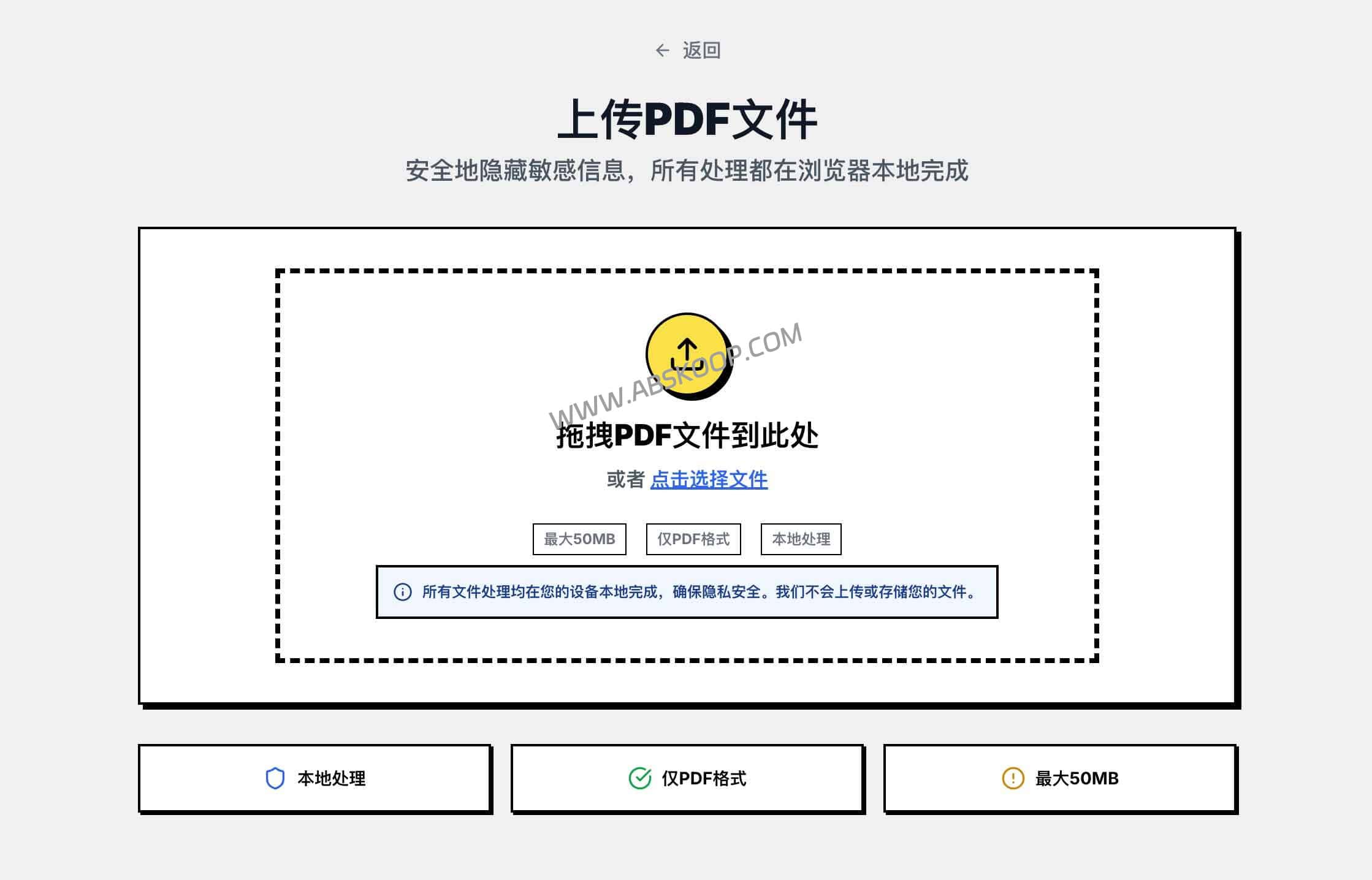
Users can simply drag the PDF into the browser, select the area, and choose the export method to complete the operation. However, due to the use of pure front-end processing, the following limitations exist:
Known constraints: The maximum size for a single file is approximately 50MB; processing speed depends on local hardware performance; encrypted PDFs or batch pipeline operations are not supported.
Developer deployment
For small teams or developers who need to deploy within an intranet, this project is based on React 18+ Vite, depends on PDF.js and pdf-lib, and has a very low deployment threshold (requires Node.js 18+):
git clone https://github.com/jyxwant/secure-pdf-editor.git cd secure-pdf-editor npm install npm run dev # 访问 http://localhost:5173Applicable Scenarios Analysis
✅ Recommended scenarios:
- Individuals should manually blur out the names of their documents and resumes before sending them.
- Administration and HR departments process key information in contracts or forms.
- Users who have strict requirements on data flow and refuse to use cloud-based conversion tools.
- Teams that need to quickly build lightweight intranet de-identification tools.
❌ Not applicable scenarios:
- An automated pipeline is needed to process hundreds or thousands of documents.
- Enterprise-level governance that requires automatic identification of sensitive words or audit documentation is needed.
- Process PDF files with complex encryption protocols.
If you're looking for a clean, localized tool focused on manual masking, Secure PDF Editor is an excellent choice. More office-related features... productivity tools Recommended; feel free to read related articles.
Quick Access
🐙 GitHub source code repository Supports self-deployment to a static hosting platform or intranet environment
Disclaimer: The open-source projects shared in this article are for technical learning and efficiency improvement reference only. For highly confidential enterprise documents, it is recommended to perform the de-identification process in a physically isolated environment or under professional internal control procedures. This site does not handle or store any user-processed file data.
