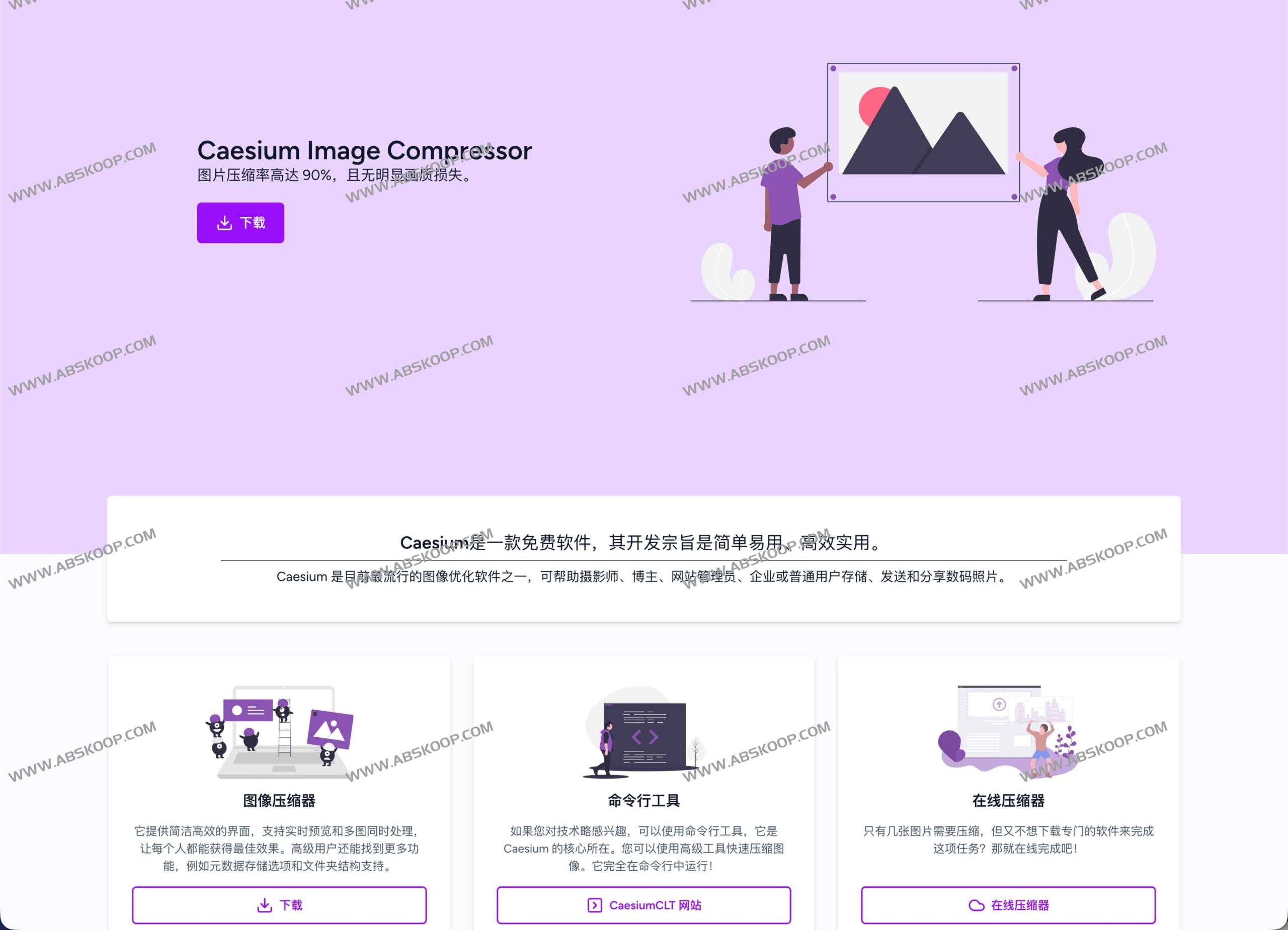
Caesium Image Compressor is a high-performance, open-source image compression tool that can significantly reduce file size (compressing to 10%–40% of the original image) while ensuring no noticeable loss of image quality. It helps users achieve the best balance between storage space and visual quality through flexible quality adjustment and powerful batch processing capabilities.
Core Function Analysis
Precise image quality control and preview
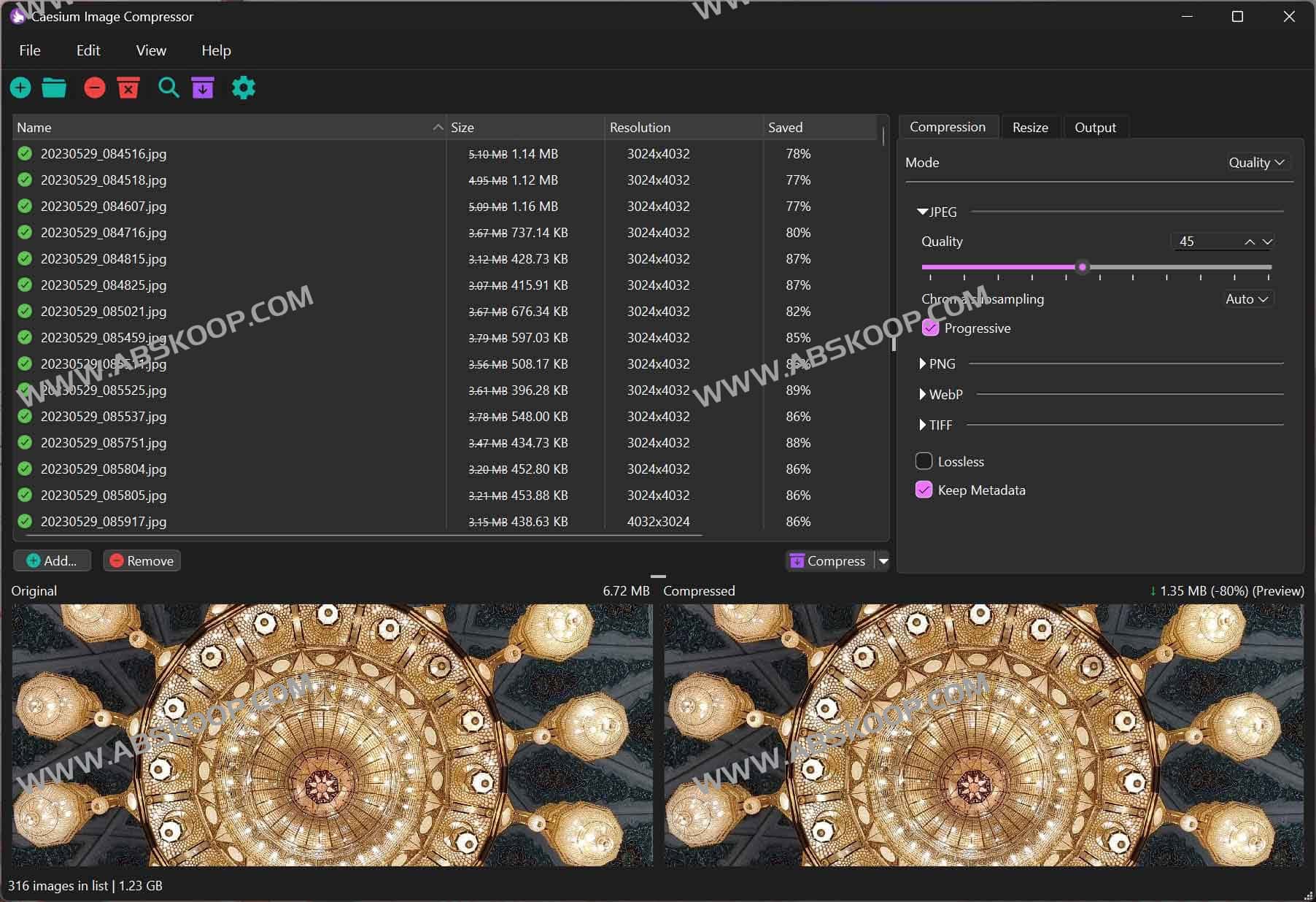
Caesium not only supports mainstream formats such as JPG, PNG, WebP, and TIFF, but also provides sophisticated compression solutions:
- Multiple quality settings: Users can switch between "lossy" and "near-lossless" modes to customize the compression quality as needed.
- Size synchronization optimization: In addition to size compression, it also supports uniform image resizing to meet the publishing requirements of different platforms.
- Real-time comparison: It features a built-in intuitive preview interface, making the before-and-after compression effects clear at a glance, eliminating the need for repeated saving and exporting.
Highly efficient large-scale processing
For massive amounts of materials, Caesium offers an industrial-grade batch processing workflow:
- Quick Import: It supports dragging and dropping entire folders to load thousands of images at once.
- Performance extraction: Fully utilize the performance of multi-core CPUs to achieve multi-threaded parallel processing, significantly reducing waiting time.
- Structure preserved: When exporting, you can choose to retain the original folder hierarchy to ensure that the material archiving logic is not disrupted.
- Safe output: It supports custom output paths to avoid overwriting the original image and makes it convenient for users to roll back and compare after compression.
Deployment solutions for all scenarios
To accommodate the different operating habits of users, Caesium provides three types of toolchains:
- Desktop client: It covers 64-bit Windows 10 (build 1809+), macOS 12+ and Linux (such as Ubuntu 22.04, Manjaro).
- Command-line tool (CaesiumCLT): Designed for developers and advanced users, batch processing can be completed with a single command, making it extremely easy to integrate into CI/CD pipelines or static site build scripts.
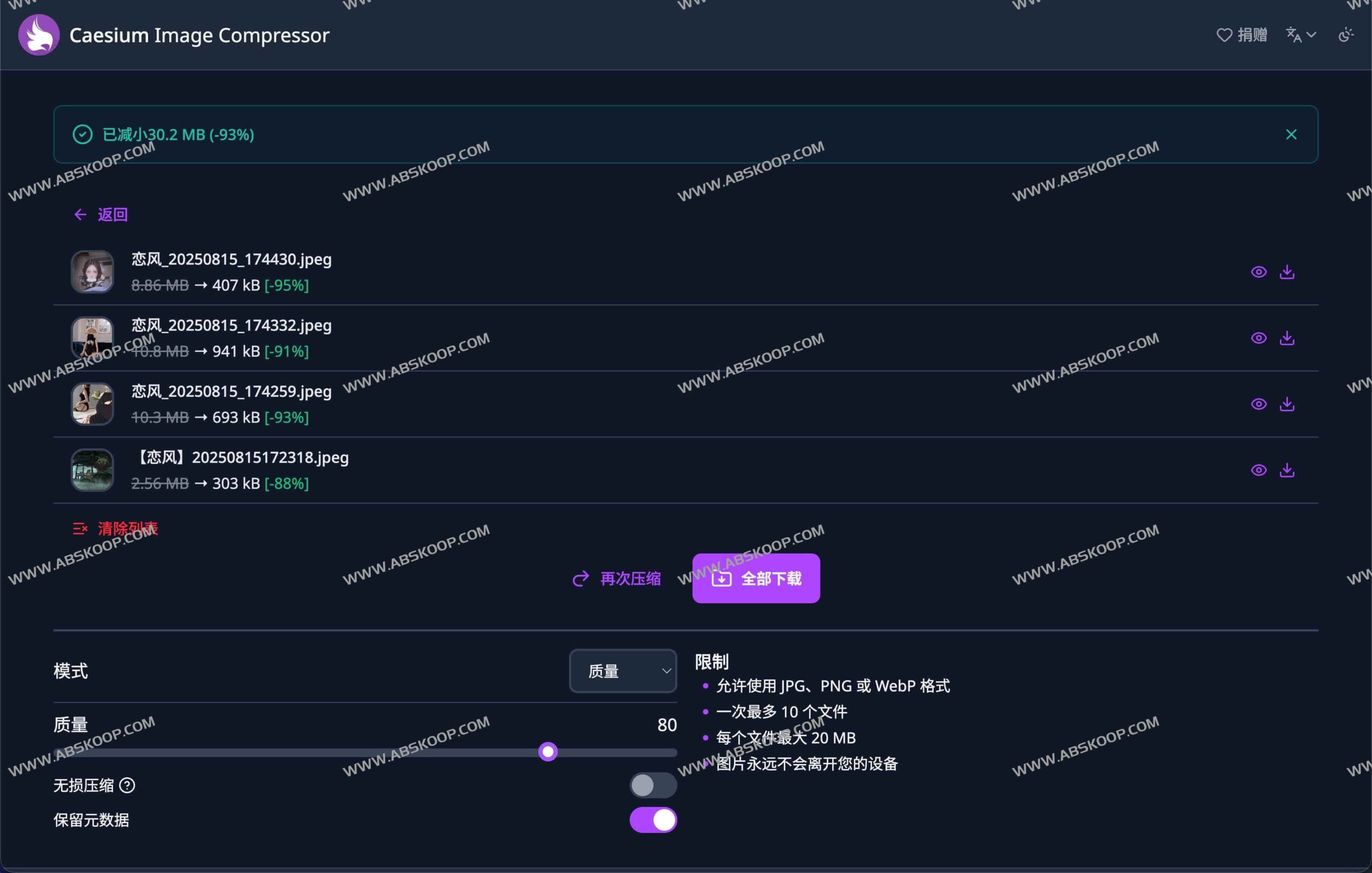
- Online compression service: No installation required; quickly handle temporary tasks through your browser.
Developer Advancement: Source Code Building
As open-source software, Caesium allows developers to perform customized builds locally. Its technology stack includes the use of… Rust Compiled core library libcaesium(depending on cargo) and based on Qt6 SDK The desktop interface is provided. On macOS, libssh and Sparkle also need to be configured to support automatic updates. Developers can configure platform parameters via CMake and obtain stable source code from GitHub for compilation.
Applicable scenarios and target audience
Who needs this tool?
- Visual creators: Photographers and designers need to manage massive amounts of original images and save space during backups.
- Content Operations: Bloggers and e-commerce sellers need to optimize page loading speed and standardize product image sizes.
- Technical Team: Front-end developers need to build automated image optimization pipelines for web apps or documentation sites.
- Regular users: Quickly clean up your phone/computer photo album to free up storage space without affecting the viewing experience.
Typical application cases
- Full site acceleration: Batch compress all images on a company's official website, significantly reducing first-screen loading time.
- High-efficiency transmission: Before sending large amounts of material via email or IM software, quickly reduce the file size to decrease transmission load.
- Archived Slimming: Compress your annual travel photos or project history in one go, saving tens of gigabytes of hard drive space.
Resource Acquisition
- Quick Download: Cloud drive link
- Official homepage:
https://saerasoft.com/caesium/ - Online experience:
https://caesium.app/ - GitHub source code:
https://github.com/Lymphatus/caesium-image-compressor
