🔍 Exportify: A tool for exporting Spotify playlists with a single click
Exportify This is a free online tool developed based on the Spotify Web API, designed to address the pain point of the Spotify client lacking native export functionality. It allows users to quickly back up their personal playlists as structured files, facilitating offline management or cross-platform migration.
This tool is built using the React framework and runs entirely in the browser, without storing user data through third-party servers, thus ensuring both privacy and operational efficiency.
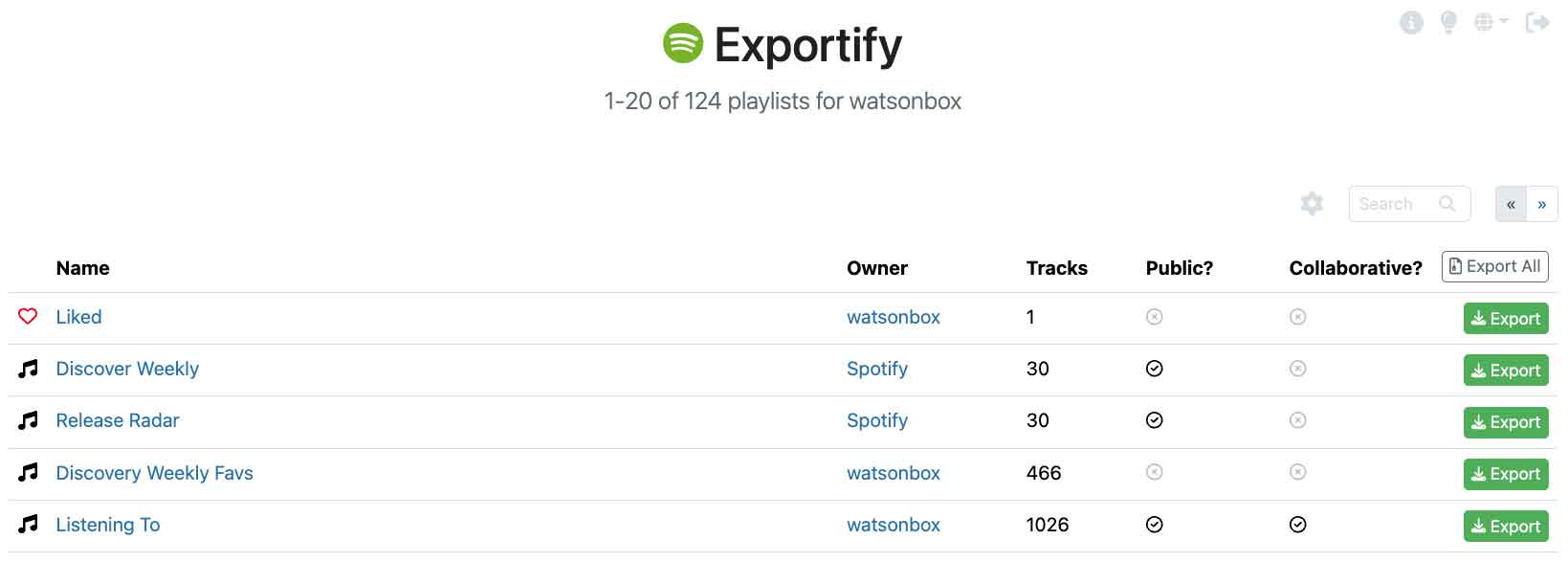
⚙️ Core Function Analysis
- Detailed CSV export Supports exporting UTF-8 encoded CSV files. In addition to song title, artist, album, duration, and cover art, you can also customize the exported artist's genre, copyright information, and audio characteristics (such as energy level, rhythm, danceability, emotionality, etc.).
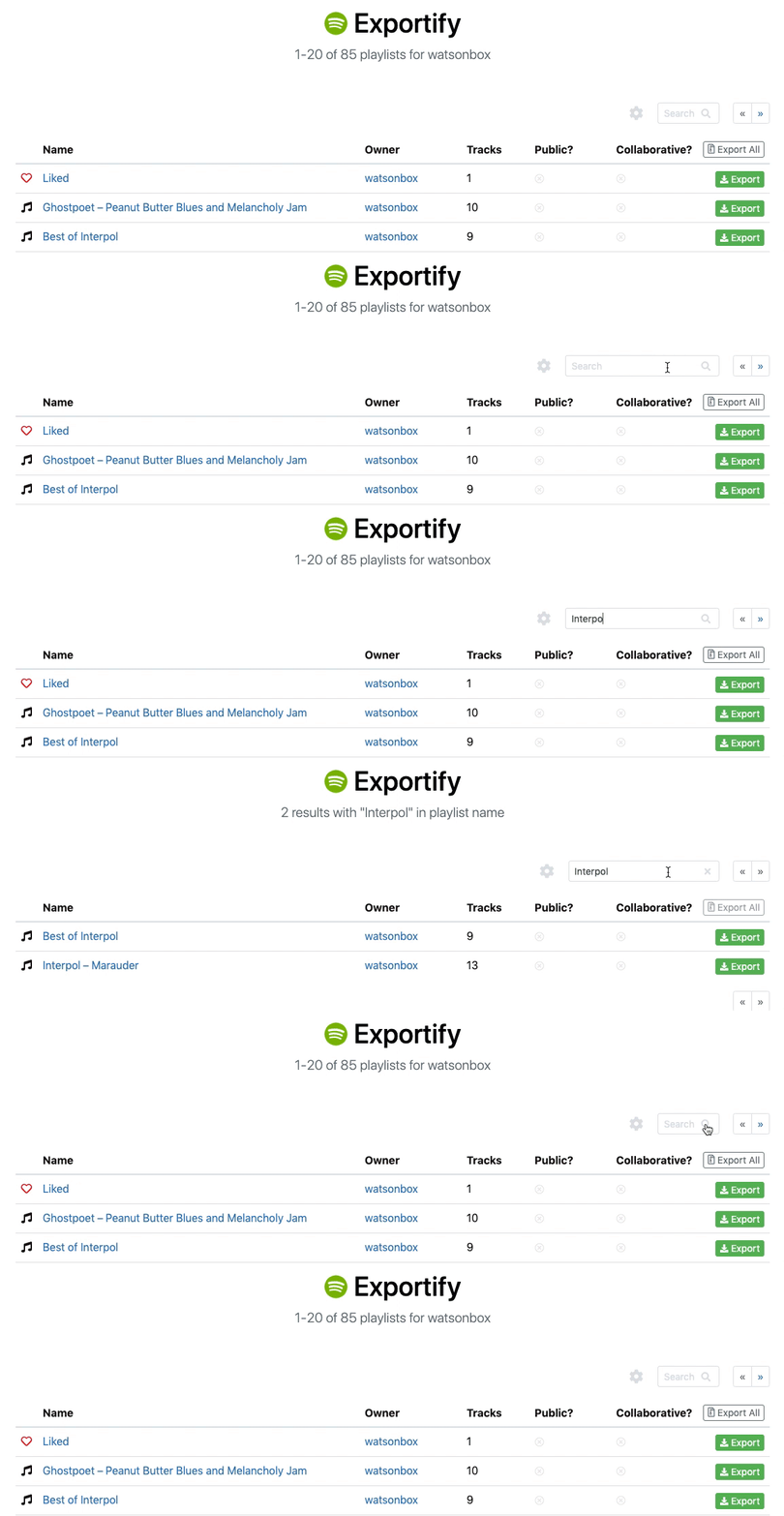
- High-efficiency batch processing It supports one-click export of all playlists as a ZIP archive and provides advanced search functionality to quickly locate specific playlists.
- Excellent compatibility The interface is adapted for mobile devices, providing a dark mode and 10 language options (including German, Japanese, Spanish, etc.).
- Performance optimization Built-in automatic rate control mechanism ensures export speed while avoiding triggering API limitations.
📦 Quick Start Guide
- Visit the official website Exportify.app。
- Click "Get Started" And complete the Spotify account authorization.
- Select the individual or all playlists you want to export from the list.
- Download the generated ZIP archive, and extract it to obtain the corresponding CSV data file.
Tips: The exported CSV file can be opened with Excel. To manually import the data into a new list, you can copy the relevant data. spotify:track:xxx Link and paste it into the Spotify app.
🚀 Applicable Scenarios
- Data backup To prevent account irregularities or accidental deletion, back up your personal music collection regularly.
- Music Analysis Using the exported audio feature data, analyze the genre distribution, tempo, or emotional tone of the playlist.
- Platform migration Exporting the music playlist makes it easy to migrate to other music service platforms.
- Collection and organization The goal is to digitize and archive lengthy lists accumulated over many years.
🔗 Resource Link
Official website address:https://Exportify.app/
GitHub repository:https://github.com/watsonbox/Exportify/
