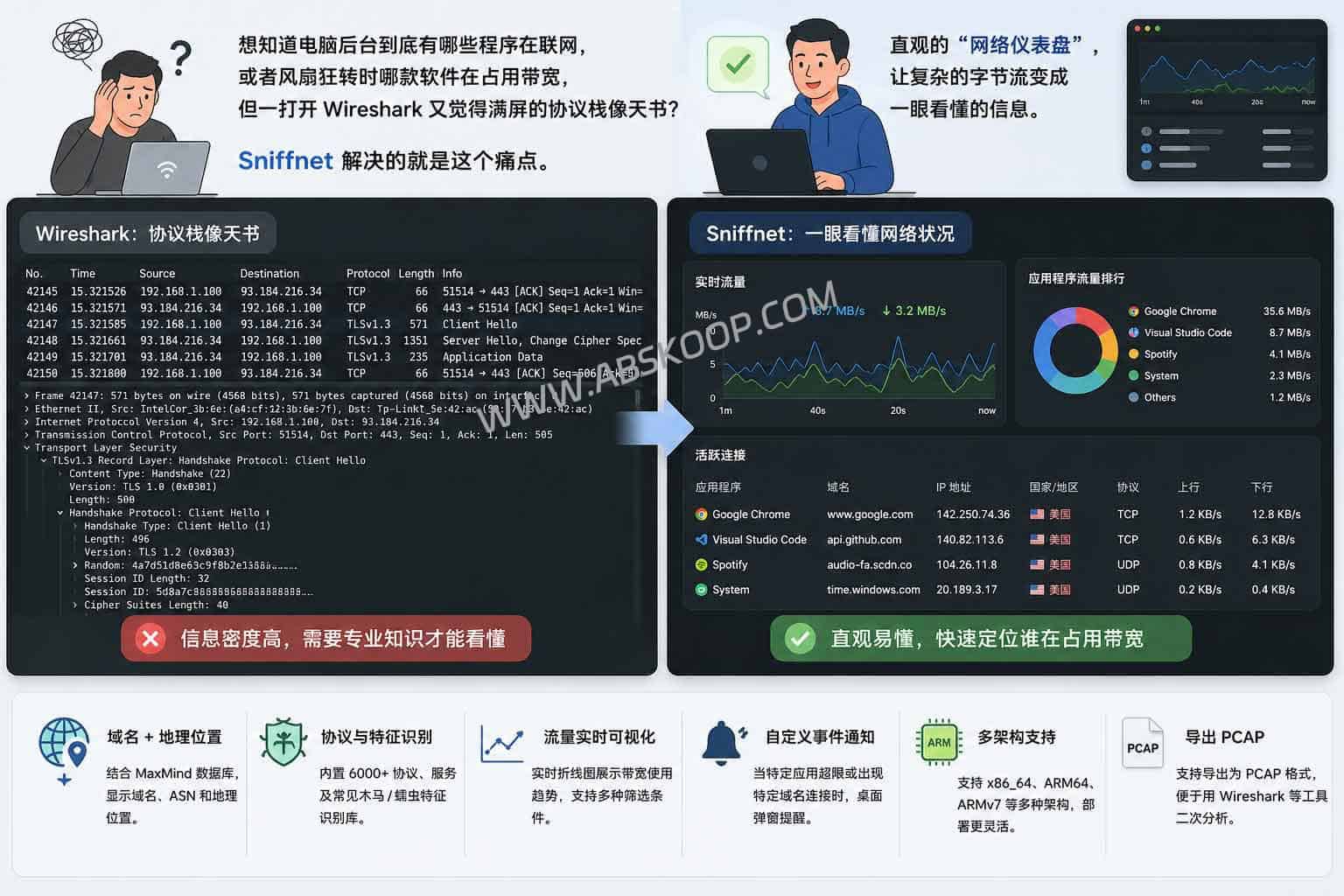
When you find your computer fan suddenly spinning wildly, or your internet speed inexplicably dropping, have you ever wondered which background program is secretly consuming bandwidth? For most users, even if they try to open a professional tool like Wireshark, they often feel at a loss when faced with a screen full of obscure protocol stacks and byte streams.
Sniffnet It was created to fill this gap. It is not meant to replace the deep analysis tools in the hands of network engineers, but rather to create an intuitive "network dashboard" for ordinary users and those who like to tinker casually. It translates complex underlying data into readable business logic, allowing you to see at a glance who initiated the current connection and where it is flowing.
This open-source tool, written in Rust, supports Windows, macOS, and Linux. By visualizing network interface card (NIC) packet capture data, it provides developers, website owners, and ordinary users with a lightweight local network troubleshooting and security monitoring solution.
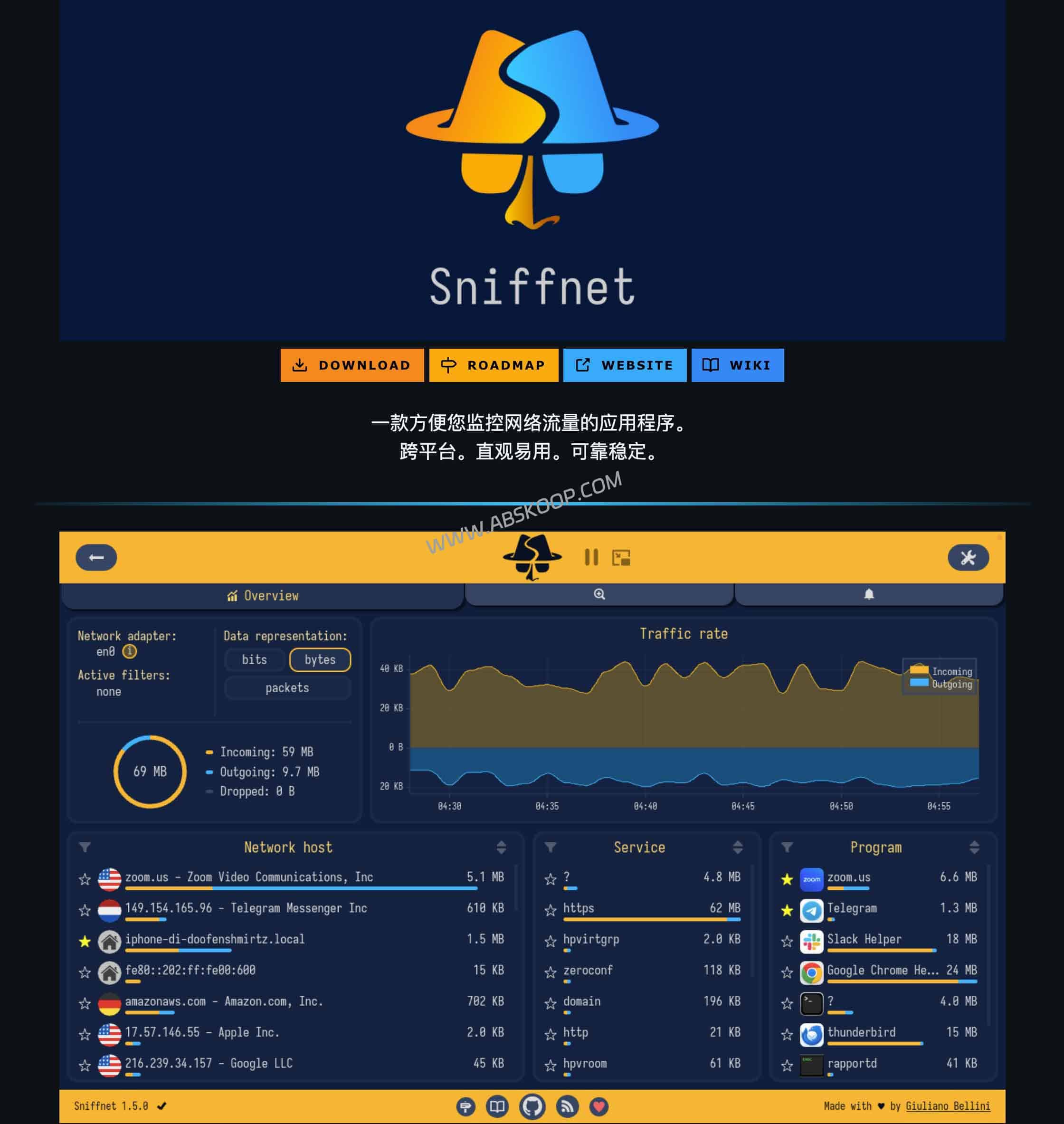
From "Protocol Analysis" to "Intuitive Monitoring": The Core Logic of Sniffnet
With Wireshark or tcpdump Unlike traditional tools, Sniffnet takes a "dimensionality reduction" approach. Traditional tools focus on protocol parsing, resulting in extremely high information density, suitable for in-depth analysis of data packet details; while Sniffnet focuses on readability at the business level.
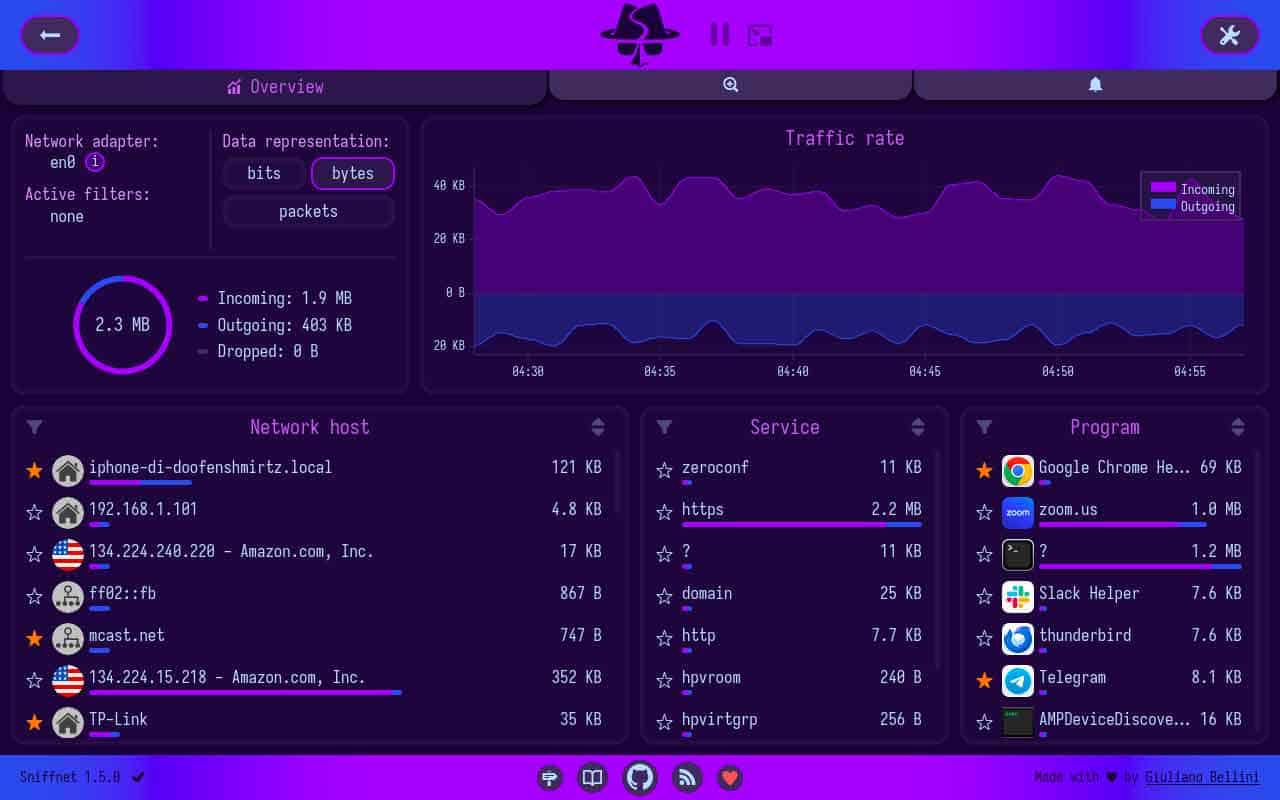
- To make IP concrete: Using a local MaxMind database, it can automatically resolve cold, hard IP addresses to... Domain name, ASN (Autonomous System Number), and geographic locationThis means you can directly determine whether a connection is sent to an AWS node or an unfamiliar overseas server without having to manually query it.
- Built-in feature recognition library: The tool includes a built-in signature database of over 6,000 upper-layer services, protocols, and common Trojans/worms. While it cannot replace professional antivirus software, these tags provide invaluable references when investigating abnormal external connections.
- Traffic trend visualization: Users do not need to write complex filtering rules; they can filter TCP/UDP or IPv4/IPv6 through a simple drop-down menu and monitor the bandwidth usage of each application through a real-time line graph.
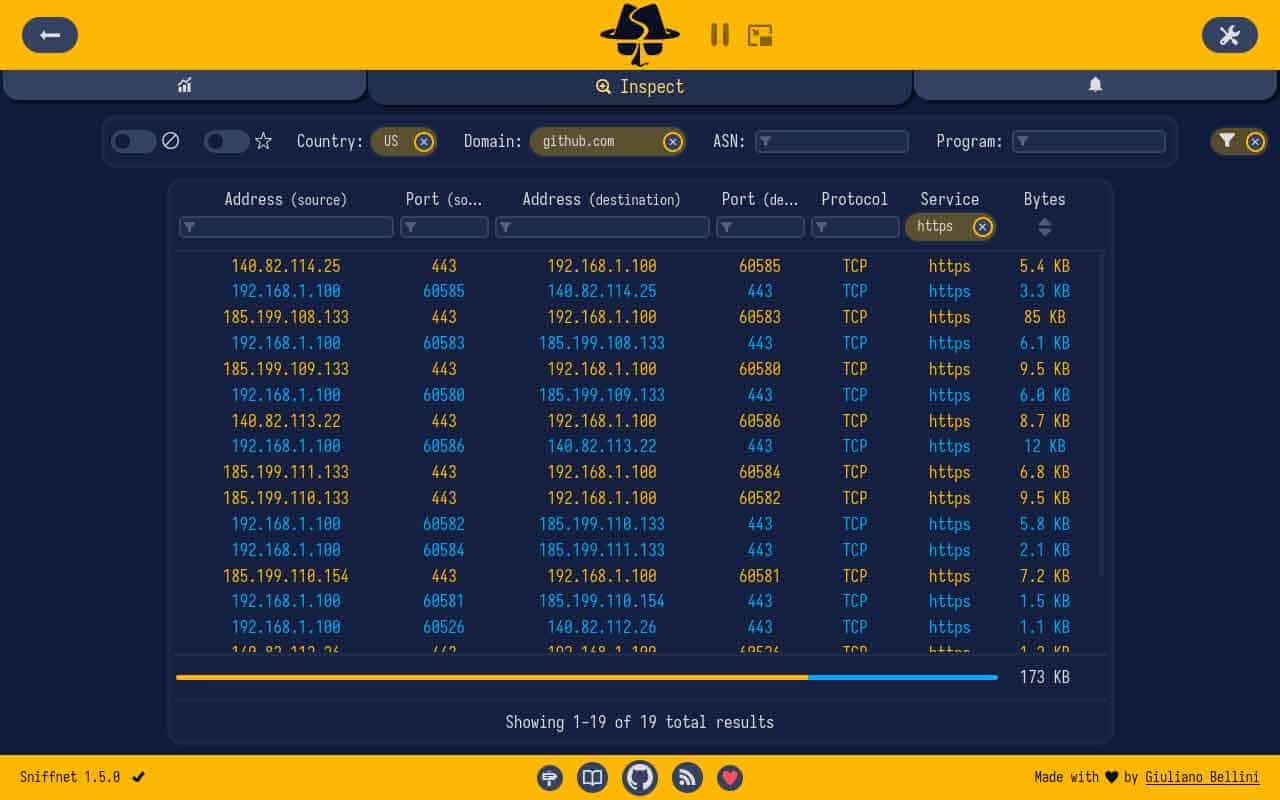
Many macOS users may confuse it with Little Snitch. The essential difference between the two is: Little Snitch is... Firewall It has the ability to intercept and block connections; while Sniffnet is... 监控面板,它遵循“只看不拦”的原则,仅用于流量观察,无法切断连接。
安装须知:依赖环境与运行限制
由于 Sniffnet 需要直接读取网卡底层数据,因此它并非简单的“绿色软件”,在安装前需注意以下依赖配置:
1. 驱动依赖: Windows 用户必须安装 Npcap(安装时请务必勾选支持 raw 数据);Linux 用户需安装
libpcap-dev 等依赖库;macOS 用户则在启动时授予相应的网络权限即可。2. 隐私安全: 所有的分析过程(包括地理位置查询)均在本地完成,不依赖云端分析,确保了数据流向的可控性。
适用场景:它能为你解决什么问题?
如果你处于以下场景,Sniffnet 将是一个高效的选择:
- 开发调试: 快速确认本地应用是否成功发起请求及请求频率。
- 安全观察: 独立站长或普通用户监控本机是否有异常的后台联网行为。
- 硬件部署: 得益于多架构支持,它也可以方便地部署在树莓派等 ARM 设备上。
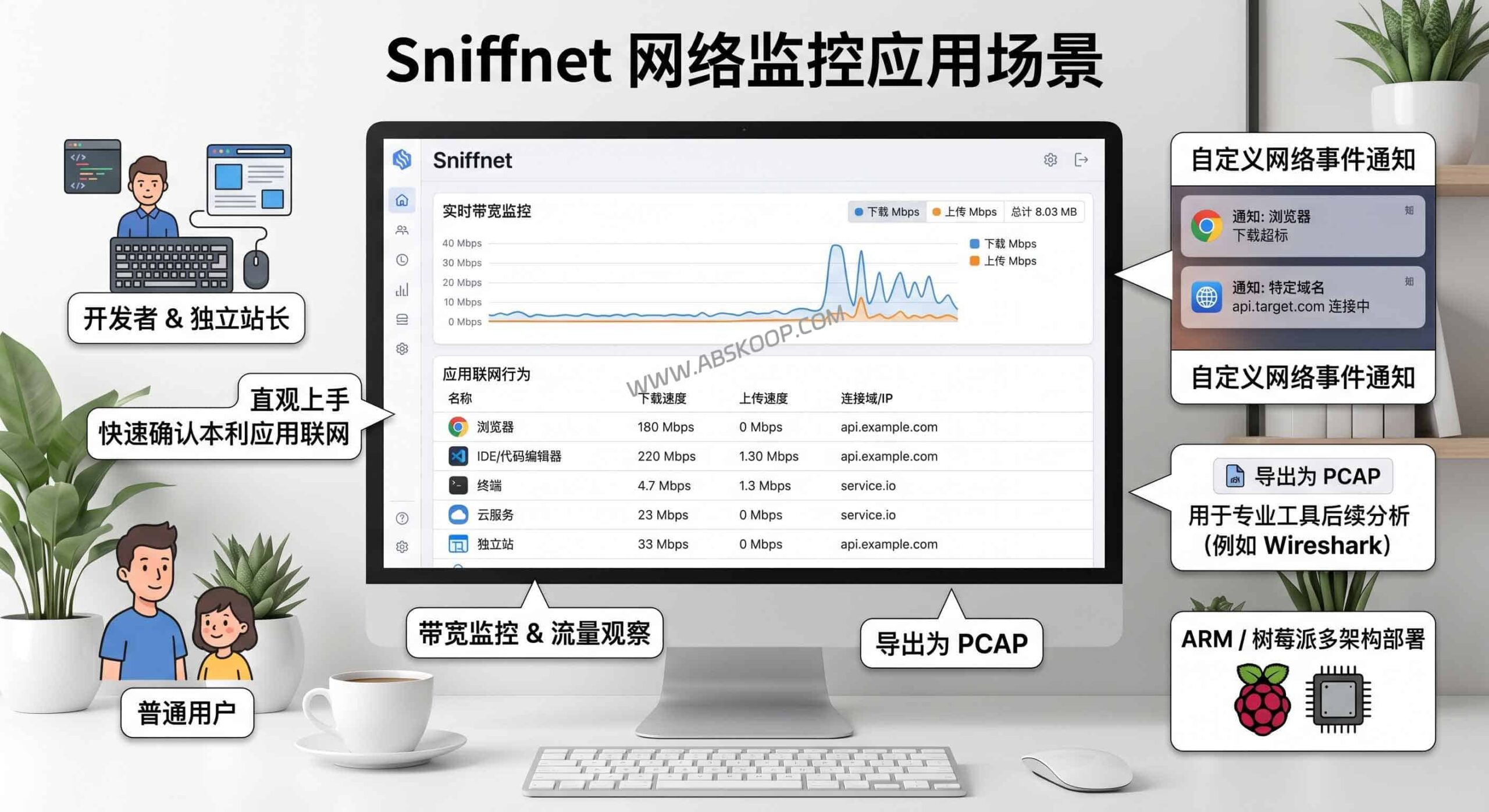
此外,其“自定义网络事件通知”功能允许用户设定触发条件(如特定域名连接或流量超标),并在桌面弹出提醒。如果需要进一步分析,Sniffnet 支持将抓取的流量导出为 PCAP 格式,以便将其导入 Wireshark 进行深度拆解。
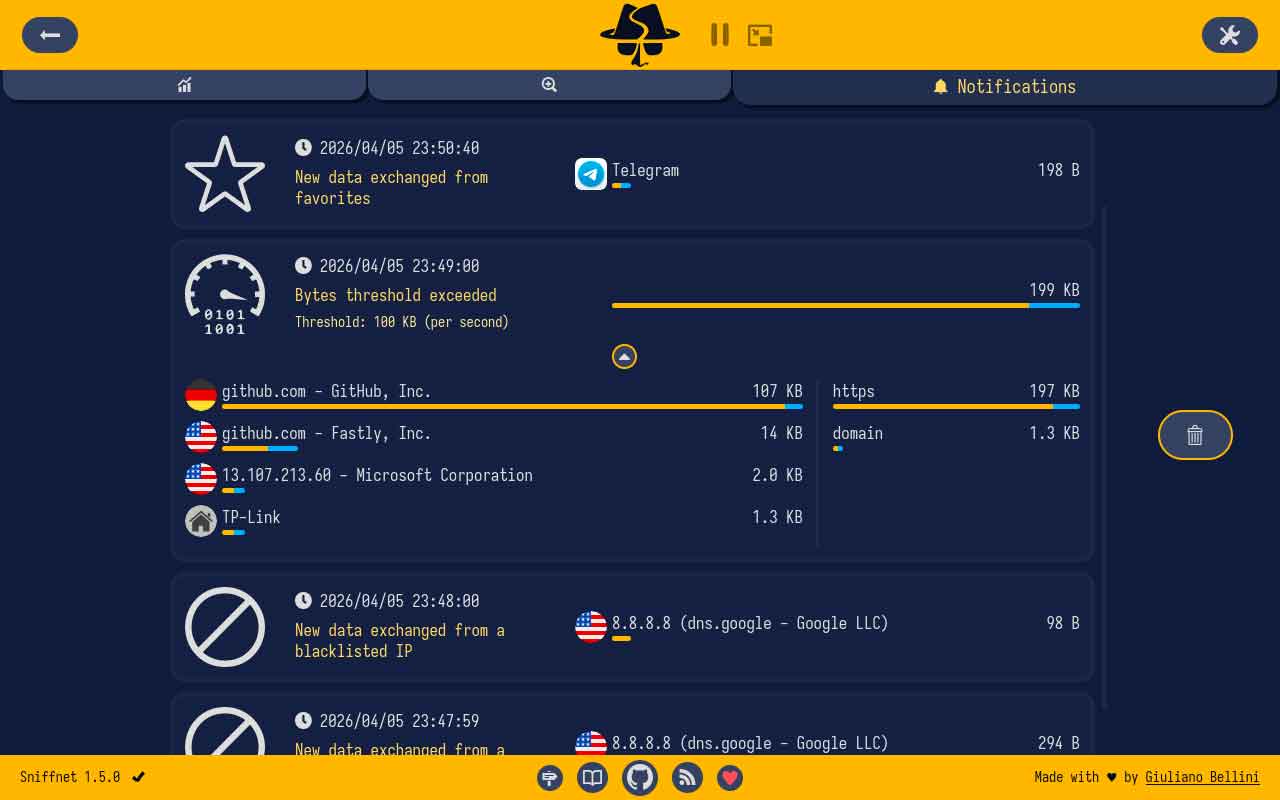
需要注意的是: 如果你的需求是企业级的集中管控,或者需要分析 HTTP 请求的具体 Payload(载荷)内容,Sniffnet 的轻量化定位无法满足,此时仍建议回归 Wireshark。
更多适合个人用户的开源数据安全工具 $rightarrow$
项目主页与官方下载
免责声明:本文分享的开源网络监控工具仅供个人辅助理解本机网络活动、基础排障与安全意识提升使用。涉及底层网络抓包的工具请从官方开源渠道下载并自行核对依赖许可。请严格遵守相关法律法规,该工具不得用于未经授权的网络监听或侵犯他人隐私环境。
