Regular voice input is more like "you say what it remembers"; SpokenType aims to do "you speak first, and it will handle the rest of the cleaning and organization for you".
Many people don't completely avoid voice input, but rather prefer not to use it as a formal text input method. The reason is simple: you speak natural spoken language, but the tool often outputs a jumble of disjointed text filled with "um," "ah," "that," and "it is." When you actually send it to colleagues, clients, or put it in a document, you have to manually remove filler words, add punctuation, and rearrange the word order. The time saved from typing is ultimately spent on reorganizing.
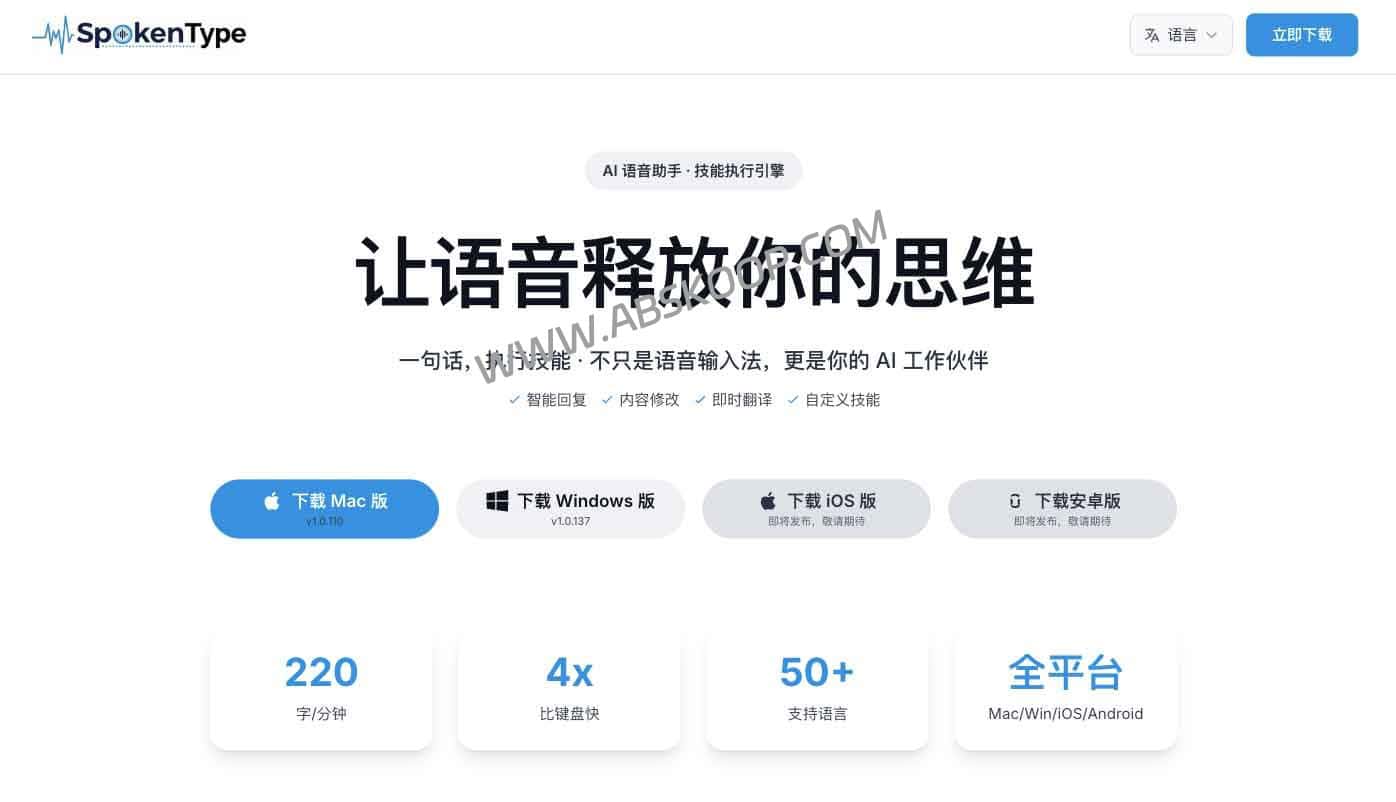
SpokenType aims to do more than just "convert speech into text"; it takes care of the subsequent steps as well. Besides speech-to-text, it also tries to remove redundant words from spoken language, making the expression closer to written language that can be sent directly. It also supports translation, contextual replies, custom skills, and both local and cloud modes. For people who frequently write messages, emails, and documents, it's more like a desktop-based AI voice input tool than just a traditional dictation device.
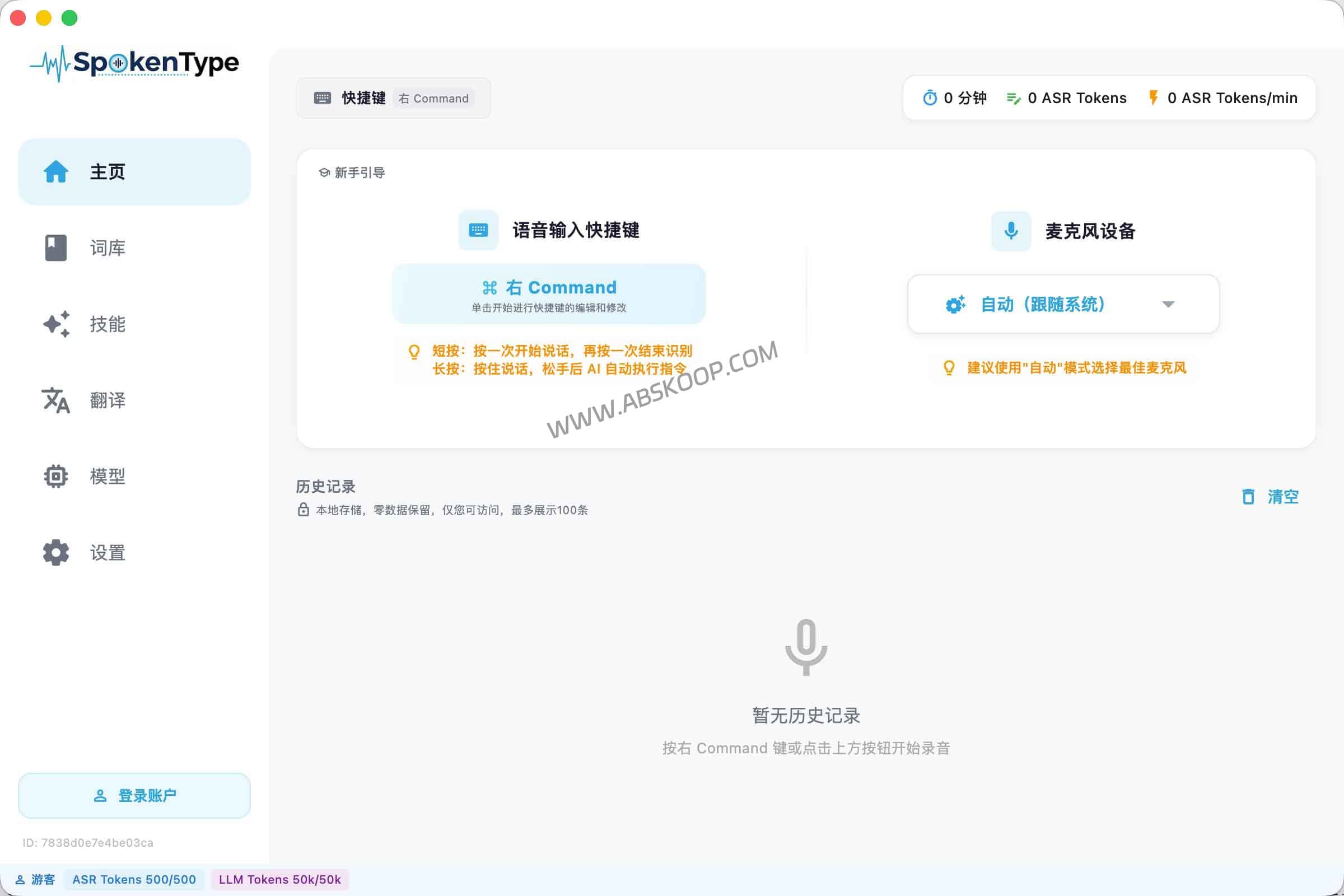
What are the differences between AI voice input tools and the system's built-in voice input?
The built-in voice input isn't unusable. It's often sufficient for replying to short messages, jotting down fleeting thoughts, or typing simple sentences. The real difference between AI voice input tools like SpokenType and others lies not in "whether it can recognize text," but in "how it processes the text after recognition."
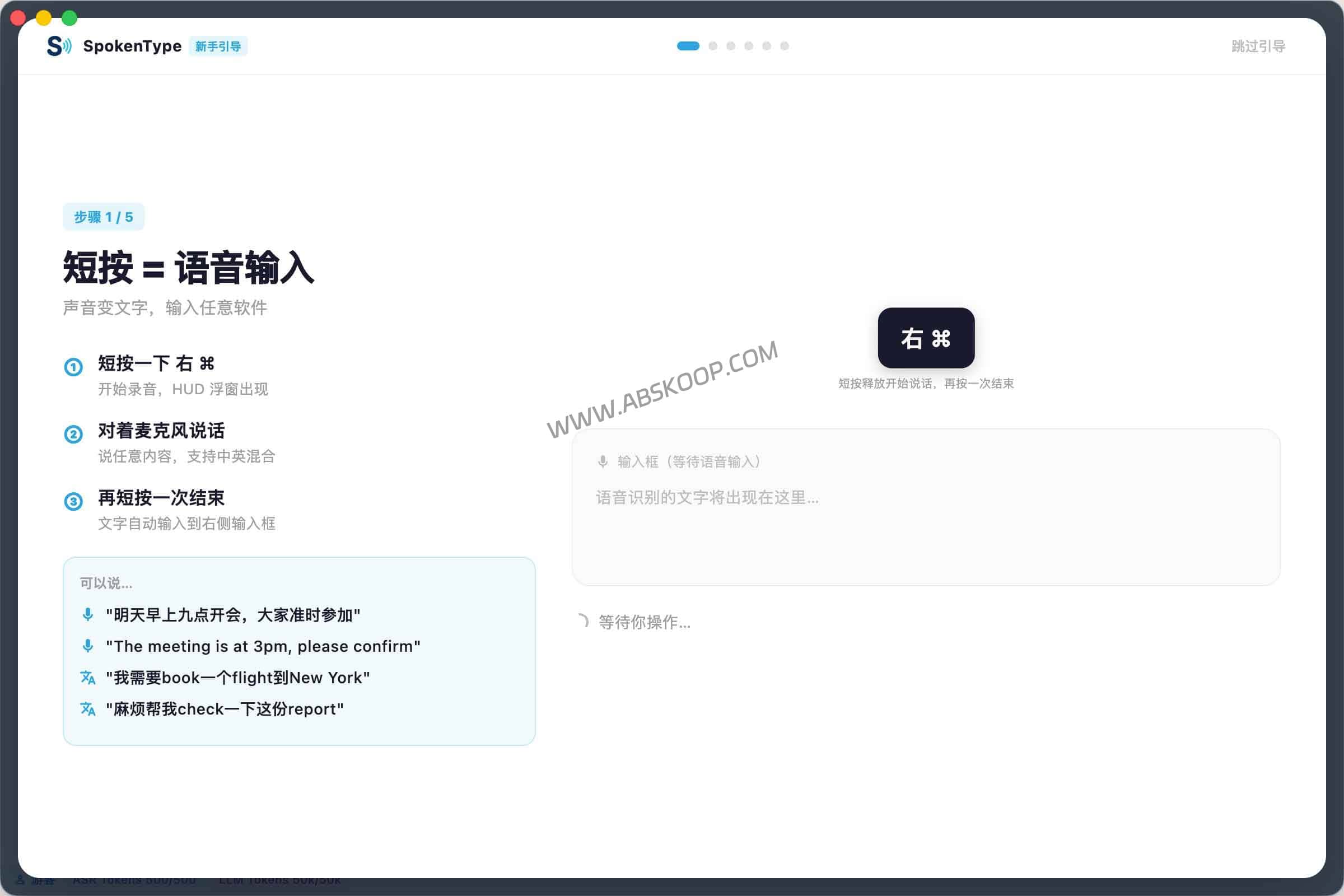
Compared to common system solutions, it has several additional layers of capabilities:
1. Spoken language review:Try to eliminate interjections like "um," "ah," "that," and "it is" to reduce the need for manual editing later.
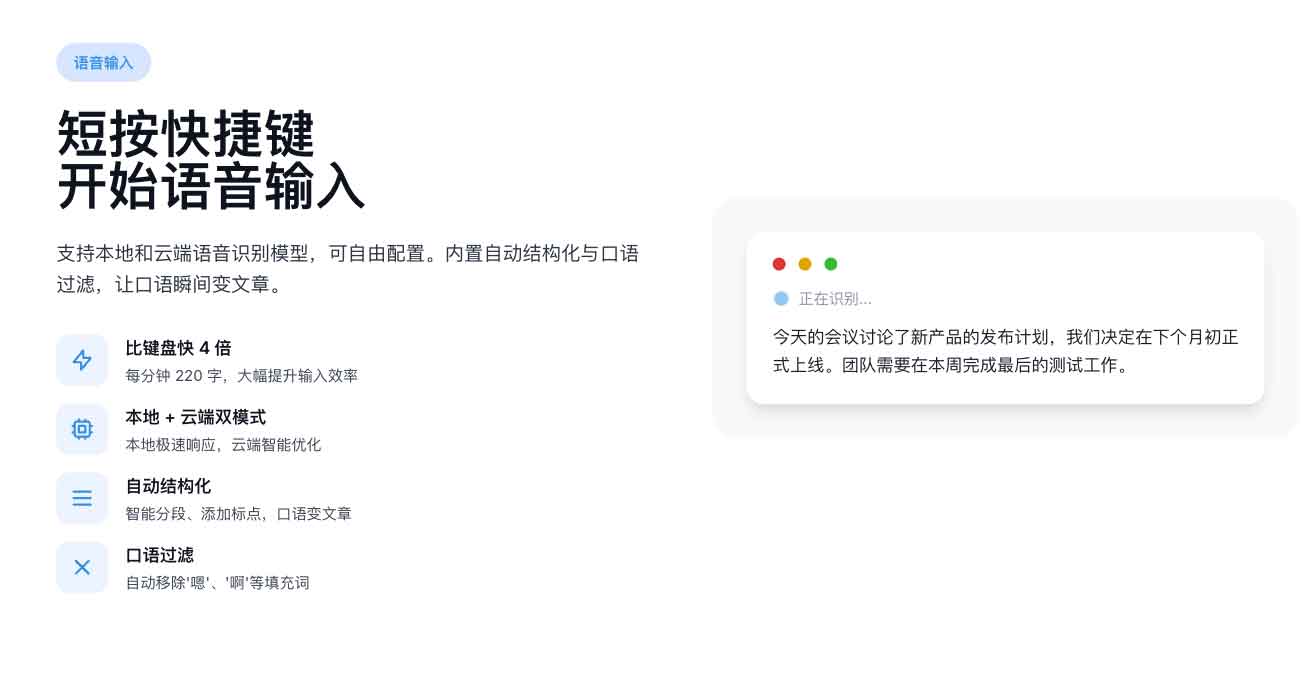
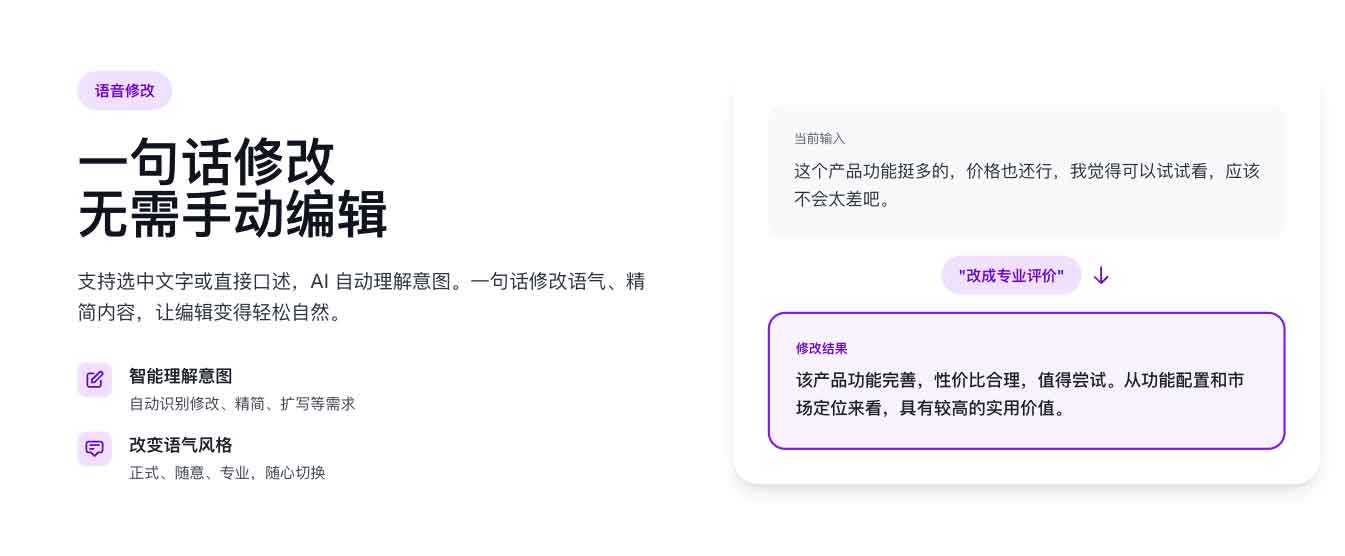
2. Organizing and summarizing the expression:Transform fragmented spoken language into smoother written expression, suitable for sending messages or placing documents directly.
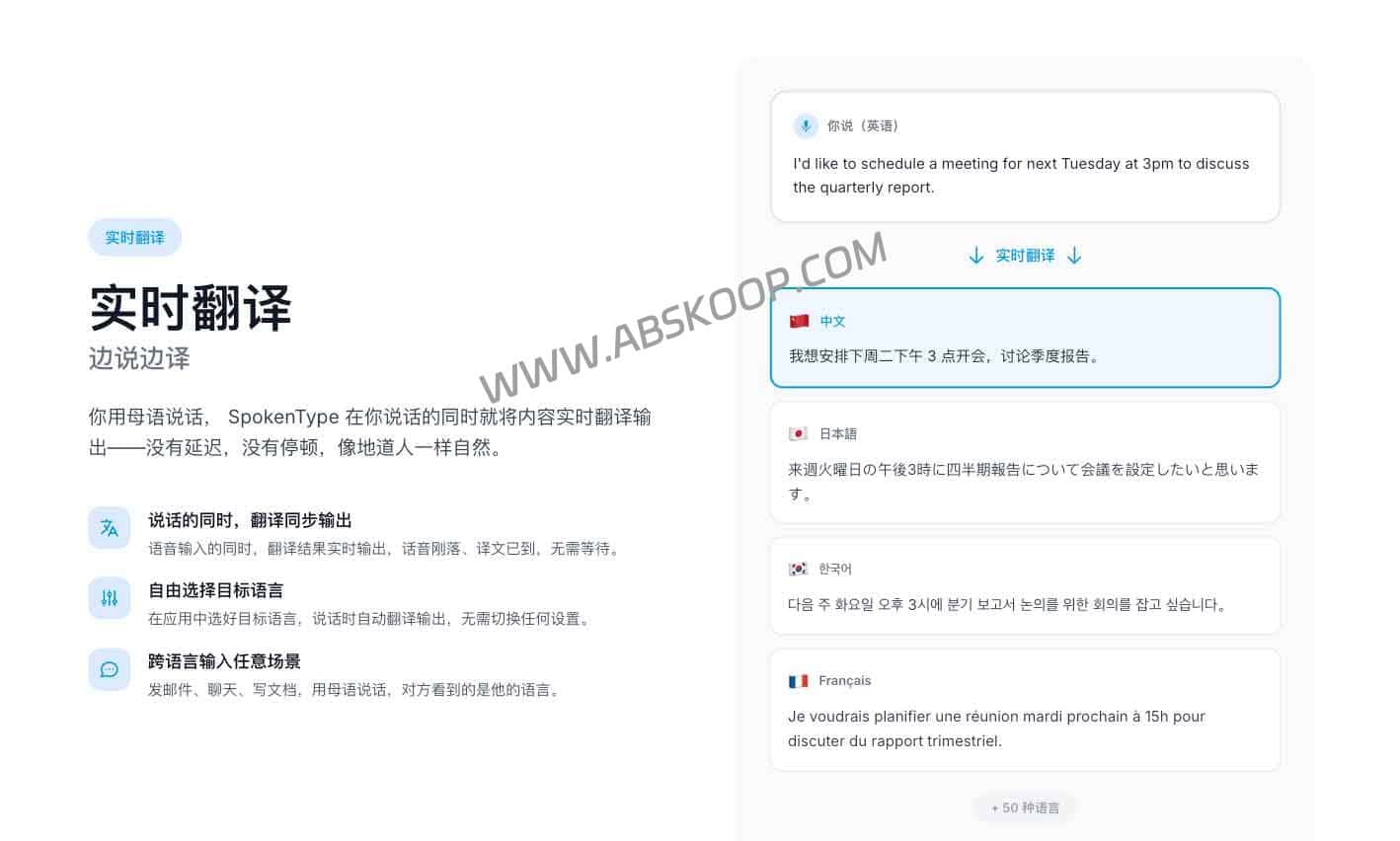
3. Real-time translation:The input process is directly converted to the target language, making it more suitable for writing emails, replying to messages, and filling out forms in different languages.
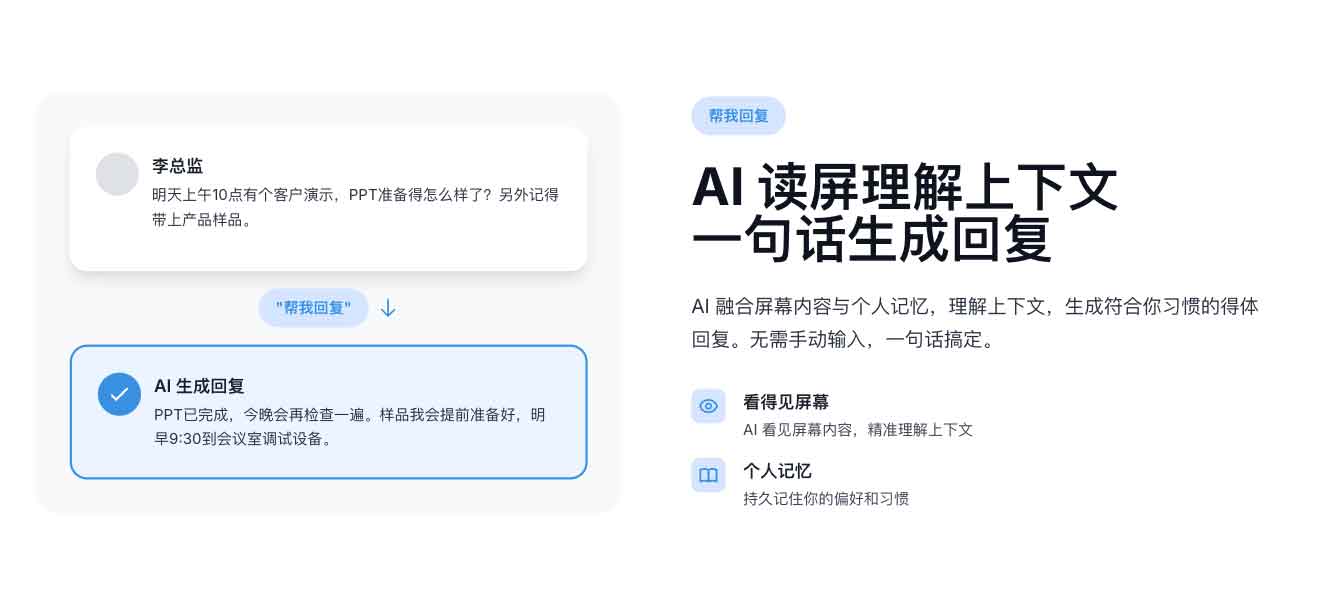
4. Contextual response:It generates a draft response based on the current screen content, rather than simply dictating.
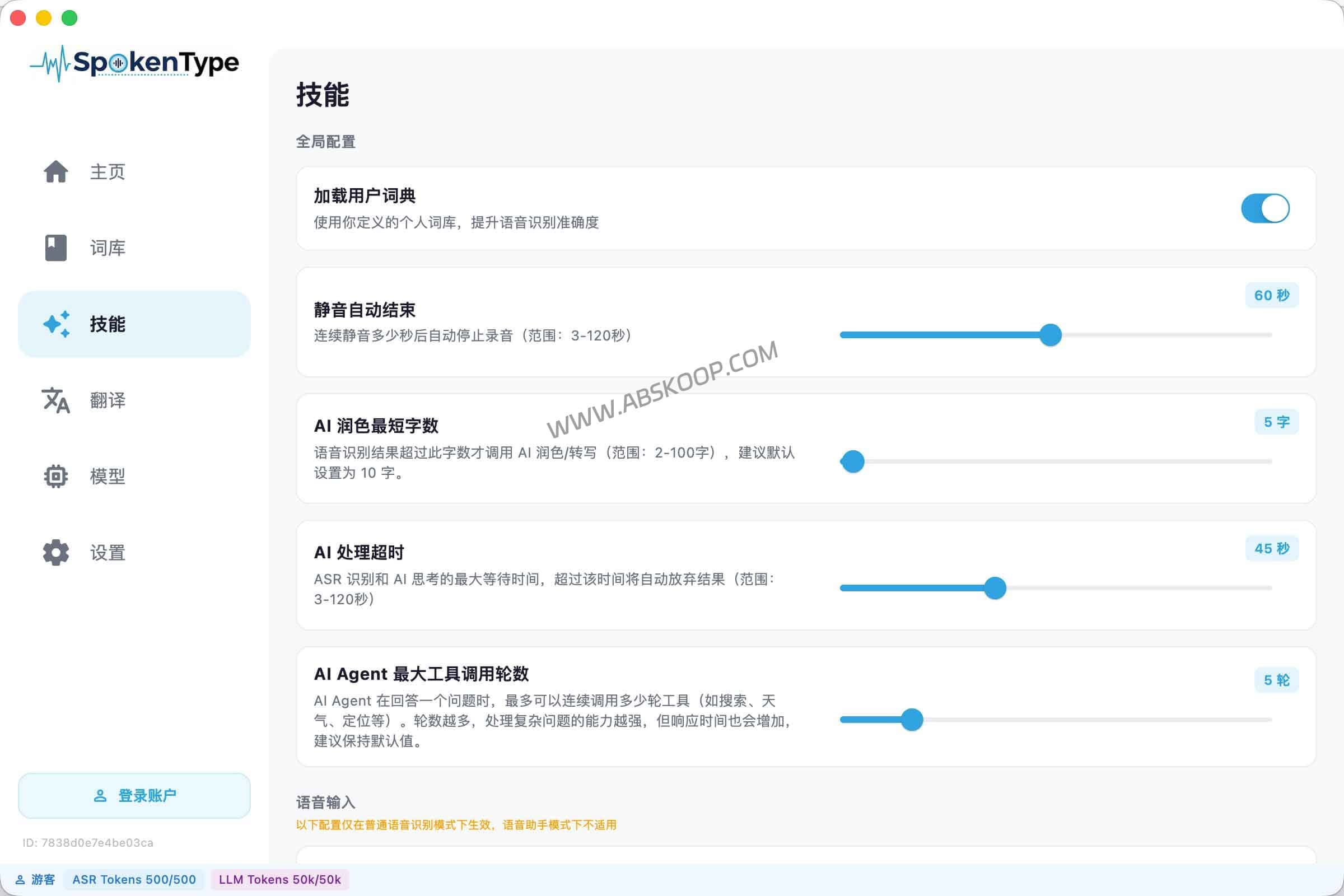
5. Custom Skills:Fixed prompts can be encapsulated within the input, allowing voice input to be directly applied to specific use cases.
Therefore, its biggest difference from traditional voice input is not just "recognizing more words," but rather that it moves the step of "processing the text after input" as far forward as possible. This is especially meaningful for those who frequently work with text, because the real time-consuming part is often not speaking, but the subsequent processing and rewriting.
SpokenType 更适合哪些使用场景
如果你平时只是偶尔回两句闲聊,或者本来打字就很快,那它未必会带来特别明显的变化。但下面这些场景,反而更容易感受到差异:
1. 高频聊天与办公沟通
比如日常要反复回同事消息、写飞书或 Slack、补会议后续、整理临时想法。你说完后能少做一轮删改,这种节省是最直观的。
2. 跨语种沟通
如果你的工作里经常要写英文邮件、回复海外客户、处理双语消息,那“边说边转译”会比“先写中文再翻译”更顺。它不一定适合法律、合同这类高严谨场景,但在日常沟通里会轻不少。
3. 草稿生成与快速回复
当你面对一段不太想手敲的回复时,语音输入加上上下文理解,能更快生成一版草稿。后面再微调,比从零开始打字轻松。
4. 有固定格式输出需求的人
如果你经常需要把一段口语变成固定风格的文案、摘要或说明,自定义技能会比普通输入法更接近效率工具,而不只是输入工具。
本地模式和自带 API Key 模式怎么选
这类工具最容易忽略的就是“隐私”和“自由度”。目前 SpokenType 支持本地模式、云端模式,以及可配置第三方 AI 服务商。这个方向确实比完全封闭的方案更灵活,但需要注意的事情还是要了解清楚。
如果你使用的是 本地模式,数据处理路径会更偏向本机,适合更在意数据边界的场景。
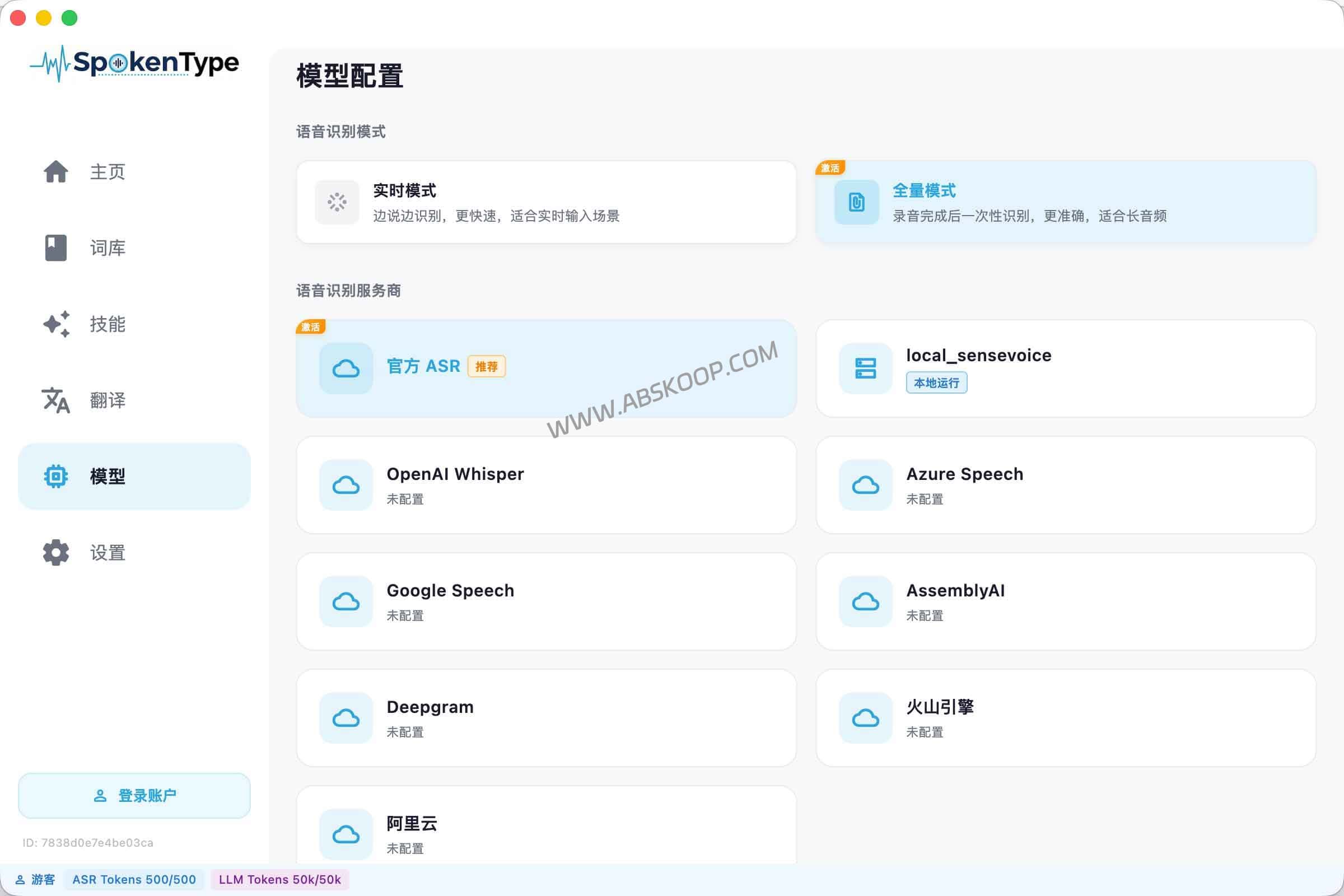
可如果你开启了 云端模型,或者使用第三方服务商的 API Key,那么相关文本和处理请求仍可能发往对应服务商。也就是说,“工具本身不存储”不等于“所有数据都永远不出本地”。你最终的数据流向,和你选择的模式、模型服务商有直接关系。
自带 API 对愿意折腾的用户是加分项,因为模型选择和使用成本更容易按需控制;但对纯小白来说,这也意味着多一层配置门槛。如果你处理的是高度敏感的商业信息、客户资料或内部机密,别只看“本地”或“隐私”几个字,最好先把官网模式说明和数据流向看清楚,再决定是否放进正式工作流。
门槛不在安装,而在输入习惯
这类工具表面看起来门槛不高,下载安装后就能开始试,但真正的适应成本往往不在软件本身,而在使用方式。
你得接受一件事:从手动敲字,变成先说,再让 AI 帮你做一轮整理。这个过程中,输出会更快,但也可能不是 100% 按你脑子里的原句呈现。有些人会很喜欢这种省力感,有些人会觉得“它帮我改过了”。如果你的工作特别强调原句准确性,比如法律记录、严肃采访、学术逐字整理,那原始转录和人工复核依然更稳。
更稳妥的做法不是先下结论,而是先拿自己的典型场景跑一遍。比如写一封英文邮件、回一段工作消息、做一次双语输入,看看它是不是真的能帮你减少修改,再决定要不要长期用下去。
SpokenType 值不值得用,关键看你是不是高频文字沟通人群
如果你只是偶尔用一下语音输入,系统自带方案大概率已经够用,没必要再额外挂一个工具。但如果你本来就有较多长文本回复、跨语种沟通或草稿生成需求,这类工具会更容易体现价值。
所以说,SpokenType 不太像一个面向所有人的基础输入法替代品,更像一个面向高频沟通场景的 AI 语音输入工具。它的实际价值,不在于把“说话变文字”这件事重新讲一遍,而在于把语音输入、润色、翻译和回复草稿尽量更紧地串在一起。对合适的人来说,这能省下一部分重复修改时间;对不需要这些能力的人来说,它也可能只是比系统自带方案更复杂一点。
