One of the most troublesome scenarios when training AI models or maintaining GPU servers is:Video memory is being used inexplicably, but the culprit cannot be identified.Traditional handling of infinite loop tasks or zombie processes is extremely cumbersome—first, by... nvidia-smi Retrieve the PID and then execute manually. kill Commands. On shared lab or company servers, this operation is not only inefficient but also carries the risk of accidentally disabling other users' training tasks.
To address this pain pointGPU kill It was born out of necessity. It is not a simple monitoring tool, but a "Swiss Army knife" for computing power managers, designed to achieve cross-platform GPU resource scheduling and rapid cleanup through a unified instruction set.
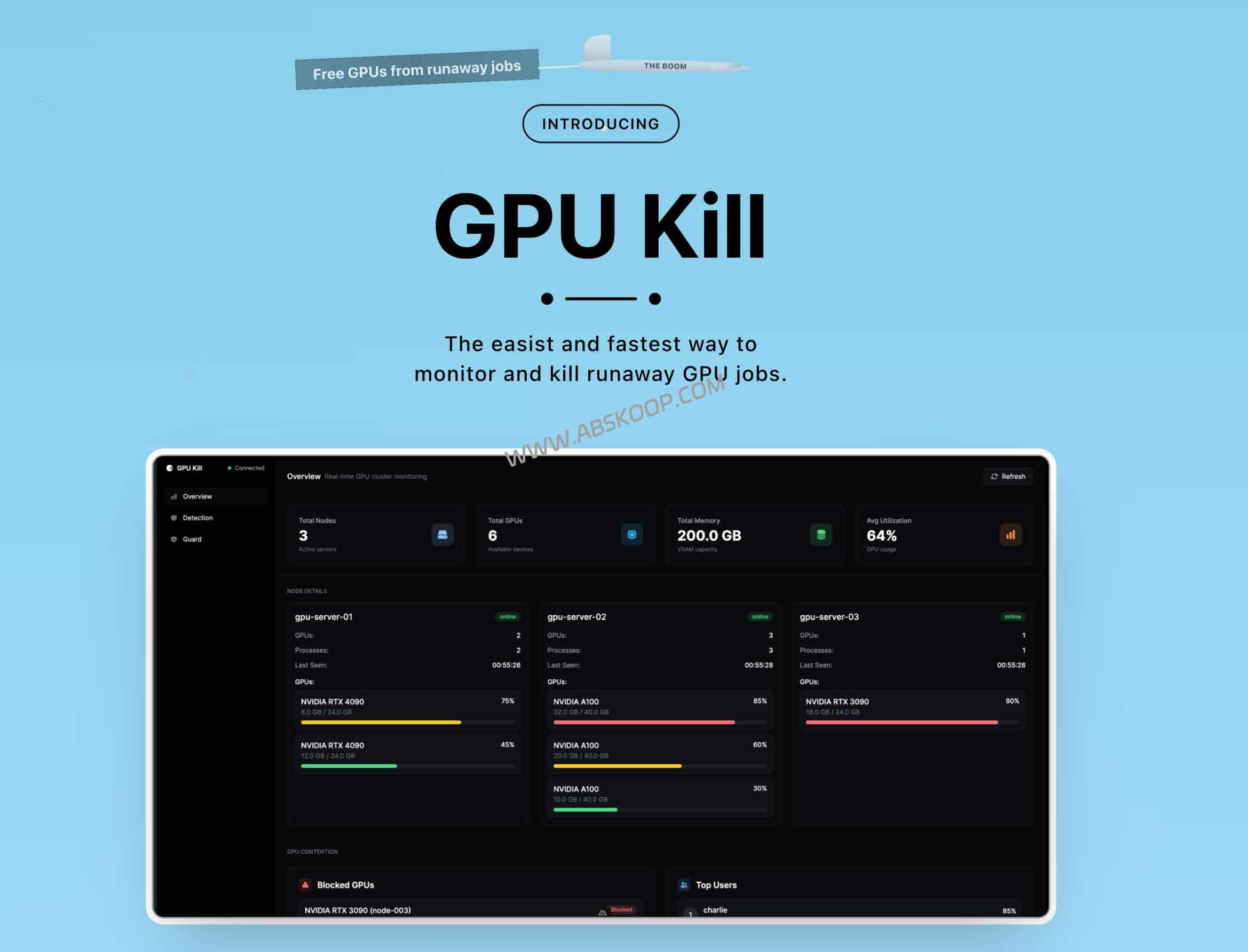
Core competency: Why can it improve operational efficiency?
The core logic of GPU Kill lies in breaking down the barriers between hardware manufacturers and unifying fragmented management commands.
1. True cross-platform management
Previously, we needed to switch between different tools on different devices: Activity Monitor on Mac, and other tools on Linux. nvidia-smiGPU Kill unifies the management interfaces for NVIDIA, AMD, and Apple Silicon (M series). Whether on a Linux server or a Mac development machine, you only need to run... gpukill This allows you to simultaneously obtain key metrics such as video memory usage, temperature, and power consumption.
2. Quickly locate "resource assassins"
This tool provides an audit mode for unauthorized tasks or abnormally high-load processes commonly found in laboratories.--auditIt can quickly identify "ghost processes" that consume resources but do not produce effective output by scanning computational features, making resource abuse nowhere to hide.
3. Proactive AI-powered Operations and Maintenance Integration (MCP)
This is the most cutting-edge feature of the tool: it has built-in... MCP (Model Context Protocol) Service. By connecting GPU Kill to AI clients such as Claude Desktop, you can directly issue commands using natural language, for example:"Check the cause of GPU 0's freeze and clean up the non-system processes that are using the most resources." AI will automatically call upon tools to complete the location and execution, minimizing the operational and maintenance threshold.
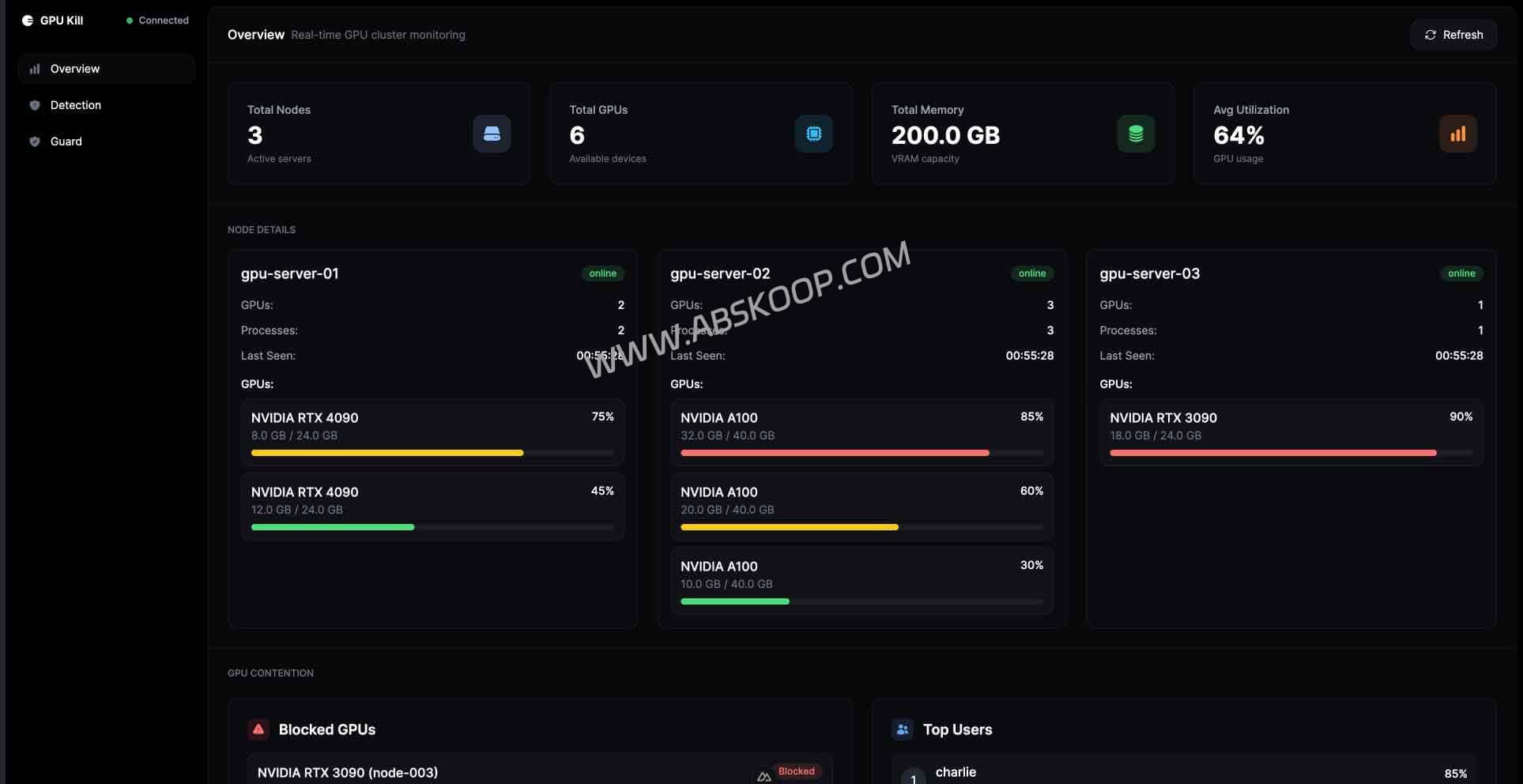
Tool Comparison: GPU Kill vs Traditional Solutions
| tool | Supported Platforms | Core competencies | evaluate |
|---|---|---|---|
| GPU kill | NVIDIA / AMD / Mac | Monitoring + Quick Cleanup + AI 交互 | ⭐⭐⭐⭐⭐ |
| nvidia-smi | 仅 NVIDIA | 基础状态查询 | ⭐⭐⭐ |
| nvtop | 多平台 | 可视化监控(侧重于观察) | ⭐⭐⭐⭐ |
快速上手指南
🚀 安装步骤
出于运维安全考虑,建议在执行一键安装前,先下载脚本审查代码内容:
# macOS/Linux 环境 curl -fsSL https://gpukill.com/install | sh # Windows (PowerShell) 环境 irm https://gpukill.com/install-windows | iex常用命令速查
gpukill watch:进入实时监控模式(类似 top 界面)。gpukill --list:快速列出所有显卡状态。gpukill --audit --rogue:扫描并识别异常占用模式。
注意事项
- 防止误杀:
--kill --gpu X命令会清除指定显卡上的 所有 进程。在多用户协作环境下,请务必配合--pid参数进行精准删除。 - 驱动依赖: 该工具依赖底层驱动支持。请确保已安装 NVIDIA Driver 或 ROCm;Mac M 系列用户可直接使用。
相关资源
- GitHub 项目主页: GPU kill – Cross-platform GPU Management
- 官方文档: https://gpukill.com/(含 MCP 服务详细配置)
⚠️ 风险提示: 本工具涉及系统级进程管理。在生产环境操作时请保持谨慎,建议在执行终止命令前二次核对 PID,以免导致关键业务中断。
