When your Mac (equipped with an Apple Silicon M-series or T2 chip) suddenly goes black and won't boot, even if you try to enter normal recovery mode by holding down the power button, the device may be in a state requiring deep intervention. At this point,DFU (Device Firmware Update) mode It became the final entry point for clearing obstacles.
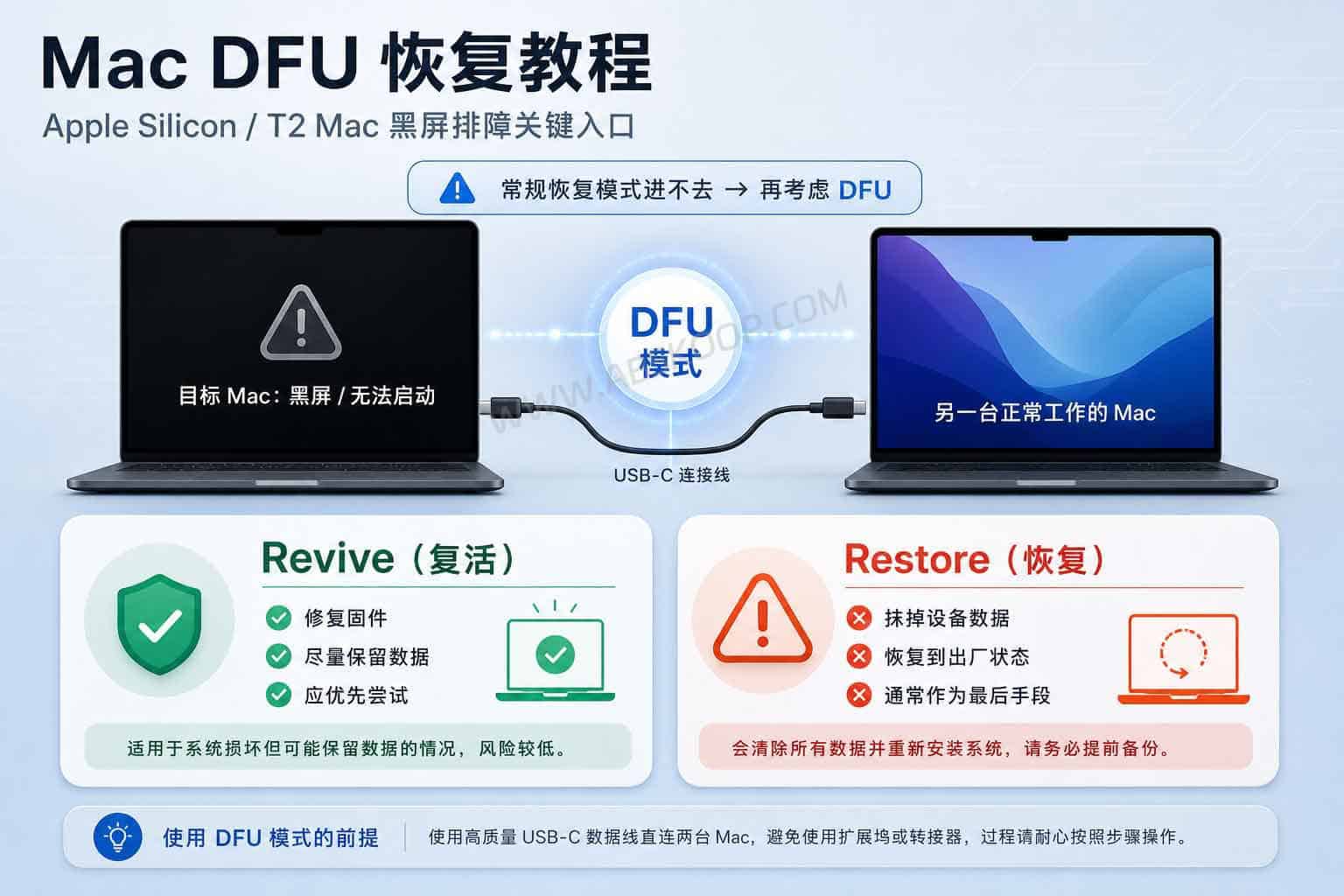
While Apple provides official firmware revival and recovery guides, the actual operation is quite challenging. You not only need another working Mac and a high-quality USB-C cable, but you also need precise knowledge of the port location and button press timing. For most users, the real challenge lies not in the technical jargon, but in facing the… Revive and Restore When faced with these two options, it's impossible to determine which operation would threaten one's data.
Key Decision: What's the difference between Revive and Restore?
After connecting two devices via Apple Configurator, you'll face a crucial choice. The consequences of these two options are drastically different, and a misoperation could lead to irreversible data loss.
Please be sure to follow the following priorities:
- Revive: The preferred option. Its function is to update or repair the underlying OS recovery and macOS firmware.This operation will not erase user data.This is the best first step in attempting to salvage the equipment.
- Restore: a last resort. It will completely erase all data on your Mac, forcing the device to a factory reset. Unless Revive fails, it is strongly advised against selecting this option.
Advanced assistance: What problems can DFU-Tools solve?
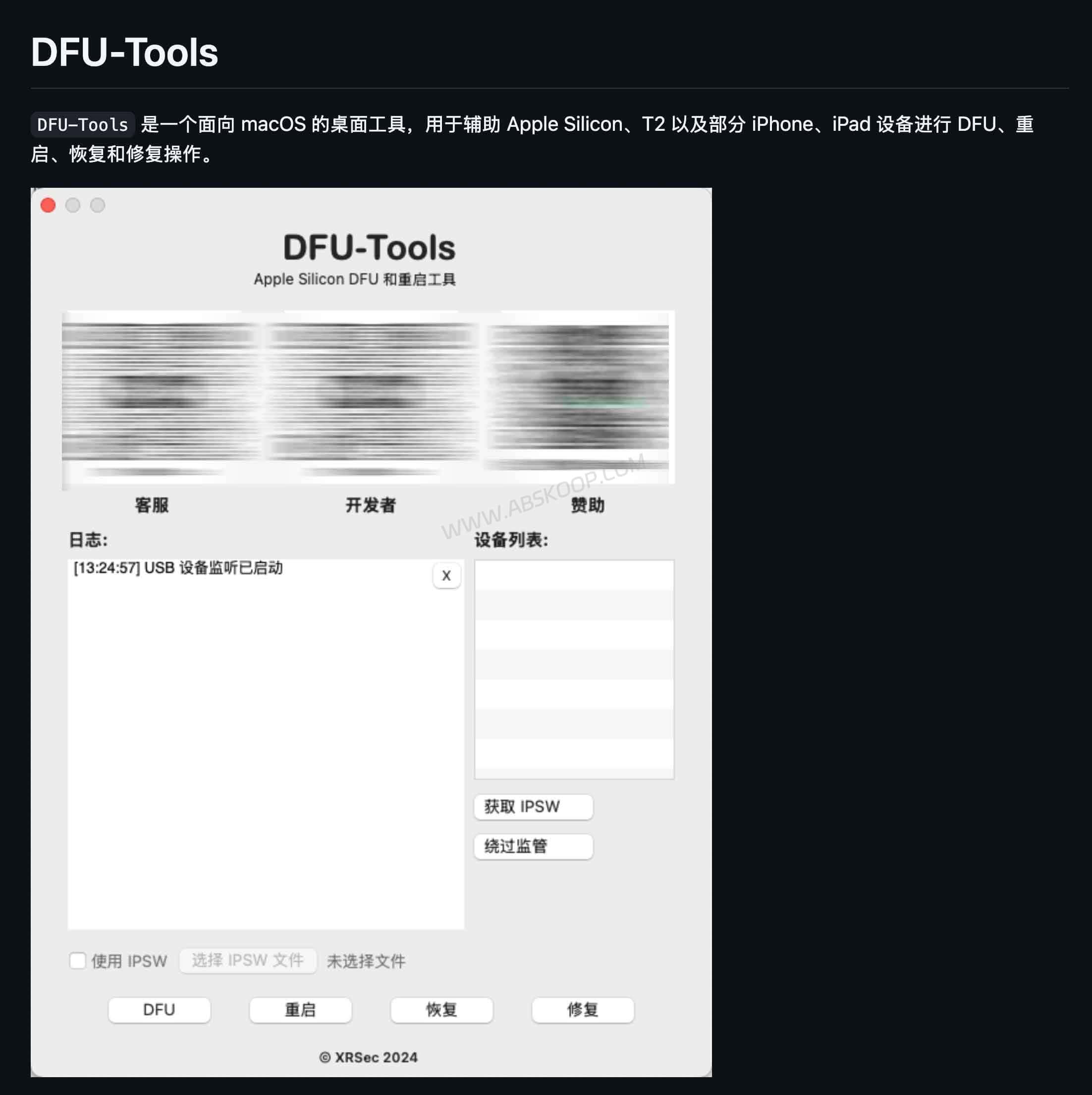
Standard official procedures impose extremely stringent requirements on button presses, and when problems arise, ordinary users often struggle to pinpoint the cause through complex runtime logs. To reduce operational blind spots, the open-source community has introduced... DFU-ToolsIt does not replace the official process, but rather provides an intuitive graphical user interface (GUI) for this logic.
Compared to the native solution, DFU-Tools has the following advantages:
- Status visualization: It can automatically identify the current status of connected devices, eliminating the need to guess whether DFU mode has been successfully entered.
- Flexible configuration: It supports manually selecting the IPSW firmware package directly in the interface.
- Transparent Logs: Provides a clear log output window, making it easy for tech enthusiasts or operations and maintenance personnel to troubleshoot the cause of errors.
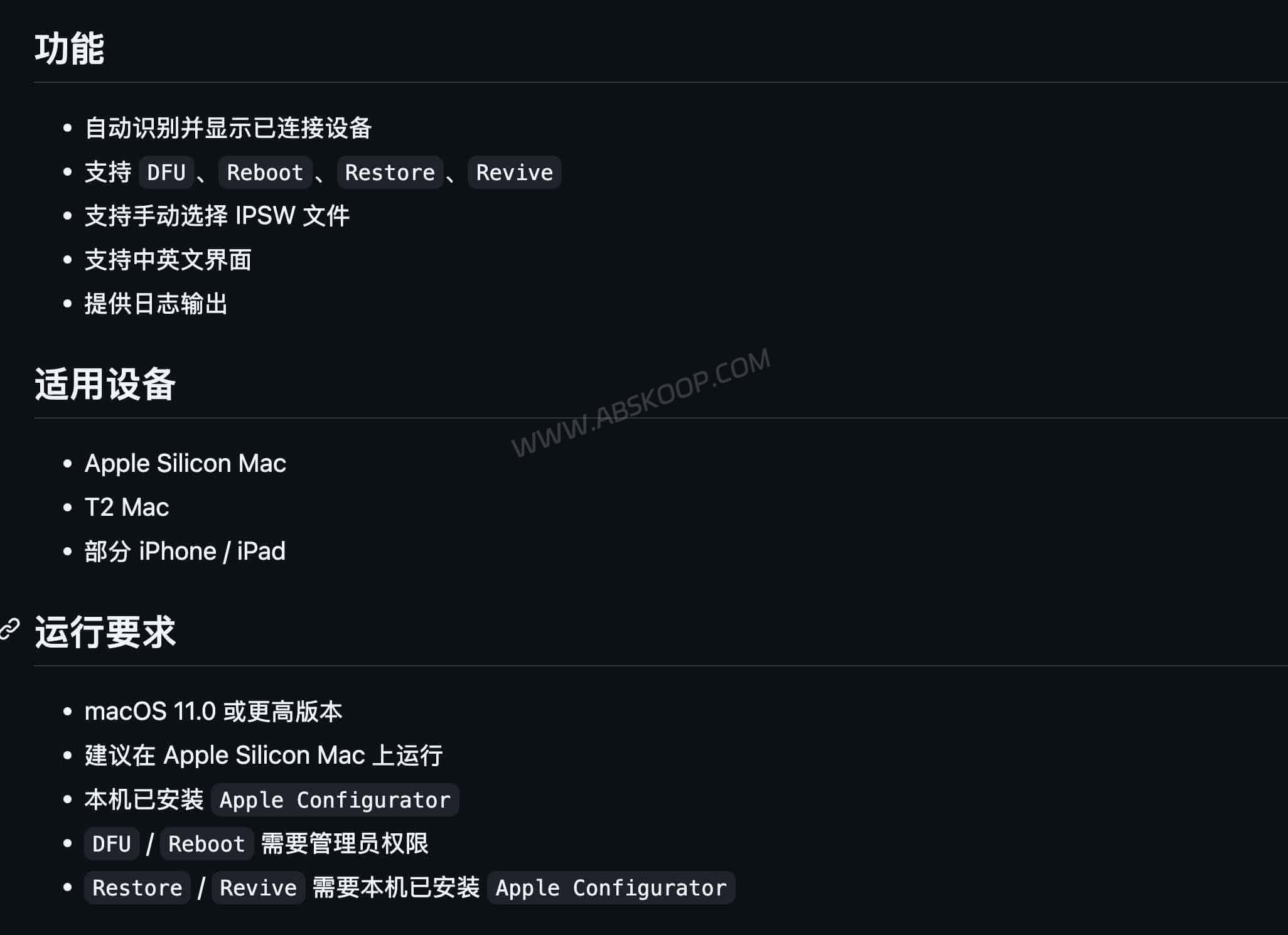
DFU-Tools is not a "one-click fix" magic trick. A second Mac is still neededFurthermore, the host machine must have Apple Configurator installed to provide underlying support. Additionally, as it is an open-source project, initial execution may require security interception via macOS's Gatekeeper.
Practical Guide: How to Use DFU-Tools for Recovery
If you decide to attempt to repair it yourself, you can refer to the following simplified process. The core logic is: Connect device, confirm status, select operation, and match firmware.
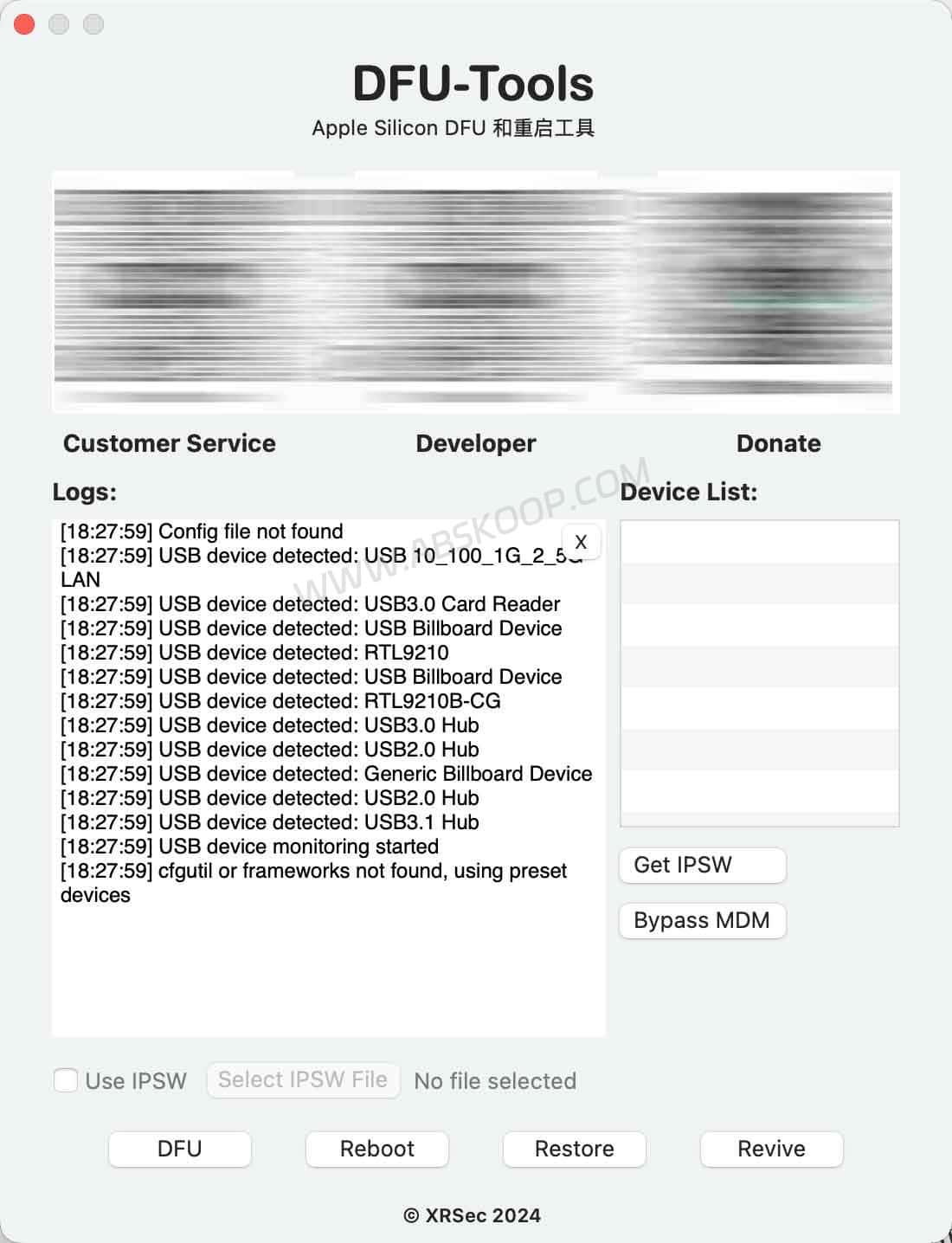
Quick operation steps:
- Launch the DFU-Tools software.
- Connect the device to be repaired using a USB-C cable until the device appears in the list.
- Click as needed DFU(Enter Mode)Reboot(Reboot)Revive(Firmware repair) or Restore(Full recovery).
- If firmware flashing is involved, please strictly select a firmware that is completely compatible with your device model. IPSW fileOtherwise, the operation will fail.
Applicable Scenarios and Recommendations
DFU recovery is a high-level troubleshooting operation. For users with different needs, the following recommendations are made:
- Enterprise IT/Maintenance Personnel/Geeks: Using DFU-Tools to view real-time logs can greatly improve troubleshooting efficiency and reduce blind operations.
- Regular users: If you are unsure about data backup and are unfamiliar with IPSW firmware compatibility,The safest option is still to schedule an appointment for official Apple after-sales service.。
Resource Entry
Disclaimer:This article is for technical discussion and process overview only, intended to provide a reference for compliant individuals or enterprises troubleshooting IT issues. Deep flashing carries an extremely high risk of data wipe, and improper operation may damage the device. This site is not responsible for data loss caused by operational errors and does not provide any technical support for bypassing activation locks.
