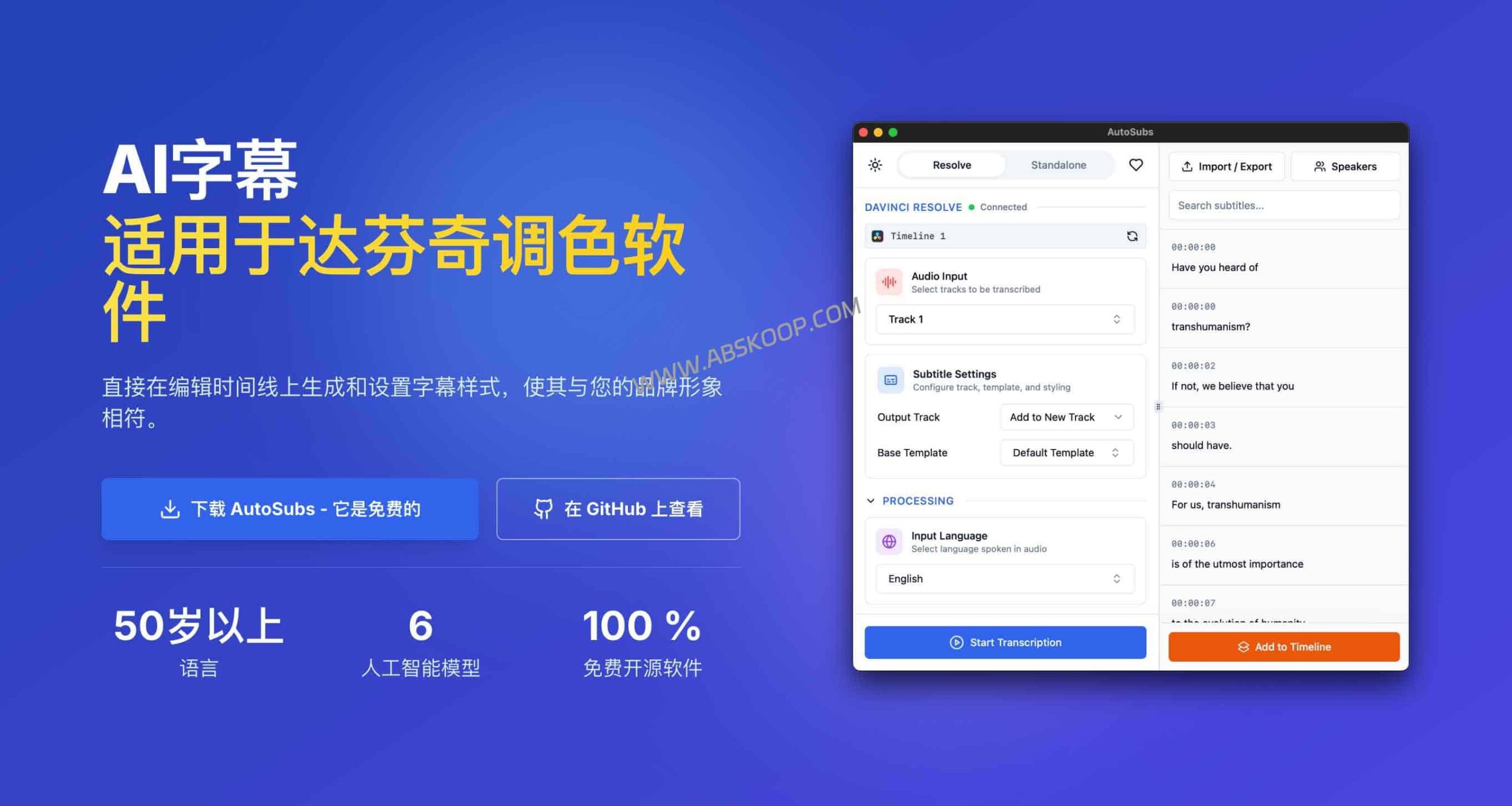
Auto-Subs is an open-source plugin that deeply integrates the OpenAI Whisper model into DaVinci Resolve. It allows creators to utilize local GPU computing power to generate high-precision subtitles directly within editing software, completely eliminating expensive SaaS subscription fees and cumbersome export and import processes.
Why is it the ideal choice for da Vinci users?
For independent creators who rely on DaVinci Resolve, subtitling is often the most fragmented part of their workflow. Traditional solutions typically oscillate between two dilemmas: either use tools like CapCut for rapid recognition, but when faced with complex lossless uploads to DaVinci, the process is lengthy and error-prone; or pay expensive monthly fees for services like Otter or Descript, which not only come with time limits but also incur privacy risks associated with uploading data to the cloud.
Auto-Subs offers a "geeky" solution:
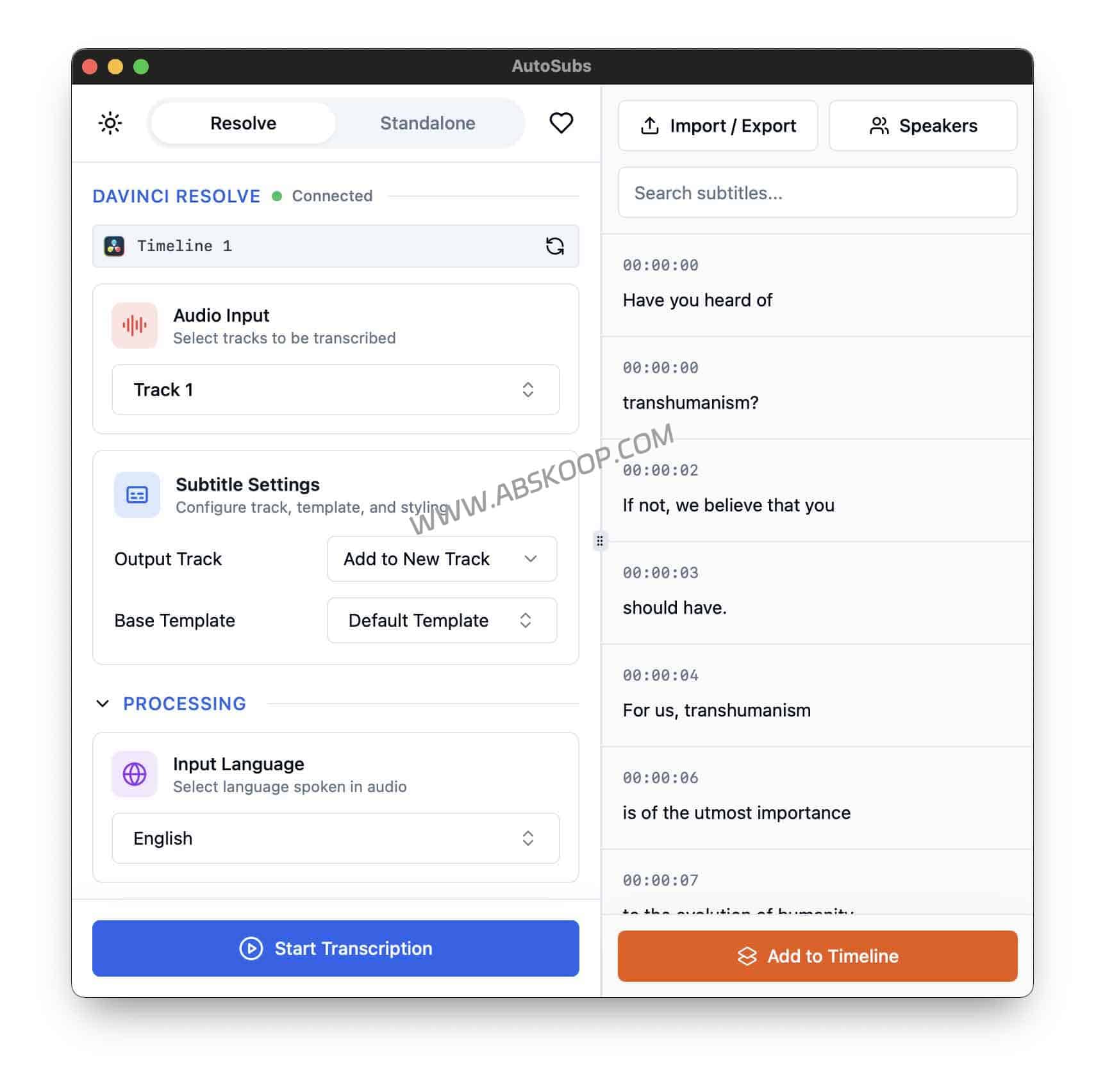
- Native workflow integration: It's not just a simple SRT file generator; it's embedded directly into DaVinci Resolve as a script plugin. Users simply click to generate within the software, and the subtitles automatically align with the timeline, eliminating the need for manual dragging and greatly improving editing speed.
- Absolute control over privacy: It adopts a completely offline (on-device) operation mechanism. From speech recognition to text generation, all data is processed on the local graphics card without going through a third-party cloud server, making it the most reliable solution for processing sensitive interviews or internal materials.
- Maximizing the value of computing power: Since a high-performance graphics card has already been configured for video editing, instead of purchasing cloud computing power, it is better to directly utilize local hardware to achieve free creation with zero cost and no time limit.
Performance Testing and Language Support
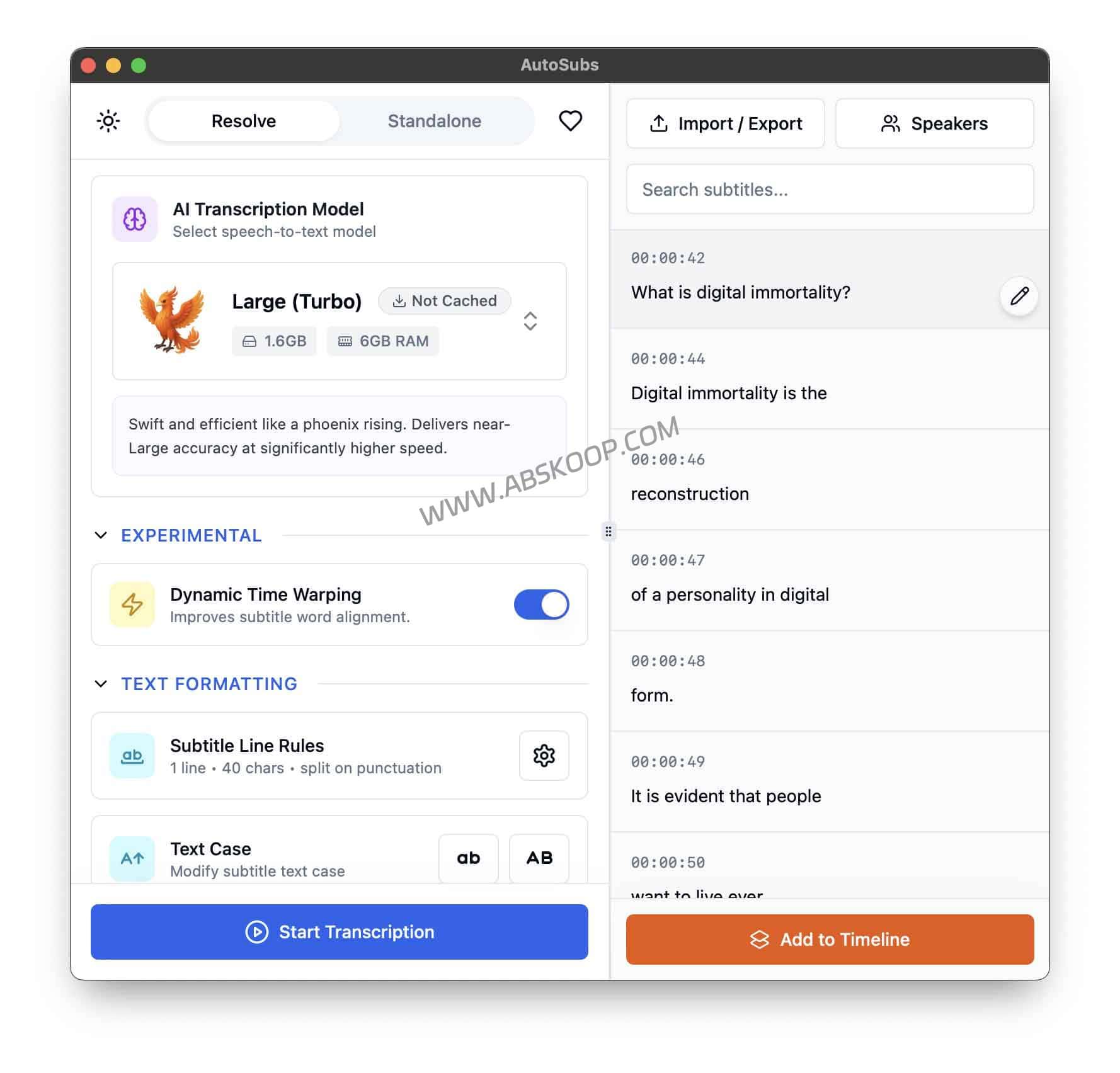
Auto-Subs relies on the top-tier Whisper model from the open-source community, placing it among the top tier in terms of recognition accuracy. In actual testing, it uses... RTX 3060 The graphics card can process a 10-minute 1080p video and generate subtitles in just a few seconds. 40-60 seconds 。
In terms of multilingual processing, it supports more than 90 languages, including Chinese, English, Japanese, and Korean, and even has the function of directly translating foreign language speech into English subtitles.
Quick Start Guide
No advanced programming skills are required for deployment; simply follow these steps to complete the installation:
- Download and install: Go to the GitHub Releases page to download the installation package for your operating system (Windows, macOS, and Linux are supported). The Apple Silicon (M1/M2) chip has been specifically optimized for extremely high performance.
- Select the operating mode:
- Standalone mode: Suitable for non-DaVinci Resolve users, it supports direct import of videos and export of SRT/VTT files.
- Da Vinci Mode (Resolve Mode): (recommend) After installation
Workspace → ScriptsAccess it from the menu. Select the timeline audio and generate it with one click.
💡 Hardware Recommendations and Precautions:
Recommended configuration NVIDIA graphics card (4GB or more of video memory)Regarding model selection, it is recommended to choose [model name] for the first run. “Small” or “Medium”This achieves the best balance between speed and accuracy; while the "Large" model is the most accurate, it has higher requirements for video memory and its processing speed is significantly reduced.
Summarize
In today's world of burgeoning AI tools, Auto-Subs eschews complex API wrappers, returning to the essence of solving real-world productivity problems. It empowers creators to regain ownership of their data, transforming expensive subscription costs into a one-time hardware investment. Provided you have sufficient local computing power, it's currently the most efficient and cost-effective subtitle solution.
Project Resources
- GitHub project address: https://github.com/tmoroney/ Auto-Subs
- Official Documentation Guide: https://tom-moroney.com/ Auto-Subs/
* Disclaimer: This article introduces a local AI productivity tool based on the open-source license (MIT License), designed to enhance creative productivity using local computing power. The software itself does not contain any cracked or copyright-bypassing features. Please use it legally while complying with local laws and regulations and relevant platform service agreements.
