for NAS players orHome theater enthusiasts For those who prefer static media libraries, Plex, Emby, or Jellyfin, with their powerful poster wall features, have become the preferred choice. However, in terms of processing... Live TV However, these heavyweight tools often expose pain points such as redundant transcoding logic, high channel switching latency, and bloated client applications.
neTV It is an open-source, self-hosted web media player. It is not intended to replace the aforementioned media centers, but rather to precisely solve the efficiency problem of live streaming on the web through a minimalist architecture.
neTV's core technological advantages
neTV's design logic closely aligns with the actual needs of HomeLab users, prioritizing performance optimization and user experience.
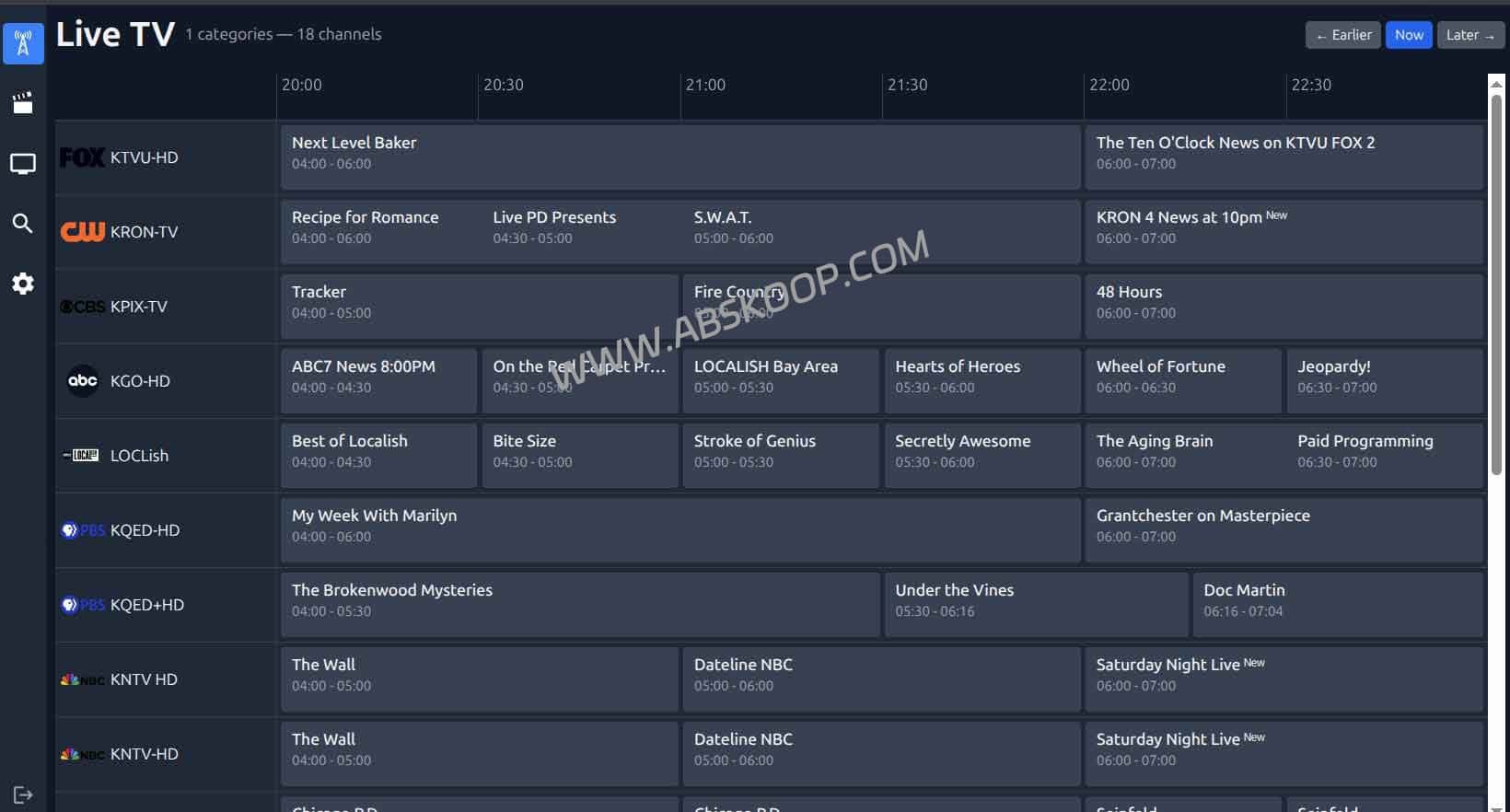
1. Intelligent streaming and on-demand transcoding
No third-party clients like TiviMate need to be installed; neTV runs directly in mainstream browsers (Chrome/Safari/Edge) and employs an efficient transmission strategy.
- Intelligent Direct Stream: When the client device supports the current video format (such as H.264), the server directly transmits the data stream, achieving zero CPU usage.
- Precise transcoding: FFmpeg will only be called for transcoding when the browser cannot decode it, thus minimizing computational cost.
2. AI Image Enhancement Based on TensorRT
This is neTV's core competitive advantage, distinguishing it from traditional media players. If the server is equipped with... NVIDIA graphics cards(RTX 2060 or higher recommended), can be enabled. AI Upscale (Super-resolution) Function.
3. 10-foot UI optimized for large screens
neTV adopts a typical "ten-foot user interface" design, perfectly adapted to HTPC scenarios. Users do not need a mouse; they can quickly select channels, switch between channels, and browse EPG program guides using only the keyboard (arrow keys, Enter, ESC), greatly improving the smoothness of remote control operation.
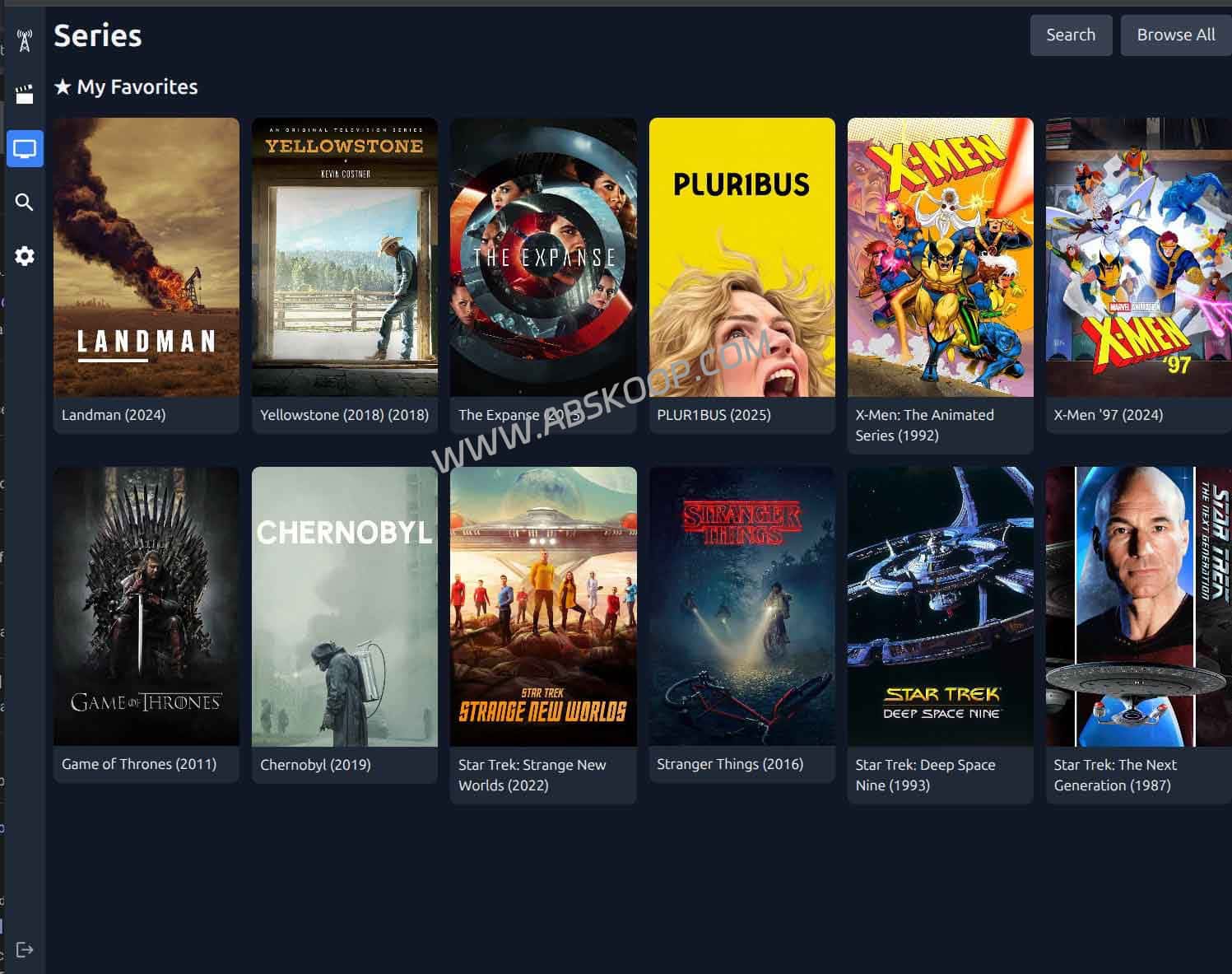
Selection Guide: neTV vs Traditional Media Servers
neTV and Plex/Emby are not competitors, but rather complementary. Please choose according to your specific use case.
| Dimension | Plex / Emby | neTV |
|---|---|---|
| Local movies/TV series | ✅ Extremely robust (poster wall ecosystem) | ❌ Not applicable |
| Live TV | ⚠️ Slow switching speed, high resource consumption | ✅ Instant switching, ultra-fast response |
| AI Real-time Enhancement | ❌ Not supported | ✅ Supported (NVIDIA GPU required) |
| Access threshold | A dedicated app needs to be installed. | ✅ Access directly in any browser |
| Access Management | ✅ Fine-grained control | ⚠️ Basic management only |
Quick Deployment Guide (Docker Compose)
It is recommended to deploy on a NAS or VPS using Docker Compose to ensure a clean and easy-to-maintain environment.
Basic configuration (Intel integrated graphics/No dedicated graphics card)
services: netv: image: ghcr.io/jvdillon/netv:latest container_name: netv ports: - '8000:8000' volumes: - ./cache:/app/cache # Enable Intel QSV integrated graphics hardware decoding (optional) devices: - /dev/dri:/dev/dri restart: unless-stoppedAfter deployment, access http://IP:8000Once you've completed the administrator account setup and imported the M3U subscription link, you can start using it.
nvidia-container-toolkit Then mount the GPU resources in the Docker configuration. Please refer to the official GPU configuration documentation for details.Summarize
neTV fills the gap in lightweight live streaming media players on the web. It makes the most of hardware performance and is a typical "small but beautiful" tool.
- Hardware utilization: Users with unused NVIDIA graphics cards can achieve a significant improvement in picture quality through neTV.
- Deployment strategy: Even if you already have Plex, use neTV as a dedicated backup solution for live streaming to effectively avoid stuttering caused by complex transcoding.
📥 Resource Acquisition
Important Notice: neTV only provides playback software and does not offer any live streaming content. Please use a legal and compliant streaming media subscription service.
- GitHub project address: jvdillon/neTV Repository
* Open source is supported. Feel free to visit the project page and star it.
