Are you still putting up with this inefficient screenshot workflow?
Screenshot, open Photoshop or Meitu, fill the background, add a shadow, adjust the rounded corners, and export. This series of tedious steps turns a simple image into a heavy burden.
You don't necessarily need to buy an expensive CleanShot X to get high-quality, "Twitter-style" or "product-grade" presentation images.SkreenPro It is a free and open-source macOS screenshot editor designed to simplify the complex image editing process into a minimalist "one-step" operation.
I. From "Usable" to "Professional": Why Choose SkreenPro?
macOS's built-in screenshot function solves the need for "capturing," but in content creation, product documentation, or work reports, we need more than just images; we need a well-designed visual presentation.Finished product image。
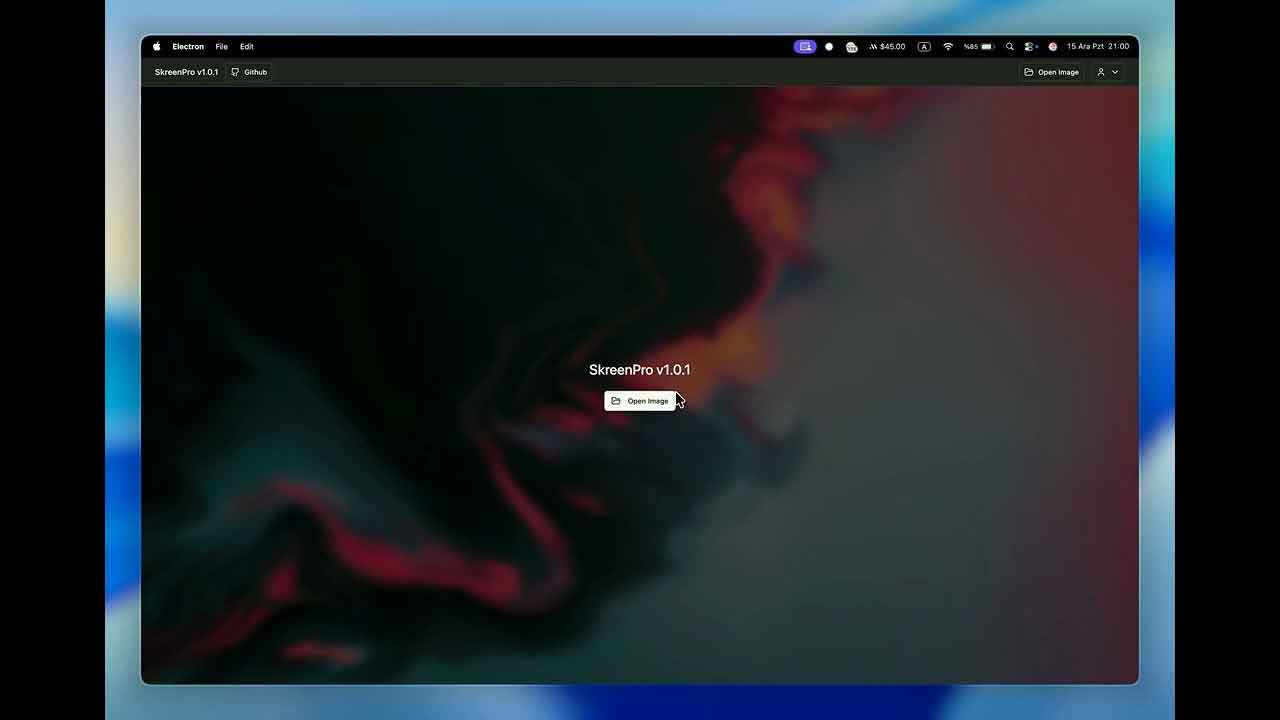
Core capabilities of visual enhancement
SkreenPro enhances the visual quality of screenshots, effectively increasing the signal-to-noise ratio of information.
- Background fill: It supports adding solid color or gradient backgrounds with one click, quickly distinguishing the main subject from the document's background color.
- Hierarchical Construction (Shadows): It offers adjustable shadow blur and offset to instantly make flat screenshots three-dimensional and enhance their premium feel.
- Card UI design: Easily create modern UI presentations in the style of Dribbble or Product Hunt by customizing the rounded corners and border thickness.
Applicable Scenarios
- Content creators: Creating tutorials and publishing on Xiaohongshu or in tweets requires a consistent and clean visual style.
- Product and Development Personnel: When submitting a PR, writing a README, or a product manual, provide professional and clear demonstration images.
- SOP writer: Quickly achieve white space layout in screenshots, significantly reducing the time and cost of post-editing.
II. Technical Highlights and Functional Features
SkreenPro adheres to the design philosophy of "practicality first" and achieves a good balance between functionality and performance.
Productivity Toolbox
- Cloud synchronization: based on Supabase The system supports GitHub and Google logins, enabling annotation synchronization across multiple devices.
- Native-level experience: use Electron + React The architecture supports drag-and-drop file import, and the smoothness of operation is comparable to native macOS applications.
Developer's Perspective: Open Source Practical Reference
For technical professionals, this project serves as an excellent model for desktop application development. Its core technology stack includes:
- Front-end and frameworks: Node.js 18+, Electron, React.
- Graphics processing: use Konva (Canvas library) Enables flexible image editing.
- Backend services: It integrates Supabase's authentication and database functionality.
III. Quick Start Guide
1. Installation for regular users
This software currently only supports macOS (compatible with Apple Silicon chips):
- Download from the GitHub Releases page
.dmgInstallation package. - Simply drag the application into the Applications folder to complete the installation.
- Notice: If you receive a "Application not signed" message upon first launch, please refer to [link/method/etc.]. Right-click the icon $rightarrow$ and select "Open".Run it.
2. Local build by developers
# Clone the project: `git clone https://github.com/SkreenPro/SkreenPro.git` # Install dependencies: `npm install` # Configure environment variables (.env): `VITE_SUPABASE_URL= Your Supabase address` `VITE_SUPABASE_ANON_KEY= Your Key` # Start the development environment: `npm run dev`📥 Resource Acquisition
Integrate SkreenPro into your workflow and make every screenshot a professional product showcase.
- Software Download: Click to go to the cloud drive
- GitHub project: SkreenPro (GitHub)
- Official website: https://skreen.pro/
This project is completely open source and free. You are welcome to submit a star on GitHub to support the author.
