Many people are used to "bookmarking" good articles and adding informative videos to "watch later," but this high-value information often accumulates in bookmarks and eventually becomes "digital inventory" that will never be opened.
In an age of information overload, true efficiency masters are no longer content to be mere information carriers, but strive to become…"Commander of Intellectual Assets"The key to achieving this transformation lies in breaking down the barriers between data collection and analysis.
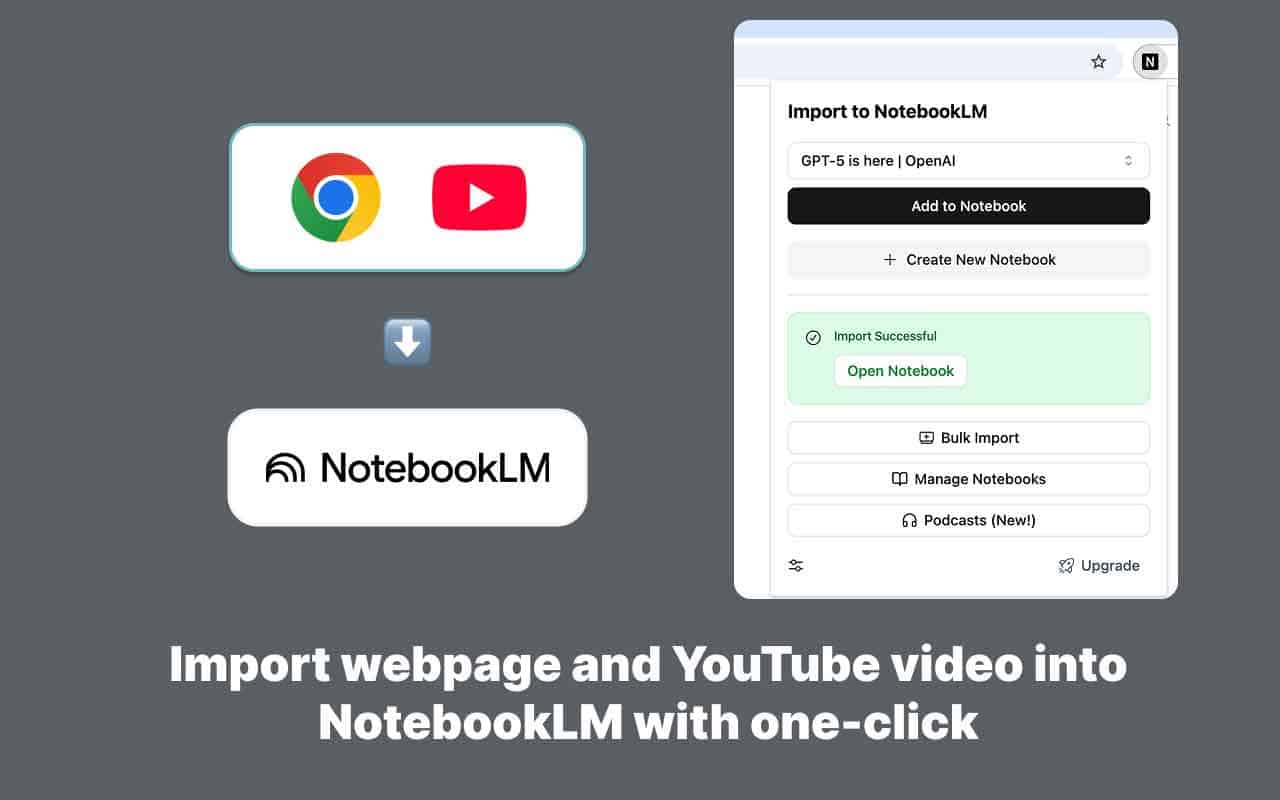
NotebookLM Web Importer It was created precisely to address this pain point. It can quickly clean up scattered unstructured data (web pages, videos, RSS) on the internet and transform it into a neat "private think tank" that can be used for in-depth AI analysis.
From "manual handling" to "automated data collection"
While Google NotebookLM is powerful, its native "feeding" process is rather cumbersome—users need to go through multiple steps such as copying, pasting, downloading, and uploading. This workflow friction can easily interrupt deep thinking. NotebookLM Web Importer, on the other hand, acts as an efficient "automatic importer," optimizing the process through the following four core capabilities:
- One-click structured data import: When browsing web pages, there's no need to manually copy; simply click the plugin icon to automatically cleanse the text of the current page and inject it into NotebookLM, ensuring uninterrupted reading flow.
- Video insight extraction: No need to watch lengthy industry summits or YouTube tutorials in their entirety. The plugin can directly extract video subtitles and generate structured text, allowing you to quickly grasp the core business logic by asking AI questions.
- Batch import quickly: For complex research tasks that require referencing dozens of web pages simultaneously, it supports one-click import of all open tabs, allowing you to build your own knowledge base in seconds.
- RSS Automated Pipeline: With RSS subscriptions, updates from tech blogs or news sources will automatically flow into NotebookLM, transforming the process of actively browsing news into a passive accumulation of information.
Real-world scenario: How to quantify and improve ROI?
By comparing traditional methods with AI-automated methods, one can intuitively perceive the leap in productivity:
Scenario A: Competitive Analysis (Marketing Personnel)
Traditional approach: Screenshot the official website $rightarrow$ Copy the text $rightarrow$ Download the financial report $rightarrow$ Manually organize it to Excel $rightarrow$ Data cleaning took a day.
AI path: Batch import competitor websites, press conference videos, and press releases using the AI command $rightarrow$. "Generate a brief report comparing the pricing strategies of companies A and B" $rightarrow$ took 5 minutes.
Scenario B: Research Project (Academics)
Traditional approach: Opening 50 web pages, dealing with a lagging browser, messy source citations, and tedious plagiarism checks and modifications.
AI path: Create a topic notebook $rightarrow$ One-click reference $rightarrow$ AI command "Outline the logical framework based on existing data" $rightarrow$ enables full-chain traceability of references.
Scenario C: Course Internalization (Those with Knowledge Anxiety)
Traditional approach: Purchase a large number of video courses, save them to your favorites, and gradually let them depreciate until they are forgotten.
AI path: Import playlist $rightarrow$ to generateAudio Overview $rightarrow$ quickly absorbs essential information through podcasts during his commute.
Advanced Technique: Shifting from "Collecting" to "Insight"
Key recommendations: Don't import for the sake of storage, import for the sake of... Gain Insight And import.
It is recommended to send the following structured command to NotebookLM immediately after each batch of data is imported:
"Based on the webpages and videos you just imported, please compile an Executive Summary that includes the core viewpoints, potential conflicts, and action recommendations."
This way, you will no longer get rigid links, but... Action guidelines that can be implemented directly。
Resource Acquisition
This tool currently boasts a high rating of 4.9 on the Chrome Web Store and over 100,000 users, and is known for its stable performance and security.
- Install from the Chrome Web Store: NotebookLM Web Importer Installation Page
- Official homepage: View full features and SOP
