Make It Heavy: An open-source framework for reproducing Grok Heavy's multi-agent collaboration.
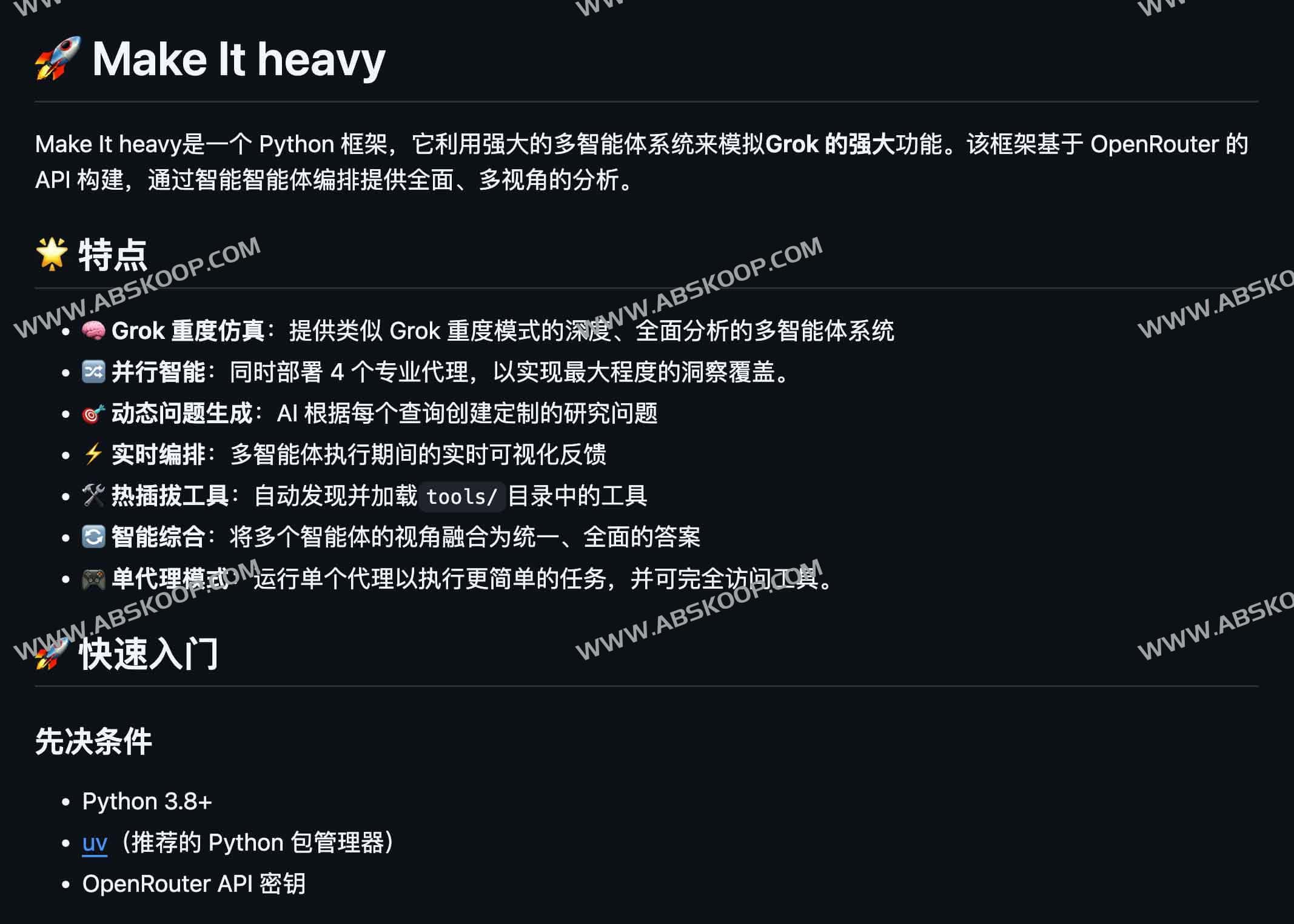
Make it heavy It is an AI framework developed based on Python. It aims to simulate the deep analysis mode of Grok Heavy through open source, and utilizes multiple intelligent agents deployed in parallel to work together to break down a single problem into multi-dimensional perspectives, thereby providing more comprehensive and in-depth analysis results.
Core mechanism: Multi-agent parallel analysis
The core of this framework lies in its Agent SystemUnlike traditional single-question-and-answer sessions, it can simultaneously drive four (or more) specialized AI agents to perform tasks in parallel. Each agent independently asks questions, researches, and summarizes information. Finally, the system intelligently integrates fragmented viewpoints to generate a unified response covering all aspects.
Actual operation example:
When a user asks "Who is Pietro Schirano?", the system does not answer directly, but automatically breaks it down into four research dimensions and assigns them to different agents for execution:
- Professional background: Review their professional experience.
- Technical contributions: Analyze its specific outputs in the technological field.
- Impact Analysis: Assess its industry position.
- Character verification: Ensure the accuracy of identity information.
Ultimately, the findings from the four dimensions will be integrated into an in-depth report.
Features
- Deep simulation mode Completely replicates Grok Heavy's parallel collaborative analysis workflow.
- Automatic task breakdown AI automatically generates research sub-questions based on the query content.
- Real-time status visualization During operation, the progress of each Agent can be viewed intuitively.
- Toolchain hot-swappable Supports fast loading of custom tools such as web search and calculator.
- Intelligent viewpoint fusion Automatically integrates discrete answers from multiple agents into a consistent final content.
- Flexible mode switching Supports switching between "multi-agent deep mode" and "single-agent simple mode".
Quick Start Guide
Recommended use UV Implement environmental management to achieve faster installation speeds.
- Environment configuration
git clone https://github.com/Doriandarko/make-it-heavy.git cd 'make it heavy' uv venv source .venv/bin/activate # Windows users please use .venvScriptsactivate uv pip install -r requirements.txt - API Key Settings
editconfig.yamlIn the file, enter your OpenRouter API Key. - Start the project
- Single Agent Mode :implement
UV run main.py(Suitable for regular Q&A and simple search). - Grok Heavy Mode :implement
UV run make_it_heavy.py(Initiating 4-agent parallel analysis and viewpoint integration).
- Single Agent Mode :implement
Project Resources
📦 GitHub repository :https://github.com/Doriandarko/make-it-heavy
This project is completely open source and is ideal for AI developers, researchers, data analysts, and users who need in-depth content creation to deploy or perform secondary development.
