Steam Log Visualizer: Make your Steam game playtime visible
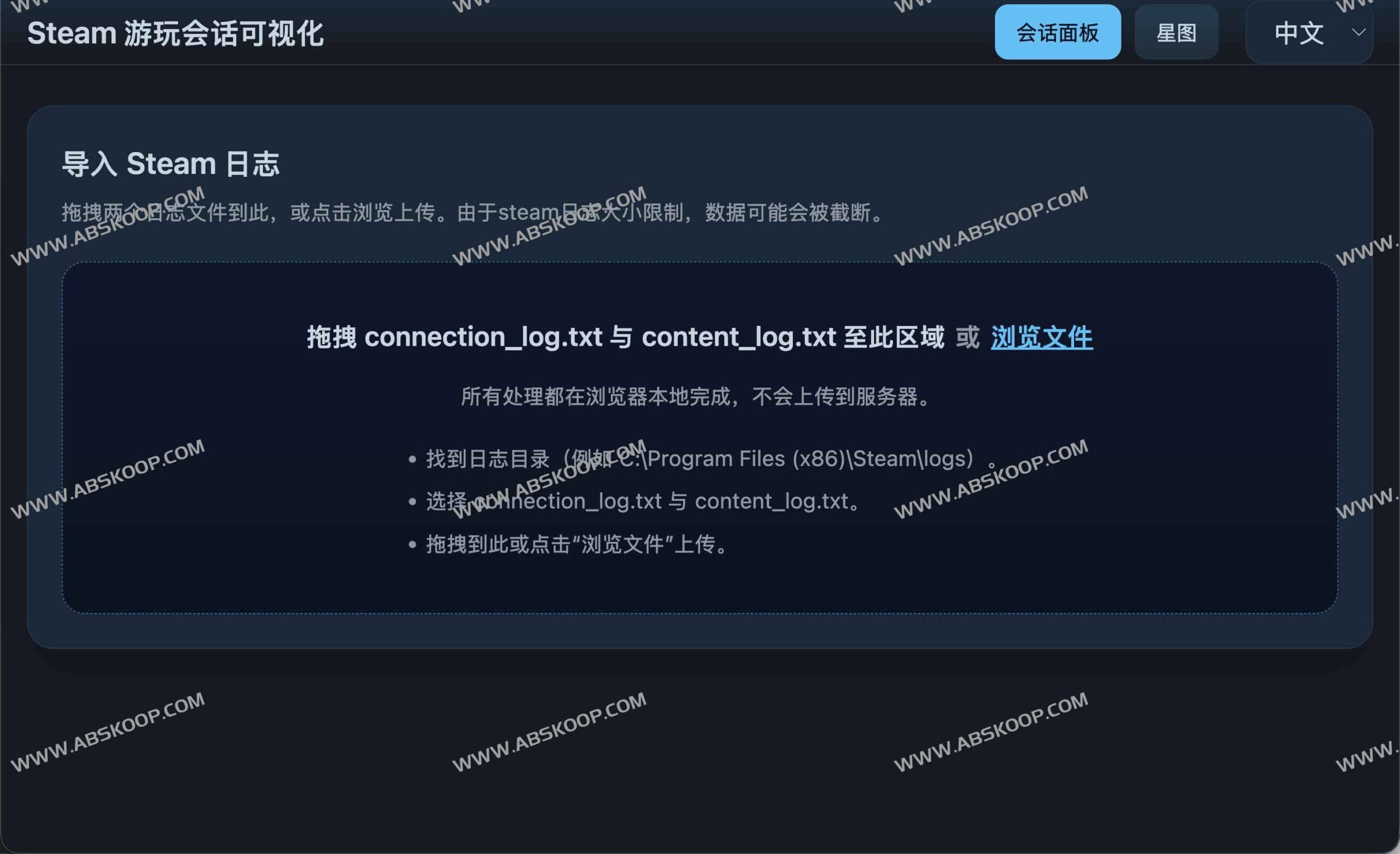
Want to know exactly where you spend your gaming time?Steam Log Visualizer This is a lightweight browser-based tool that parses local logs from the Steam client, transforming dry text records into an intuitive game session timeline. Users simply import the log file into the page to quickly generate interactive charts, clearly outlining their daily play activity.
Core Features Highlights
- Privacy first, local resolution All data processing is completed on the browser side, without uploading to the server, ensuring the absolute privacy of personal game records.
- Session reconstruction and duration statistics The program analyzes logs to automatically aggregate daily and specific time interval playtime, transforming fragmented records into a structured timeline.
- Multi-dimensional interactive charts Supports quick queries of "highest daily playtime" or "recent game trends" through an interactive interface.
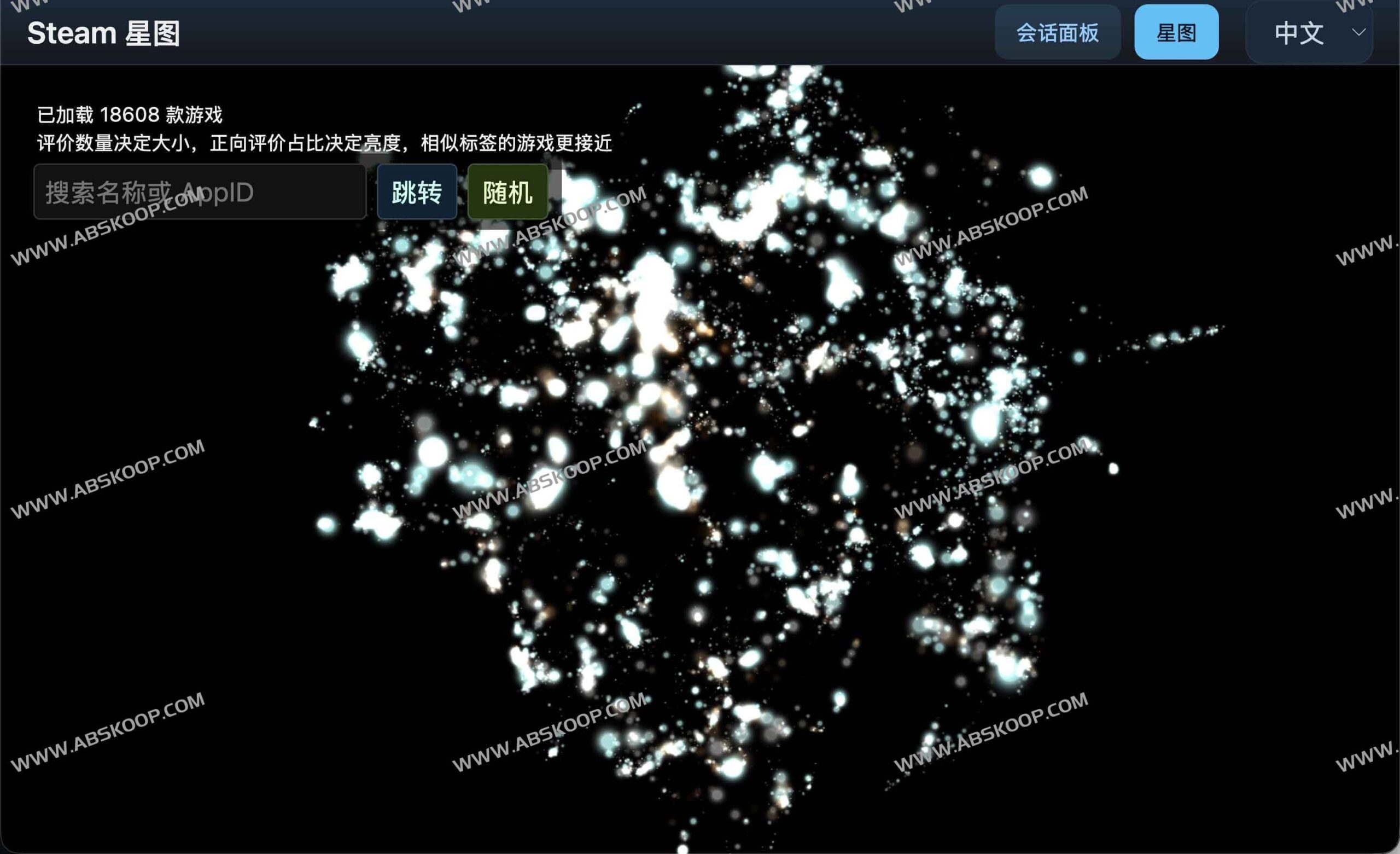
- Three.js-driven point cloud exploration Built-in Star Map mode, utilizing
web/public/data/steam_dataset.csvThe dataset presents the Steam title library in 3D point cloud format, supporting scaling, rotation, and filtering. - Open and use immediately The project is hosted on GitHub Pages and can be experienced directly in your browser without installation.
Quick Start Guide
1. Online experience
Access the demo directly at:https://vauxe.github.io/steam-log-visualizer/
After entering the page, the local connection_log.txt and content_log.txt Drag the two files into the upload area, and the system will immediately generate a visual chart.
2. Locate the log file
Depending on your operating system, look for the latest log file in the following path:
- Windows:
%ProgramFiles(x86)%/Steam/logs/ - macOS:
~/Library/Application Support/Steam/logs/ - Linux:
~/.steam/steam/logs/
3. Local development and deployment
If you wish to run or modify the source code locally, please ensure that your environment has the necessary components installed. Node.js 18+ and npm 9+Then execute the following command:
git clonenpm installnpm run dev
Precautions
Because the Steam client has size limits on log files and performs rotation, older game logs may be truncated by the system. Therefore, the timeframe that visualization tools can trace depends on the actual retention of your local log files.
Resource Summary
- Online experience :
https://vauxe.github.io/steam-log-visualizer/ - Project source code :
https://github.com/vauxe/steam-log-visualizer/
