Platypus: Quickly convert scripts into native macOS applications
Platypus is an open-source tool for macOS developers and advanced users. Its core capability is to wrap various command-line scripts (such as Shell, Python, Ruby, JavaScript, PHP, etc.) into standard... .app Native application. By packaging scripts with lightweight binary executables, users can run complex script logic by double-clicking an icon without opening a terminal.
For developers, it solves the pain point of script distribution, allowing ordinary users unfamiliar with command-line operations to easily use automation tools. Whether it's building system installers, background tasks, or developing local utilities with GUI interaction, Platypus provides an efficient transformation solution.
Features
- Wide language compatibility It supports more than ten mainstream scripting languages, including Swift, Dart, and AppleScript.
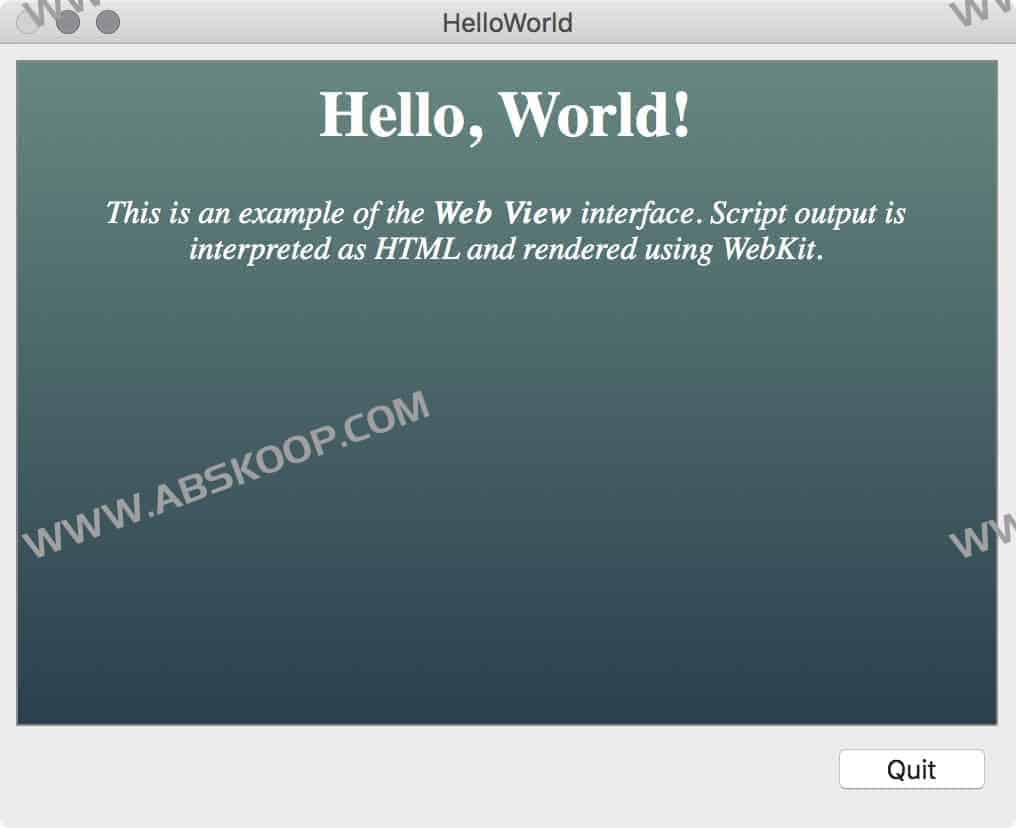
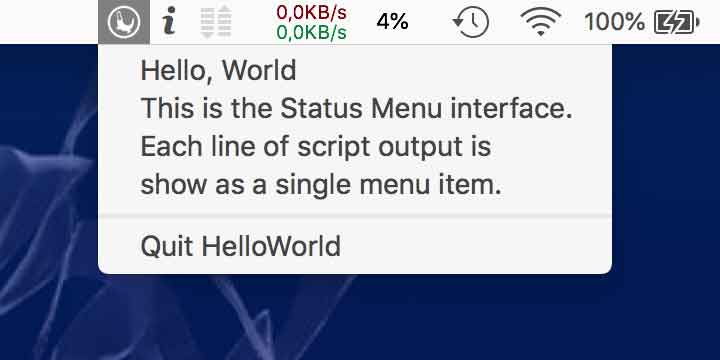
- Flexible interactive interface The output format can be selected according to the needs, supporting the display of progress bars, standard output windows, WebKit rendered pages, or integration into the status menu.
- Enhanced input interaction It supports dragging and dropping files or text snippets to the application icon, and the script can directly receive and process this input.
- Access Control and Security Management Supports calling the macOS security framework to execute specific scripts with root privileges.
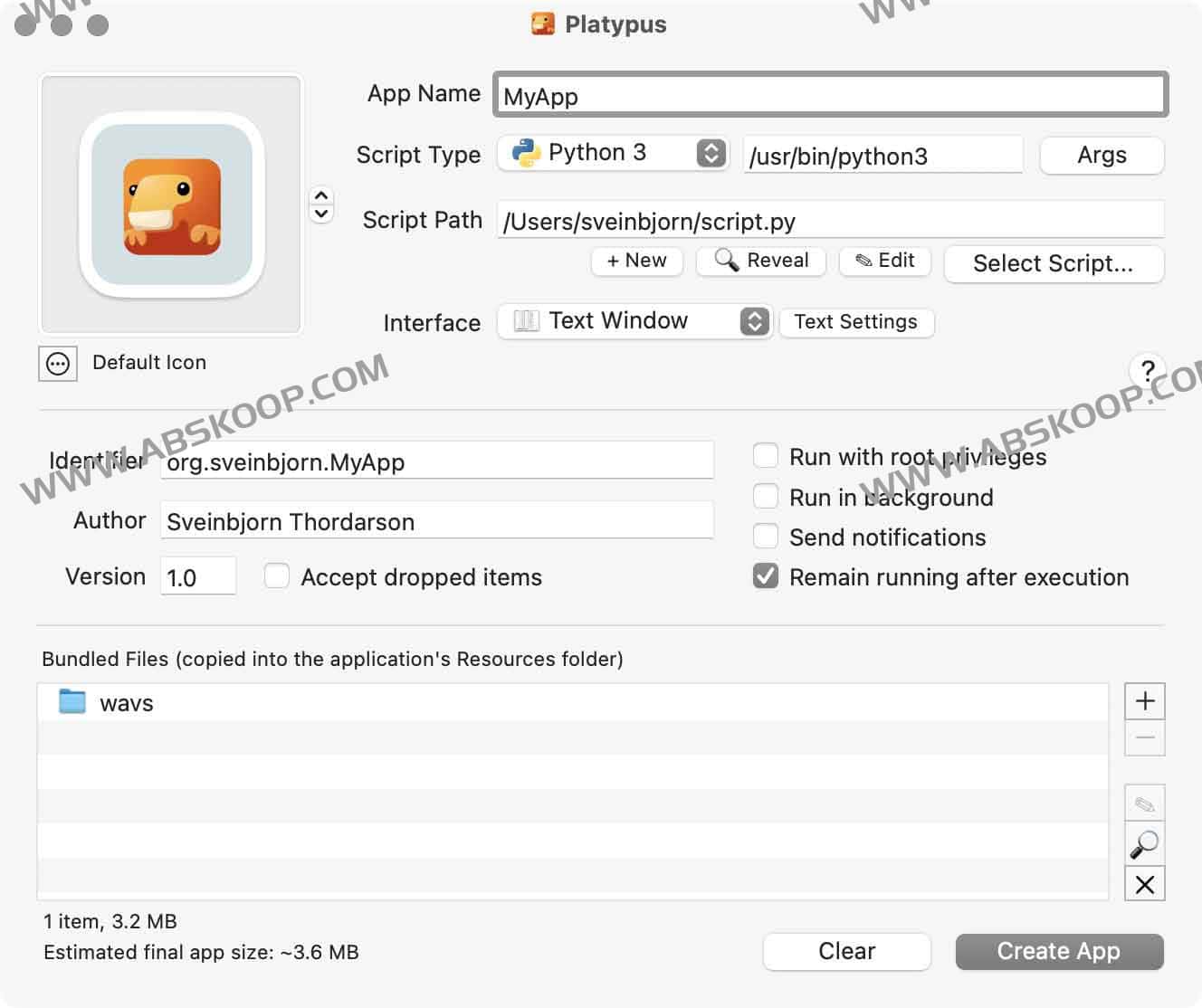
- Highly customizable Allows customization of application icons, version numbers, author information, and file association types, and supports packaging additional resource files through a graphical interface.
- Develop productivity tools It features a built-in script editor that supports saving packaging profiles for reuse and provides command-line tools for integration into automated build pipelines.
- High-performance architecture Written in Objective-C/Cocoa, the generated application starts up quickly and consumes few resources.
Interface Preview
Web view mode
Status menu mode
Acquisition and Installation
Version information: The latest version is v5.4.1 (supports Intel and ARM 64-bit architectures, compatible with macOS 10.11 and above).
Installation channels:
- Direct download: Click to download
- Homebrew installation:
brew install --cask platypus(Note: This version may not be the latest) - Official resources: Official website | GitHub project page
Applicable Scenarios
Platypus is particularly suitable for the following needs:
- Script productization Package Python or Shell automation scripts into Mac apps with icons for easy distribution to non-technical users.
- System Management Create on-premises deployment tools, quick start scripts, or system management utilities.
- Lightweight GUIYou can add a visual interface to your scripts via WebKit or the status bar without writing complex Swift/Objective-C code.
