Windows 11 Easy Setup v1.10 Introduction
Windows 11 Easy Setup v1.10 This is a lightweight system optimization tool designed specifically for Windows 11 users. The software is a portable version, requiring no installation to run, and aims to solve pain points such as cumbersome native Win11 settings and complex performance optimization paths by integrating various practical functions.
The software boasts a clean and intuitive interface, transforming complex system adjustments into straightforward options. Even computer novices can quickly get started with "one-click optimization." It not only replaces numerous fragmented auxiliary tools but also significantly improves operational efficiency and system smoothness without burdening the system.
Core Features Highlights
This tool covers a variety of practical modules, from system-level management to interface customization:
- Safety Management: It supports one-click disabling or restoration of Windows Defender (WD) and provides real-time status monitoring, putting security policies in the user's hands.
- Interface customization: Offers personalized settings for the taskbar and file explorer, quickly optimizing the visual experience and interaction logic.
- System maintenance: Built-in icon cache clearing function effectively solves icon display abnormalities and improves response speed.
- Easy to use: It integrates quick access to hardware information viewing and commonly used system functions, saving you the trouble of searching through layers of menus.
Applicable Scenarios
Windows 11 Easy Setup v1.10 is especially suitable for the following user groups:
- Users who pursue minimalism: The goal is to use a single tool to perform various system tweaks, avoiding the need to install bloated software.
- Those who require performance optimization: Advanced players who need to quickly free up system resources and close unnecessary background services.
- Privacy and security customizers: Users who need to frequently switch security software states or quickly adjust privacy settings.
Software Interface Preview
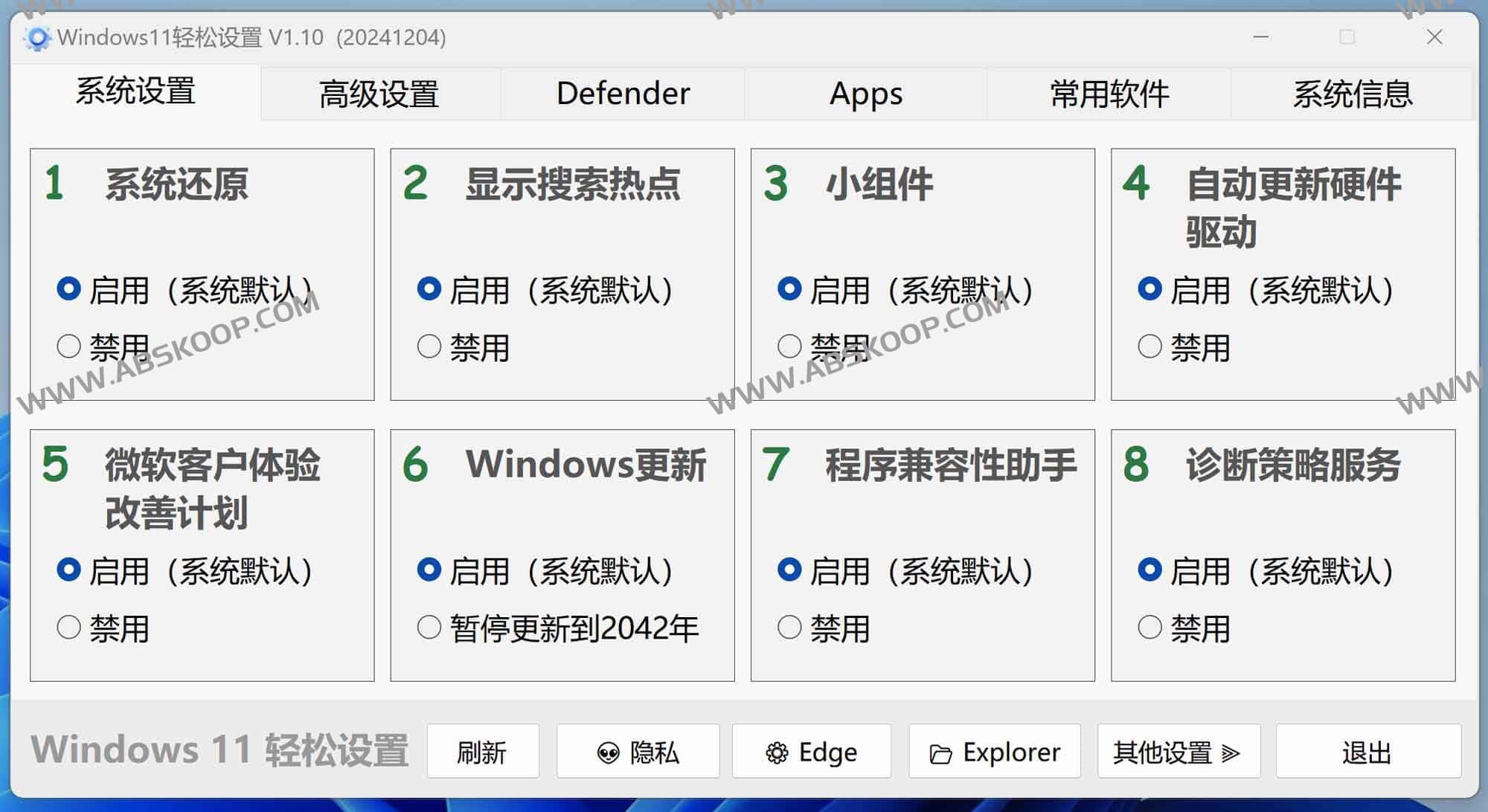
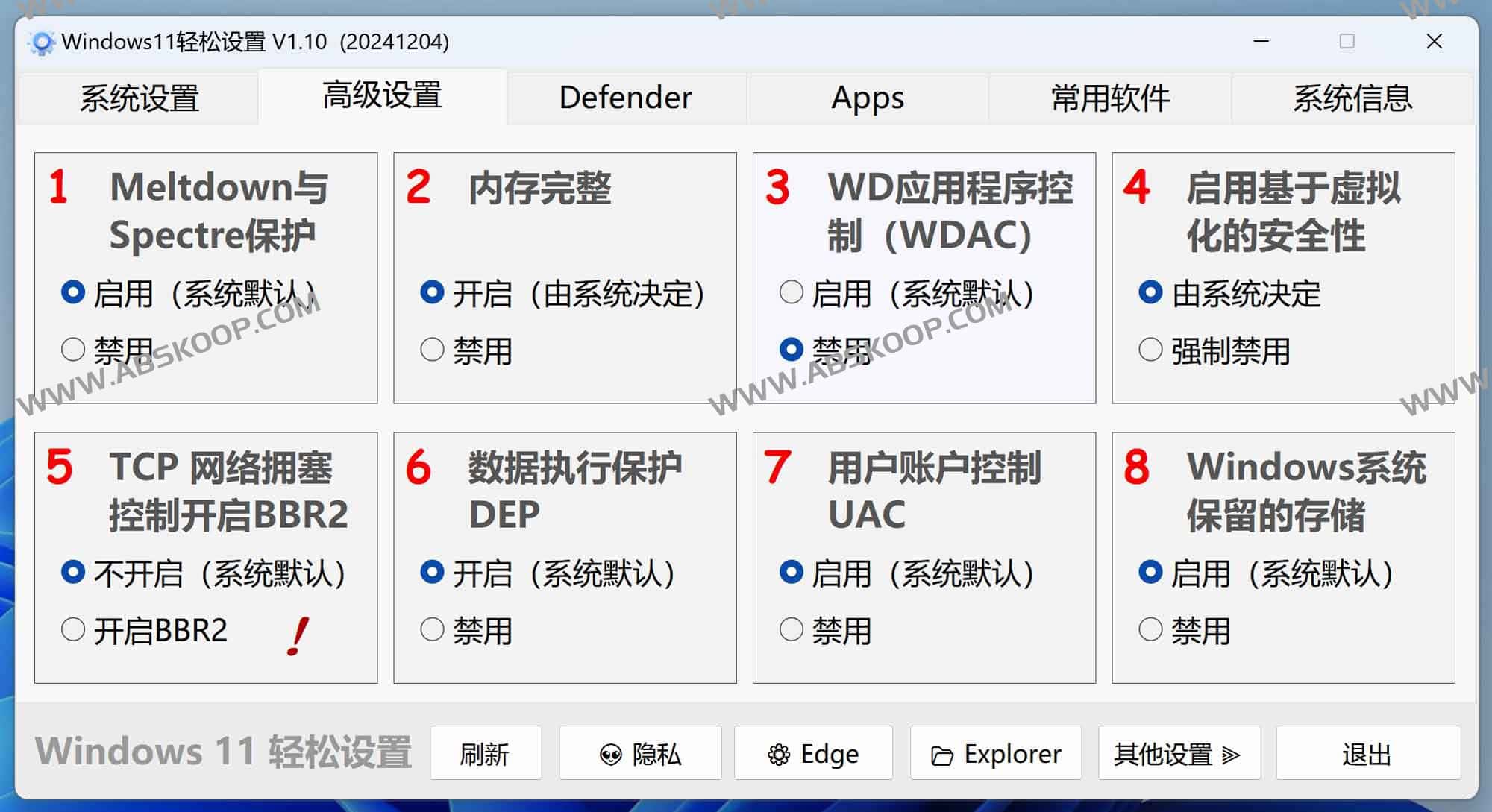
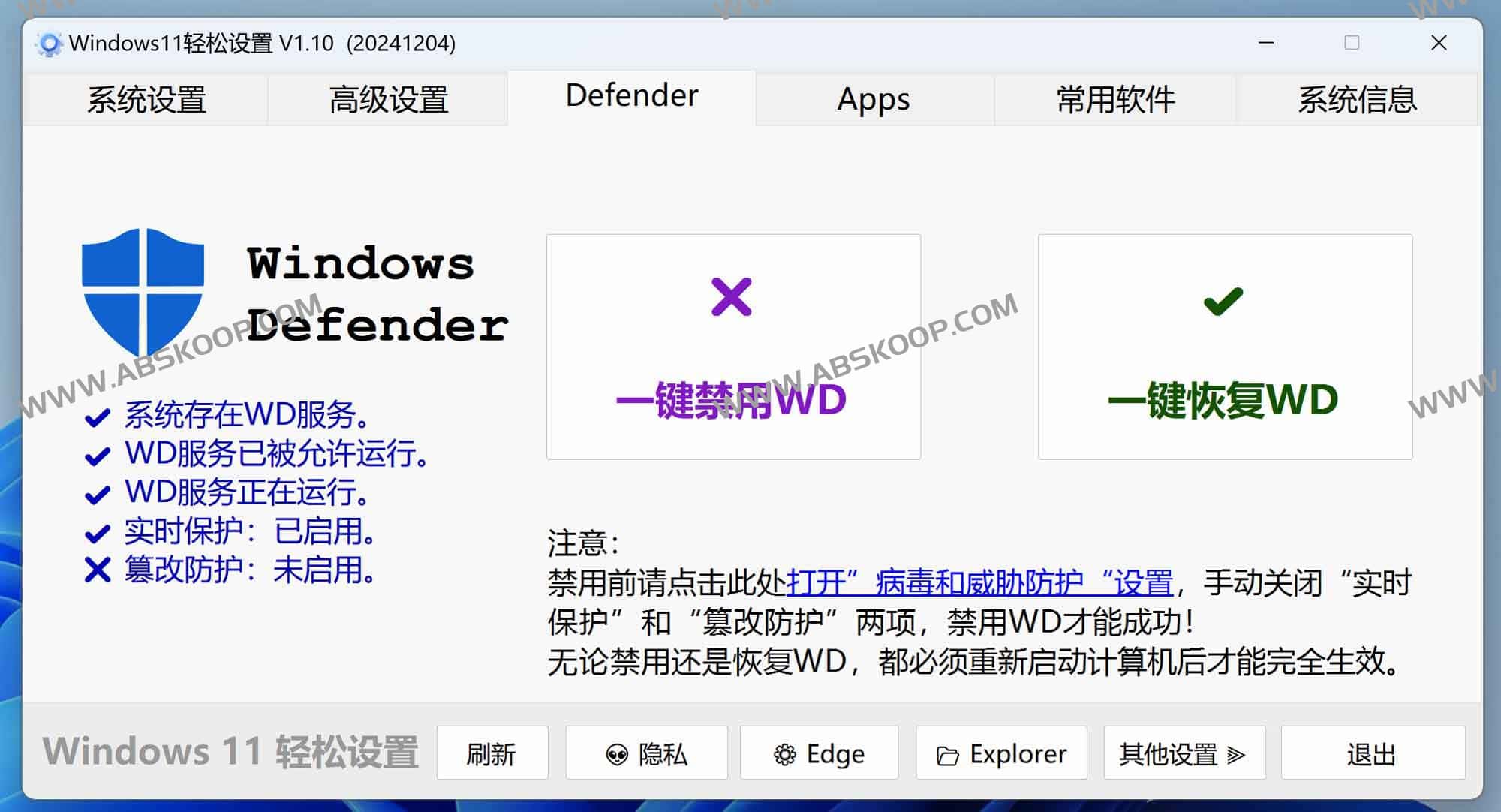
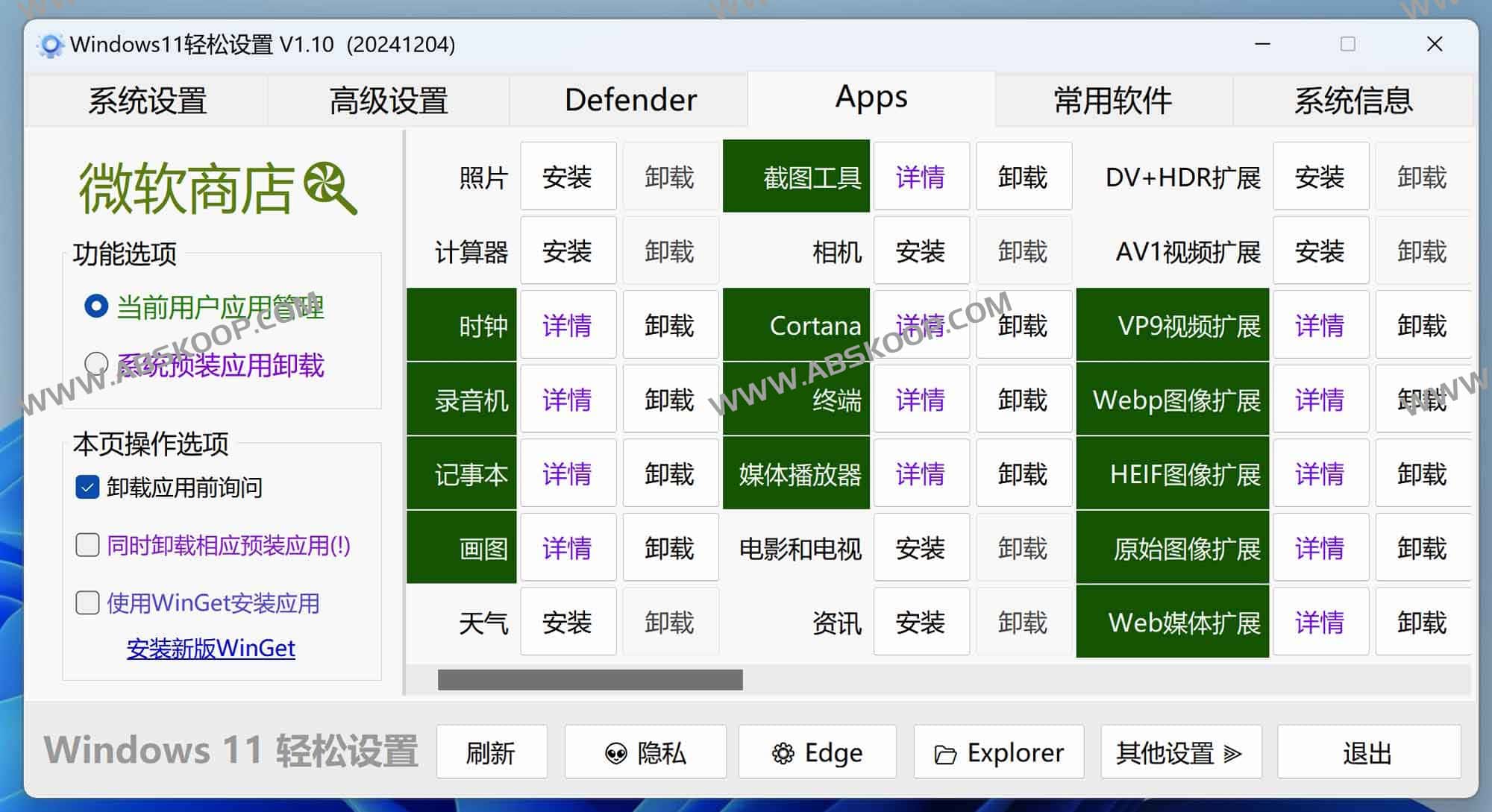
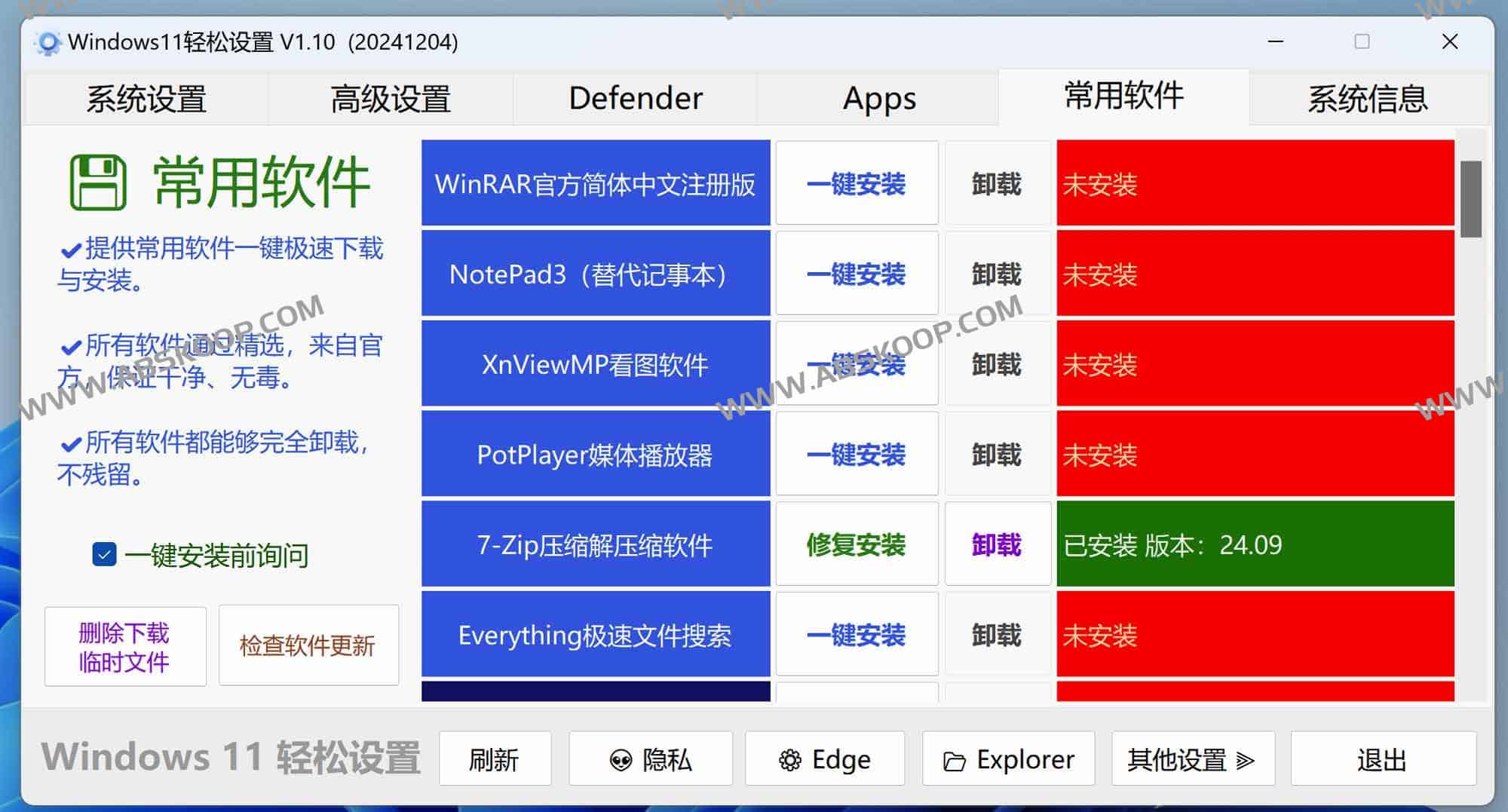
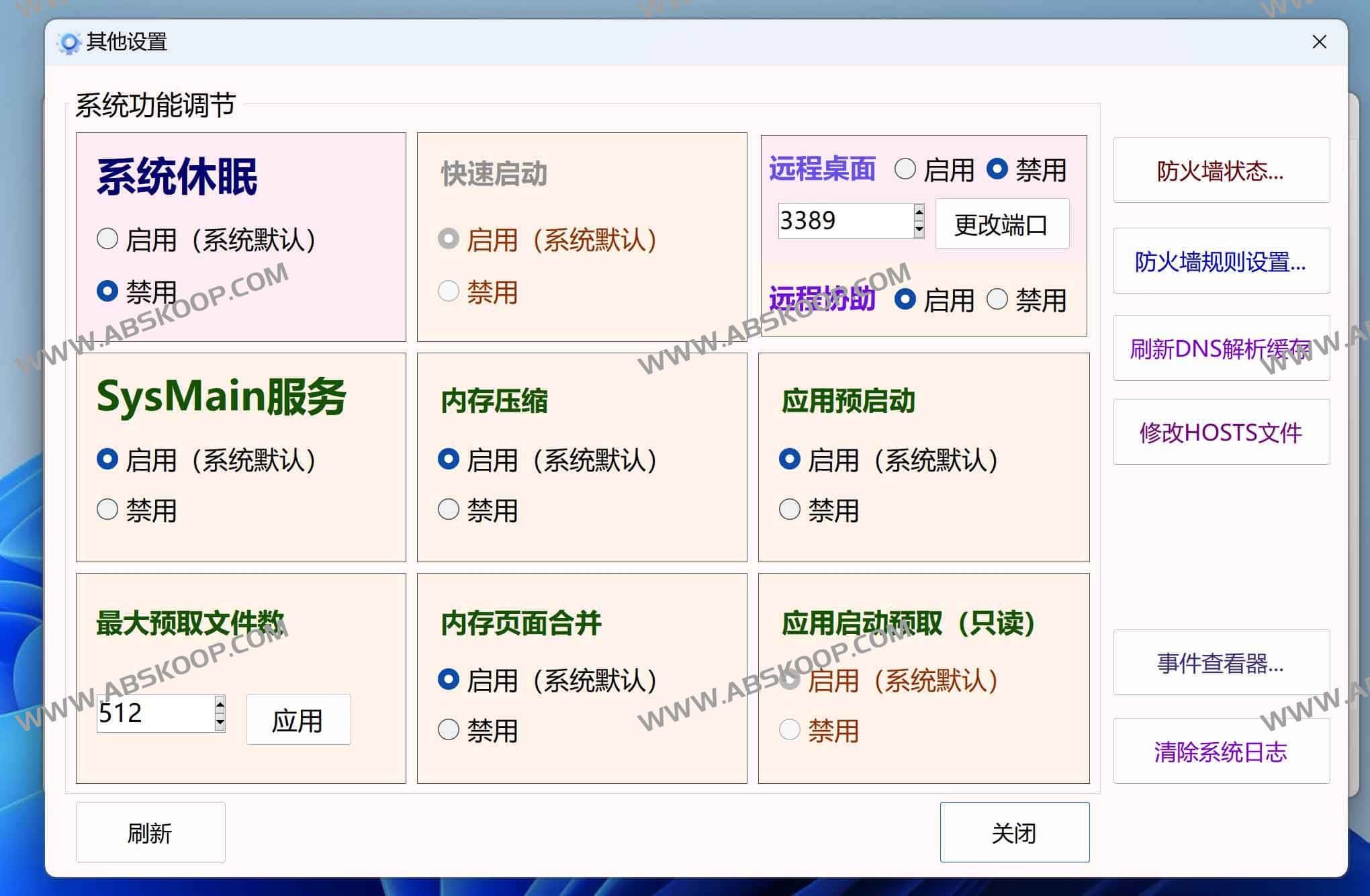
Download and Acquisition
Since the software is a portable version, it can be used directly after downloading and extracting, without worrying about installation residue.
下载地址: 夸克网盘
