猫影视 TV:简洁高效的超高清影视聚合软件
原版猫影视因不可抗力停止运营后,官方推出了升级后的 猫影视 TV。新版本在延续核心功能的基础上,进一步优化了用户体验,界面布局更加清爽,更符合追剧用户的操作习惯,并支持自定义界面背景,让观影氛围更具个性化。
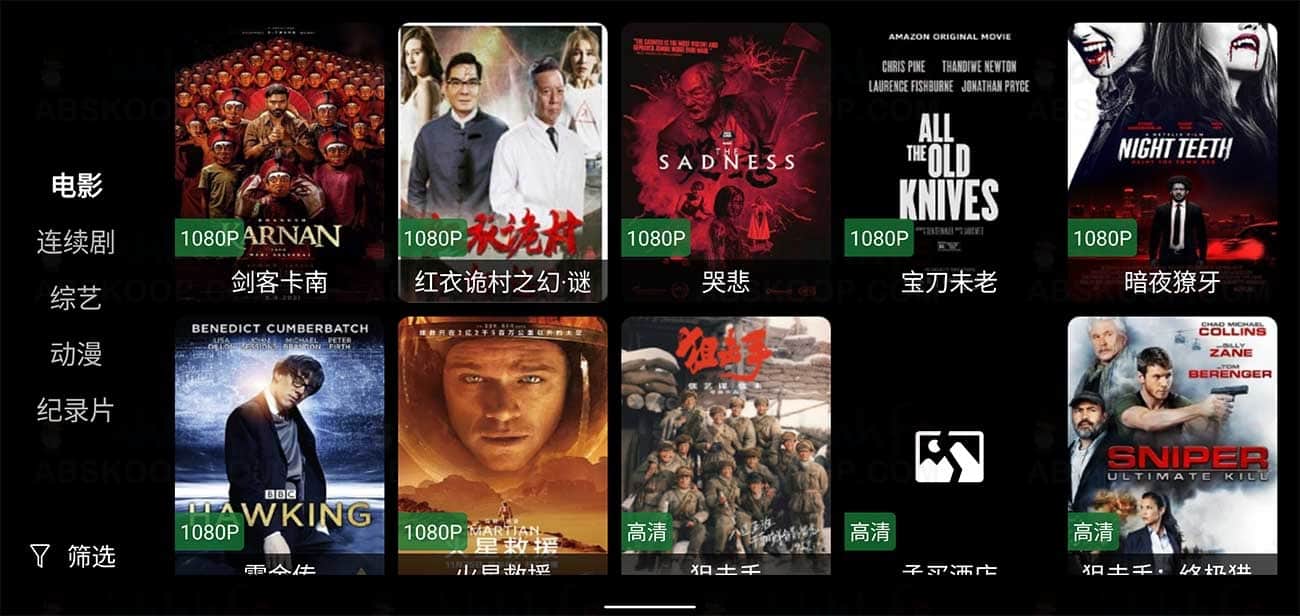
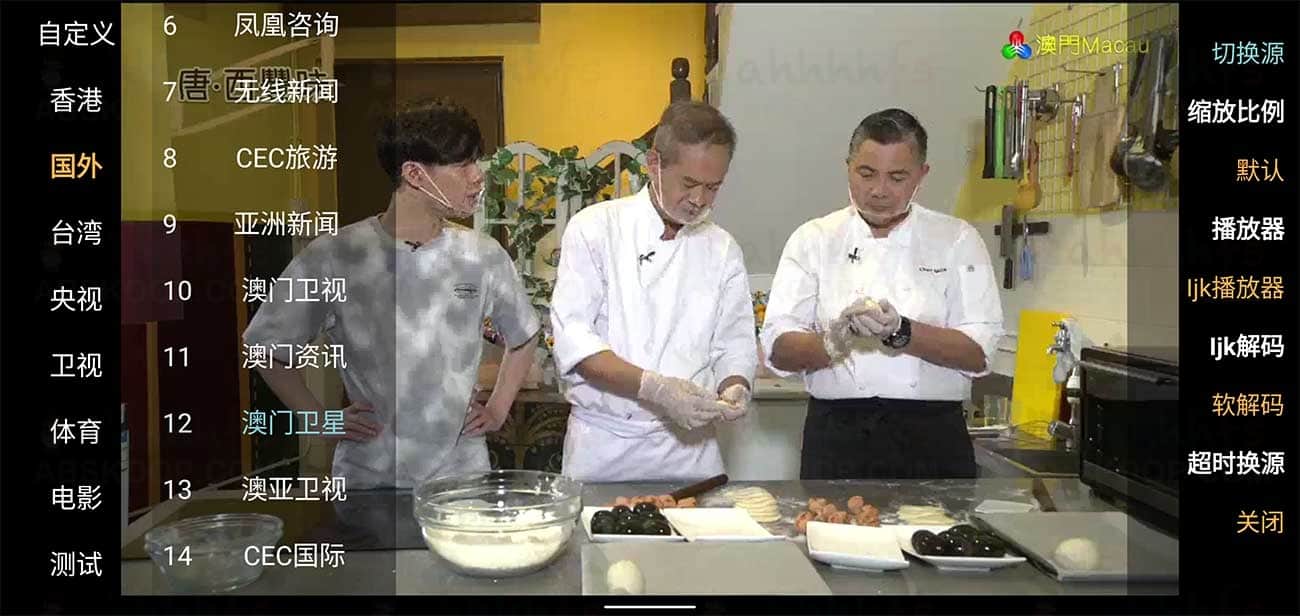
作为一款强大的双播放影视软件,猫影视 TV 通过聚合第三方优质资源库,为用户提供超高清的视听体验。软件涵盖了电影、电视剧、综艺、动漫及电视直播等全方位频道,资源分类精细,且支持快速切换搜索引擎与多条播放线路,确保视频加载流畅。
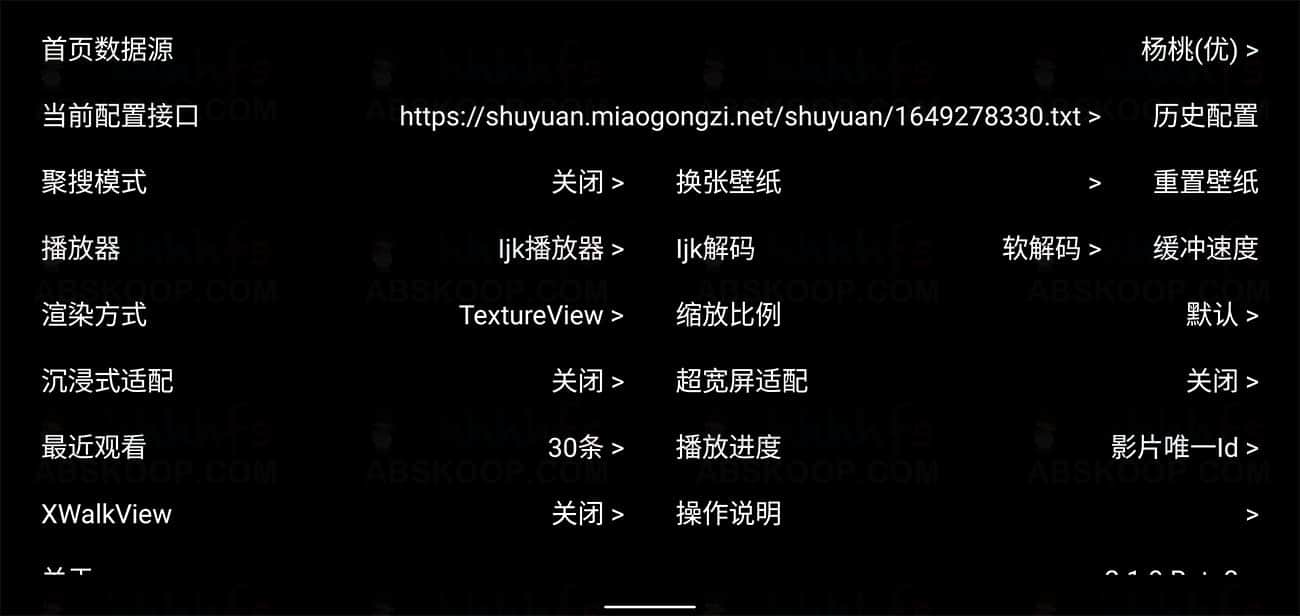
软件界面预览
安装与配置步骤
- 下载安装:通过下方提供的蓝奏云盘链接下载 v2.1.0 beta3 版本安装包。
- 安装软件:在电视端或安卓设备上安装 APK 文件。
- 配置接口:进入软件设置,从下方的「接口资源列表」中选择有效的地址进行导入,以激活视频内容。
- 开始观影:根据分类选择想看的剧集,并根据网络情况切换最佳播放线路。
资源下载与接口配置
1. 软件下载
版本:v2.1.0 beta3
下载地址:蓝奏云盘下载
解压密码:c9j5
2. 接口资源列表
请将以下链接复制到软件的接口设置中:
- https://c1n.cn/2
- http://c1n.cn/mao
- http://gg.gg/cccvvv
- http://gg.gg/maotv10
- http://gg.gg/maotv28
- https://maoys.c1n.cn
- https://maotv.c1n.cn
- https://wds.ecsxs.com/212757.json
- https://wds.ecsxs.com/213821.json
- https://wds.ecsxs.com/213679.json
- https://wds.ecsxs.com/213766.txt
- https://wds.ecsxs.com/213013.json
- https://pastebin.com/raw/GG51y0JG
- https://wds.ecsxs.com/212010.json
- https://wds.ecsxs.com/213313.json
- https://wds.ecsxs.com/216537.json
- https://wds.ecsxs.com/216731.json
- https://pastebin.com/raw/FuMsfJWw
- https://pastebin.com/raw/KGRduBqa
- https://pastebin.com/raw/yMNq26ND
- https://wds.ecsxs.com/220912.json
- http://www.nihaogege.com/cat/yl.js
- https://tool.wotianna.com/mysjk.json
- http://pglblb.test.upcdn.net/mao.json
- http://pglblb.test.upcdn.net/20220216.json
- https://cdn.jsdelivr.net/gh/zxfccmm4/steve@main/steve3
- https://tvapp.guilaile.cn/wp-content/uploads/2021/08/dshzjk.txt
- https://codeberg.org/attachments/36e750cc-e7b0-4a19-a985-22ffce164a2b
- http://118.190.244.195/gengduoziyuansouweixingongzhonghaobktx123/0226.json
- https://c1n.cn/cat
- https://c1n.cn/mao
- https://dwurl.cn/Ptc7HI
正文完
