LinYun (xchongsu.com) is a multi-device collaboration client focused on local network interconnection. It will... File transfer, remote screen viewing, command-line terminal operation These three core functions are integrated into a single graphical interface, aiming to solve the pain point of fragmented communication links between multiple devices in the same Wi-Fi or router environment.
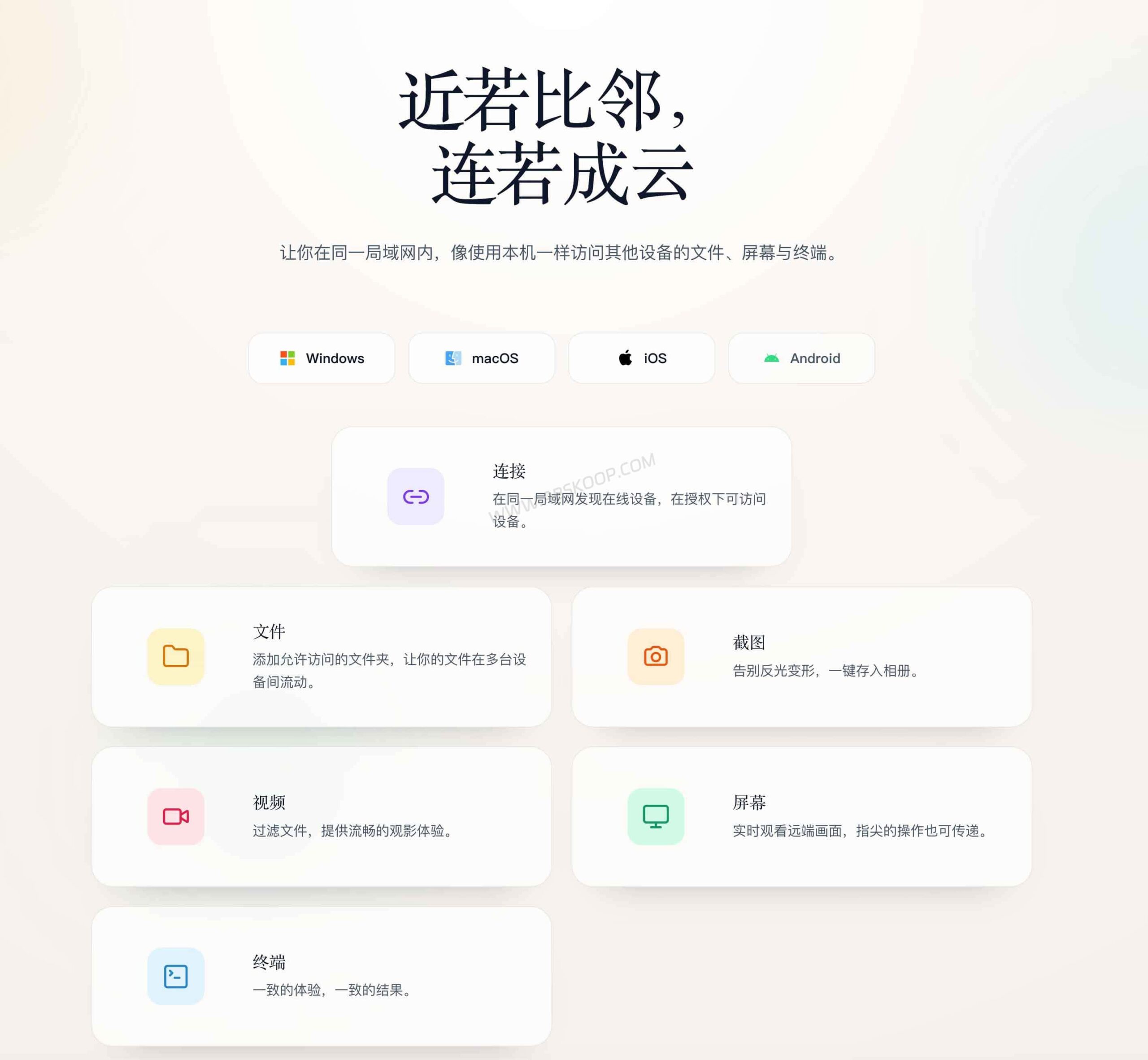
In traditional LAN collaboration, users often need to alternate between using WeChat to transfer files, remote software to view the screen, and SSH tools to manage the terminal. This "distributed toolchain" increases operational costs. LinYun's logic is simple: since the devices are all within the same LAN, all operations can be completed with a single client, eliminating the need for frequent switching between multiple software programs.
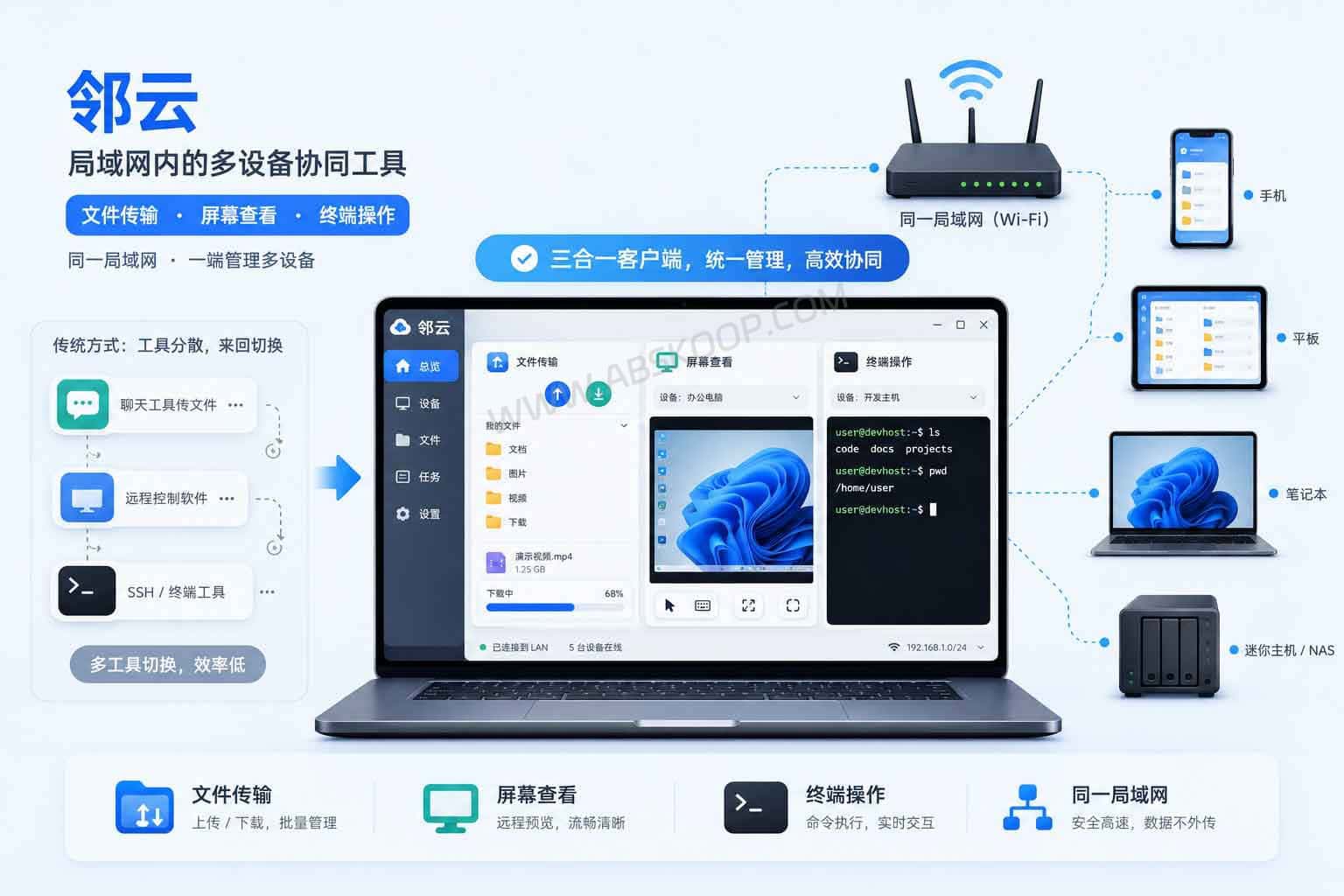
LocalSend is a pure file transfer tool, extremely simple and efficient. LinYun, on the other hand, offers a three-in-one solution: "file + screen + terminal". If you not only need to transfer files but also monitor the status of another host in real time or execute remote commands, LinYun can significantly reduce operational friction.
Core functions and practical scenarios
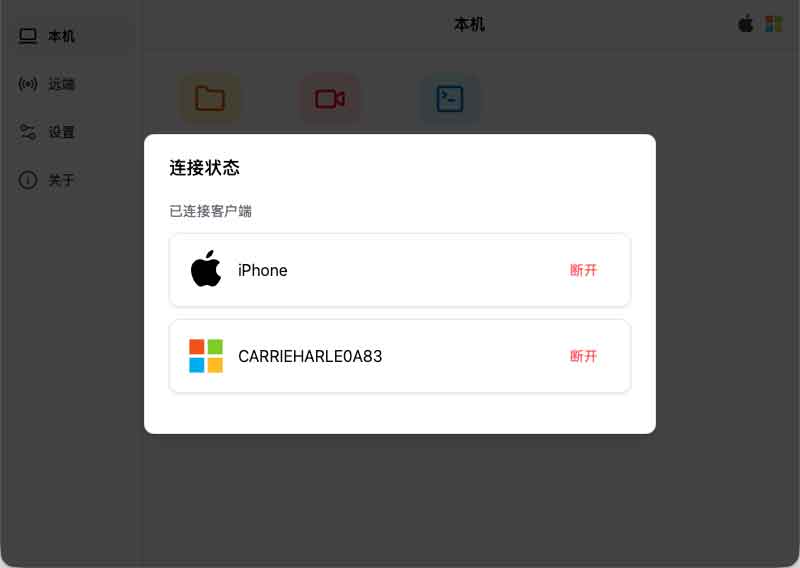
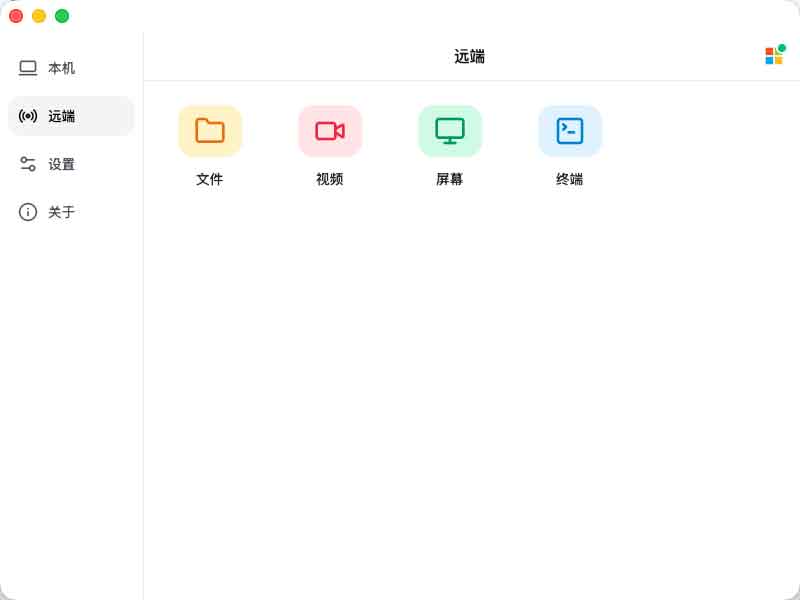
LinYun's main feature is "discovery equals connection." As long as devices are on the same network and authorization is completed, users can quickly switch devices through an app-like interface. Its specific capabilities include:
- File Management:Browse authorized directories, upload and download files, and support direct online playback of remote videos locally.
- Screen interaction:Capture remote video feeds in real time and save them to your local machine.
- Terminal control:No complex configuration is required; basic management can be performed by accessing the terminal of another device through a graphical interface.
This integrated experience is invaluable for users who own a NAS, a mini PC (NUC), or use an older computer as a home server. It allows non-networking professionals to easily manage multiple devices without needing to delve into the underlying protocols.
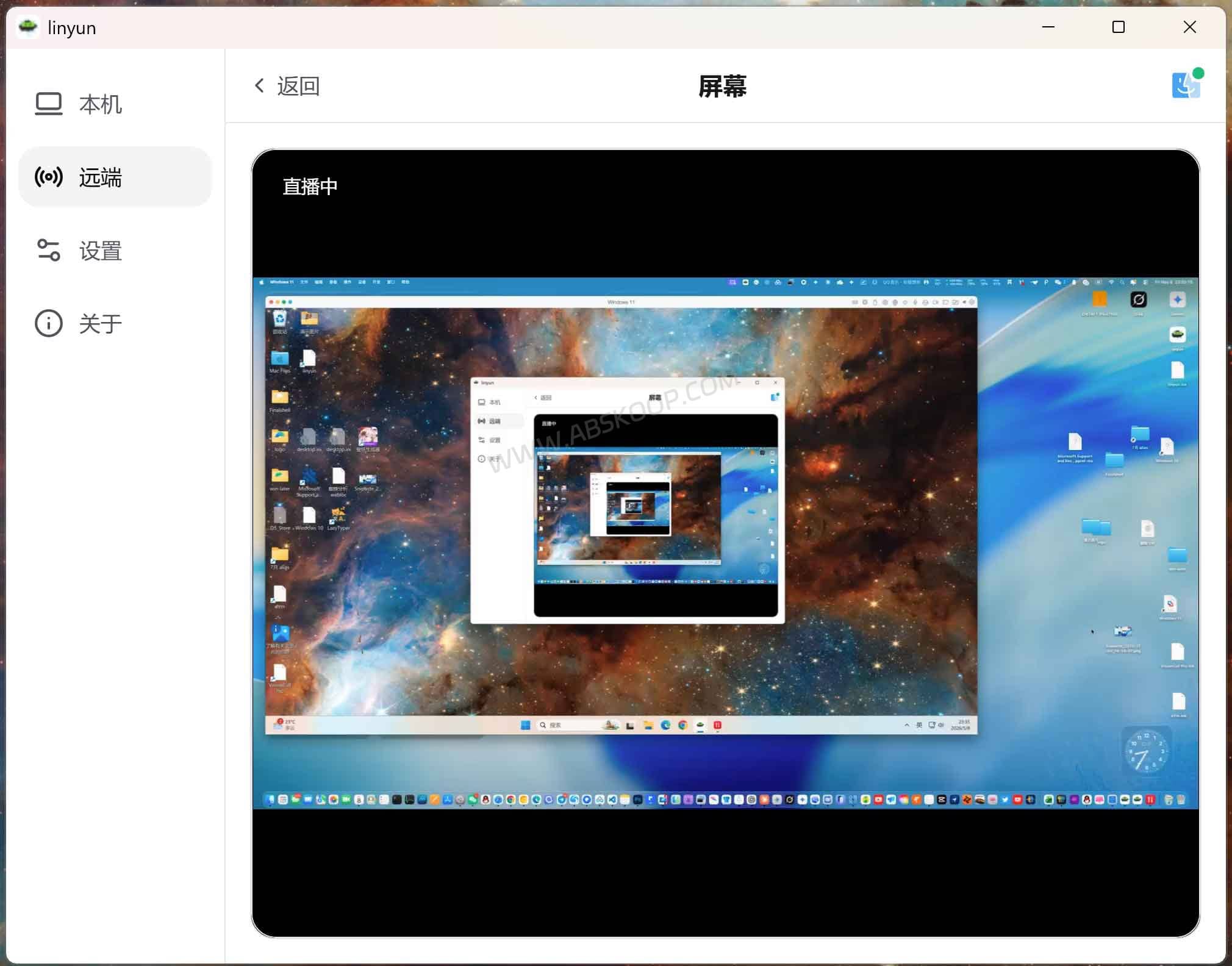
Because LinYun is closed-source software and involves high-privilege functions such as screen viewing and terminal operation, it is recommended to use it only in trusted network environments such as homes and offices. Never grant permissions indiscriminately between public Wi-Fi networks or unfamiliar devices.
Analysis of applicable scenarios and limitations
While LinYun improves collaboration efficiency within a local area network, its functional characteristics mean it's not universally applicable. Please refer to the following analysis before deciding to use it:
- 非公网远控工具:它不具备内网穿透能力。若需在异地连接公司电脑,请选择专业的公网远控或组网工具。
- 依赖硬件环境:传输速度与稳定性取决于路由器性能。在开启 AP 隔离的公共网络中,设备无法互相发现。
- 权限管控:绝对不要在咖啡厅、酒店等公共环境对陌生设备开放授权,以免导致文件和屏幕数据泄露。
推荐人群:
- 多设备用户:同时拥有 Mac/Win/Linux、平板和手机,且工作环境相对固定的开发者或内容创作者。
- 轻量协同团队:在可信局域网内需要快速交换资料、查看进度的小型工作室。
总结与平台支持
如果你追求本地网络的数据流转效率,且不希望在复杂的底层协议上浪费时间,邻云提供了一个便捷的聚合方案。目前该工具已上线 Windows、macOS 和 iOS 版本(Android 版暂未上架)。建议用户先在受信任的私有网络中试用,评估其功能边界与可能的付费方案是否符合预期。
官网与下载入口
免责声明:本文基于官方公开资料整理,不代表本站对闭源第三方工具安全性的背书。鉴于工具涉及高权限控制,请务必仅在受信任的私有局域网环境下操作。具体功能额度与隐私条款请以官方最新版本为准。
