macUSB is an open-source tool that "graphically" simplifies the complex process of creating macOS boot disks. Its greatest core value lies in allowing users to quickly create bootable system installation disks without having to deal with obscure terminal command lines (createinstallmedia).
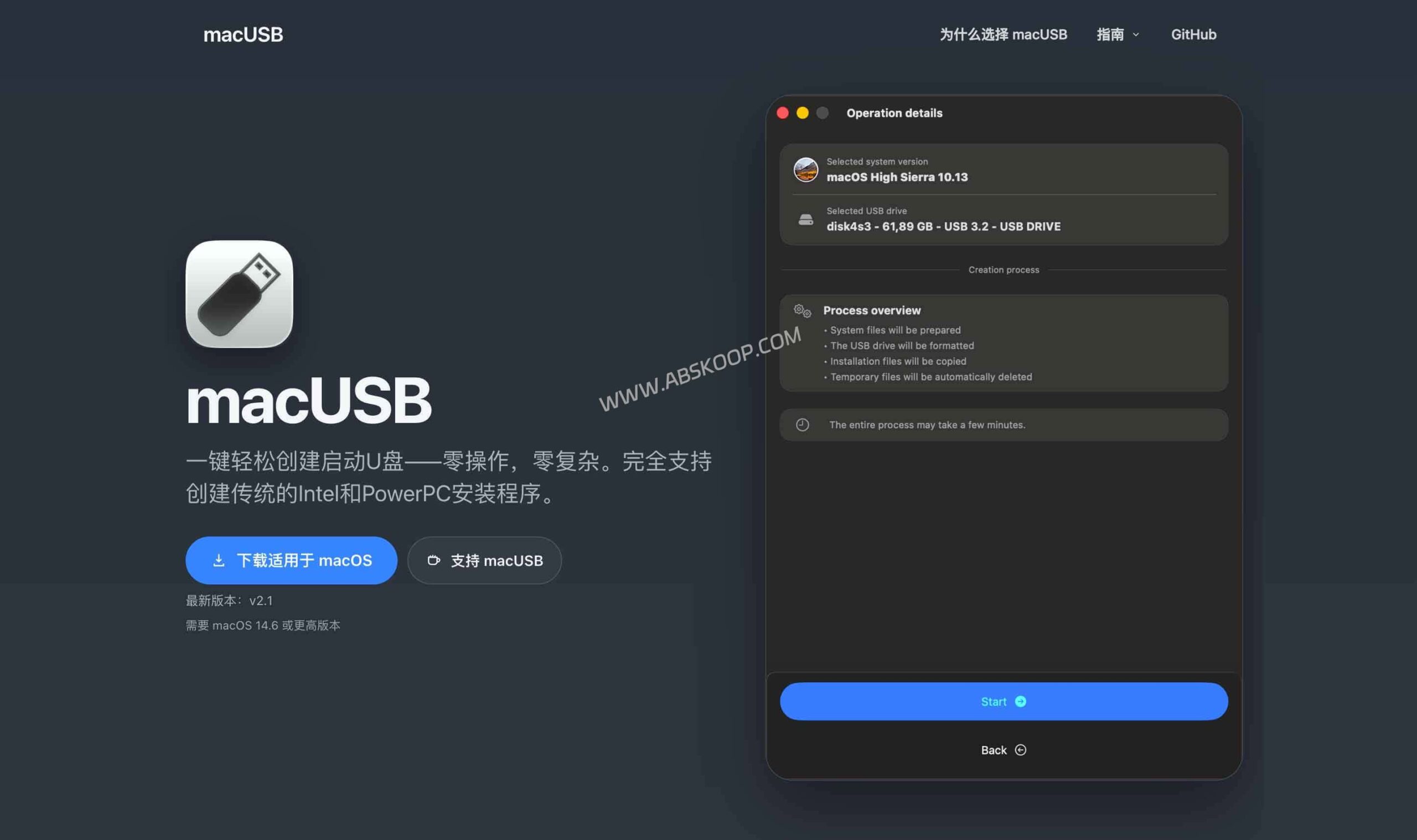
Core advantage: Solving the pain point of "failure" in cross-generational installation.
While Apple's official method is stable under normal circumstances, it is prone to errors when creating bootable disks for older Intel Macs from newer ones. For example, when trying to create a macOS Catalina or earlier bootable disk for an older Intel Mac on a newer Mac with Apple Silicon (M1/M2/M3), issues such as expired certificates or failed code signature verification often occur.
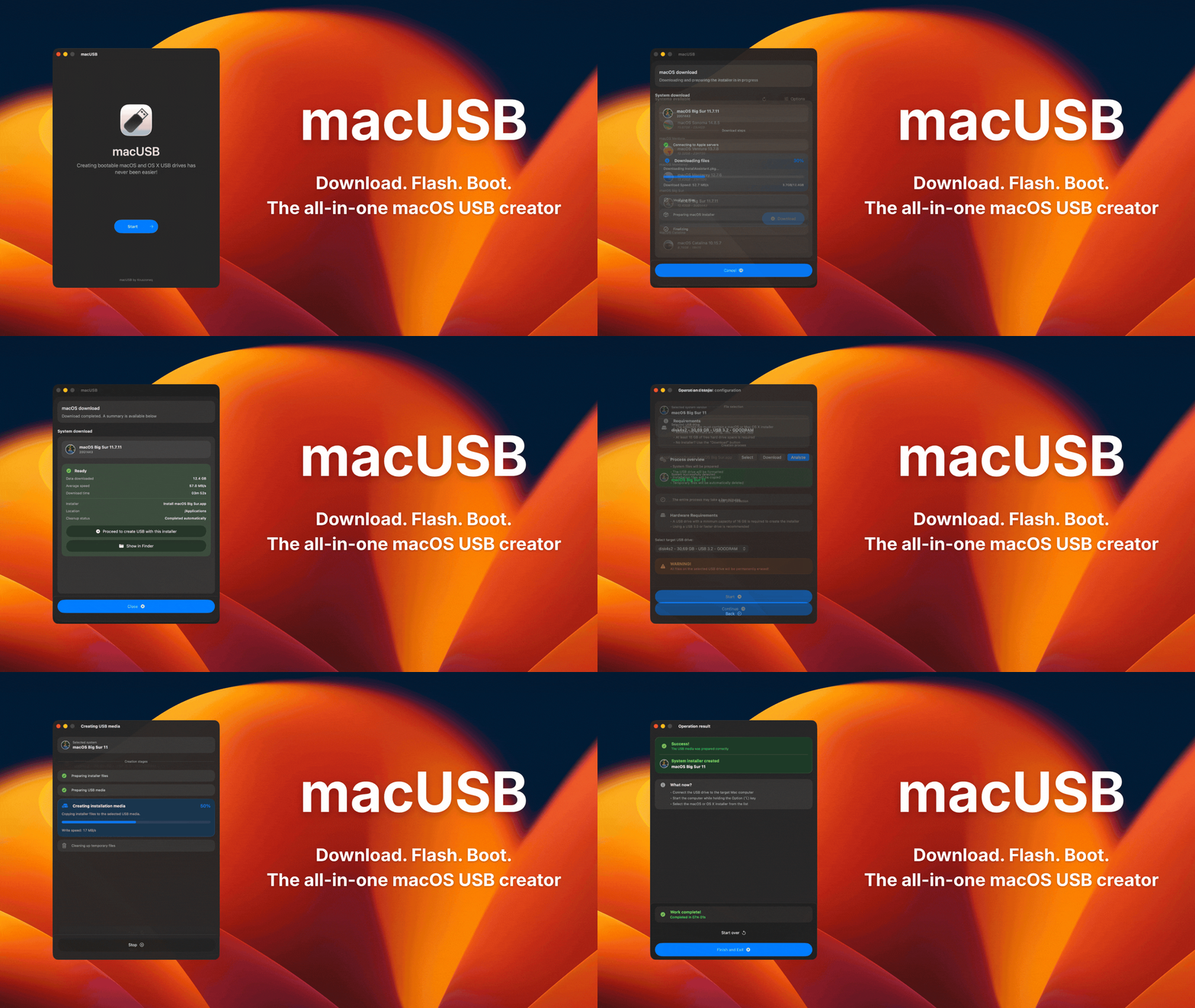
macUSB significantly reduces the cost of manual troubleshooting by encapsulating low-level compatibility processing within a graphical interface. Specific advantages include:
- Zero-barrier operation: Fully graphical boot, completely independent of the terminal, requiring no command-line knowledge.
- Convenient mirror acquisition: The built-in downloader can directly pull the official installation package from Apple's servers, avoiding the risks of finding mirrors on third-party websites.
- Geek features covered: Specialized guidance is provided for booting up very old devices such as those from the PowerPC era.
Quick Start Guide
The logic behind macUSB is very intuitive, requiring only three steps to create:
1. Prepare the image: After launching the software, you can choose to import locally. .dmg、.iso、.cdr or .app The installation file can also be downloaded directly using the built-in downloader.
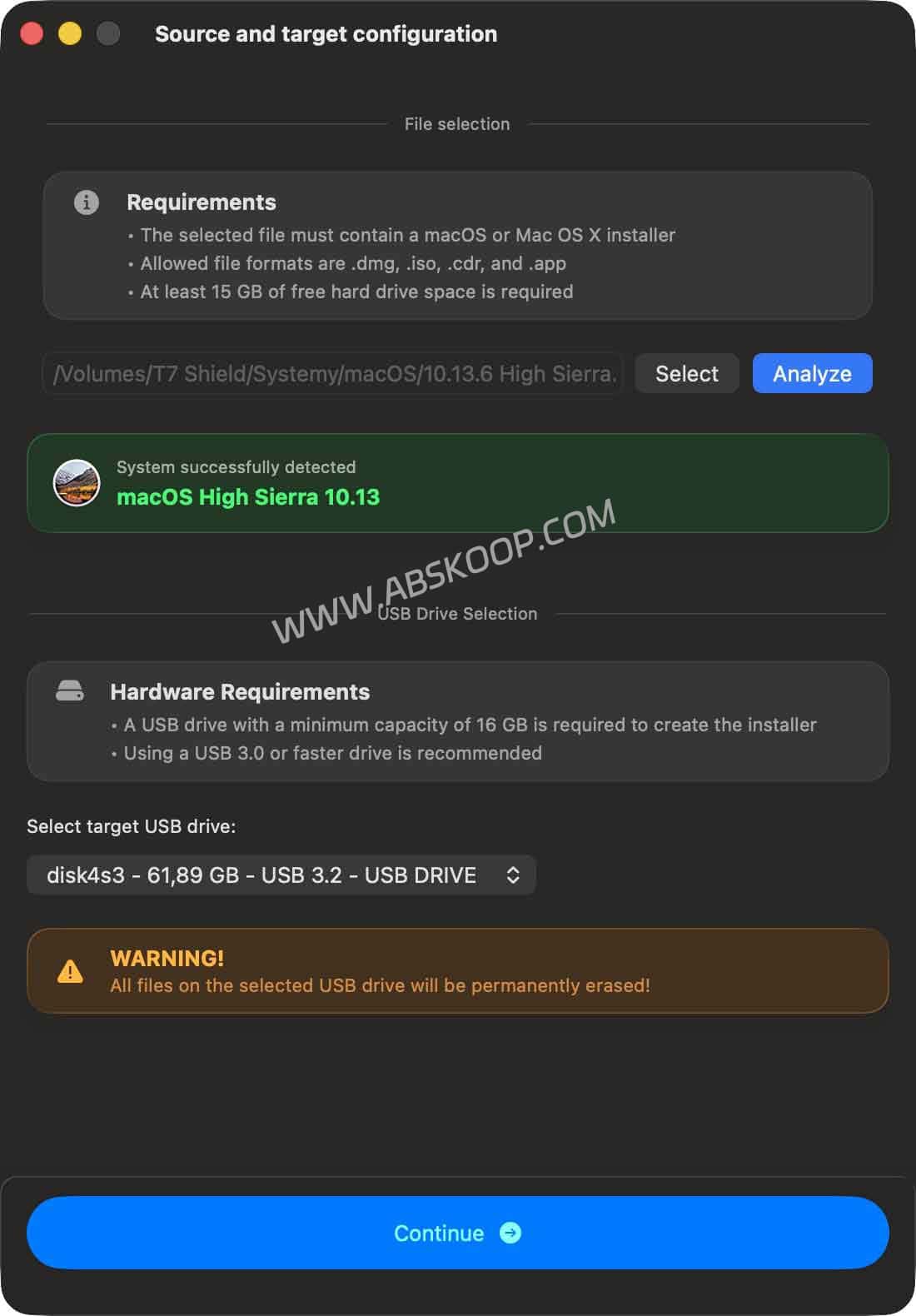
2. Select USB drive: Insert the USB flash drive (16GB or larger capacity recommended) and select the target disk in the software.
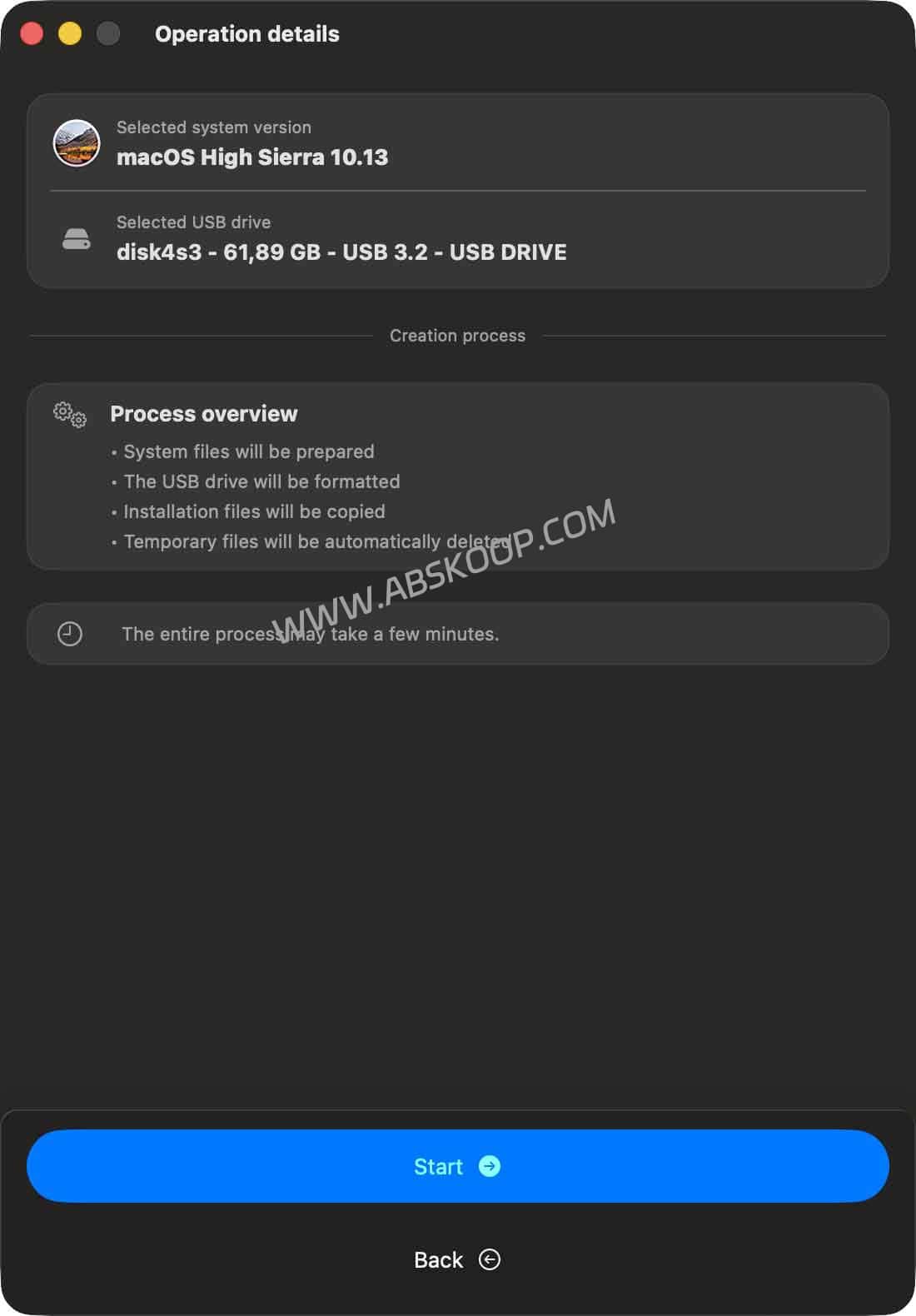
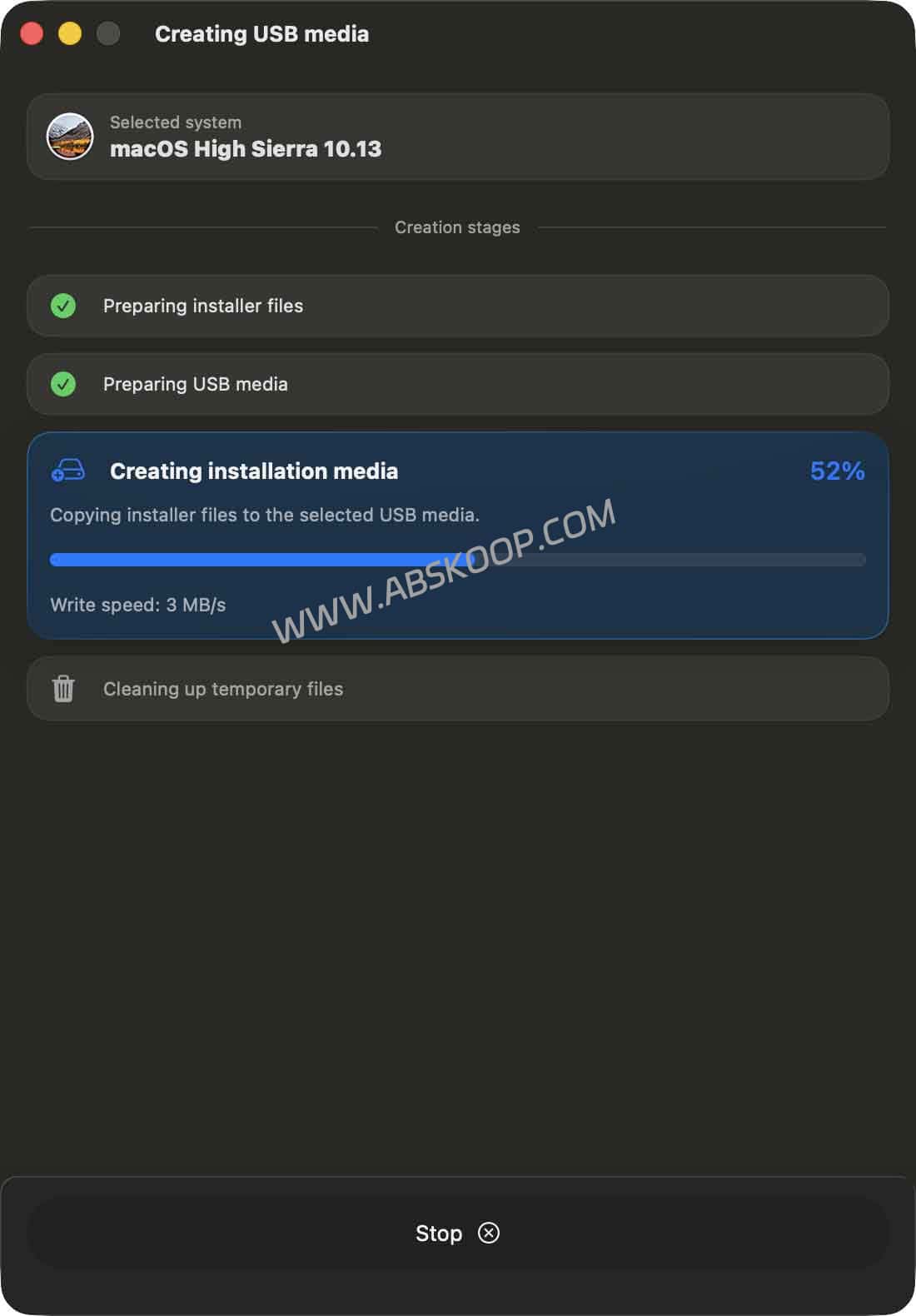
3. Perform the write operation: After confirming that the configuration is correct, click Start and wait for the progress bar to complete. Then, follow the prompts on the results page to perform the subsequent guided operations.
Precautions and applicable scenarios
⚠️ Operating Environment Requirements (Troubleshooting Guide):
This tool has strict requirements for "creating a host machine"; the host machine must be running. macOS 14.6 (Sonoma) It must be a newer or higher version; otherwise, it will not run. Additionally, it must be enabled in system settings upon initial startup. "Allow running in the background" as well as"Full disk access"Otherwise, the writing process will fail directly.
Analysis of applicable scenarios:
- Recommended use: This is for tech-savvy users who need to refurbish old Macs, maintain multiple Intel devices, or frequently reinstall different versions of the operating system.
- No installation required: If you only need to upgrade the system on the latest Mac, you can use the built-in update function or "Recovery Mode" without creating a USB drive.
Resource download and project address
🌐 Direct access to the official website Project official page and PowerPC guide
🐙 GitHub Project Homepage Open source repository address and latest release download
Disclaimer: Creating a bootable USB drive will forcibly erase all data on the drive; please back it up beforehand. Due to firmware policies across different generations of Apple hardware, the success rate of USB booting on older devices is not 100%. It is recommended to carefully read the official documentation before proceeding.
