🖼️ How to choose an AI-powered lossless image enlargement tool? What to do if e-commerce main images become blurry when enlarged?
In daily e-commerce product detail page creation and poster design, low-resolution images often directly lower the professionalism of the delivered product. This time, I tested the online platform Qingtu, focusing on its restoration effects on e-commerce main images and poster materials. If you are a brand delivering materials, or outsourcing design work to print standards, these AI-powered lossless image enlargement tools can often save a lot of rework.
I used it to process several images this time, and my impression was that it's not just a simple image amplifier, but more like a visual workflow that integrates image quality enhancement, intelligent background removal, and old photo restoration. How effective is its actual processing? What are the commercial limitations? Let's explore the potential pitfalls together.
More Than Just AI: A Lossless Image Upscaling Tool - Core Functionality Analysis
Traditional image processing tools often use simple pixel stretching, which can easily lead to pixelation. The principle behind image clearing is "AI super-resolution reconstruction," which uses machine learning models to automatically fill in missing details (especially edge textures) and make noise appear more natural.
1️⃣ Deep learning image reconstruction (main feature)
Most people look for this tool for this one thing only. Especially for main images that have been severely compressed by platforms like Taobao and Xiaohongshu, or poster materials, product detail images, and logo screenshots that don't meet printing resolution requirements, the AI automatically performs color optimization and lossless enlargement (up to 4x) after uploading. In my tests, it significantly improved the appearance of images with high noise levels and made the difference in edge sharpness much more noticeable.
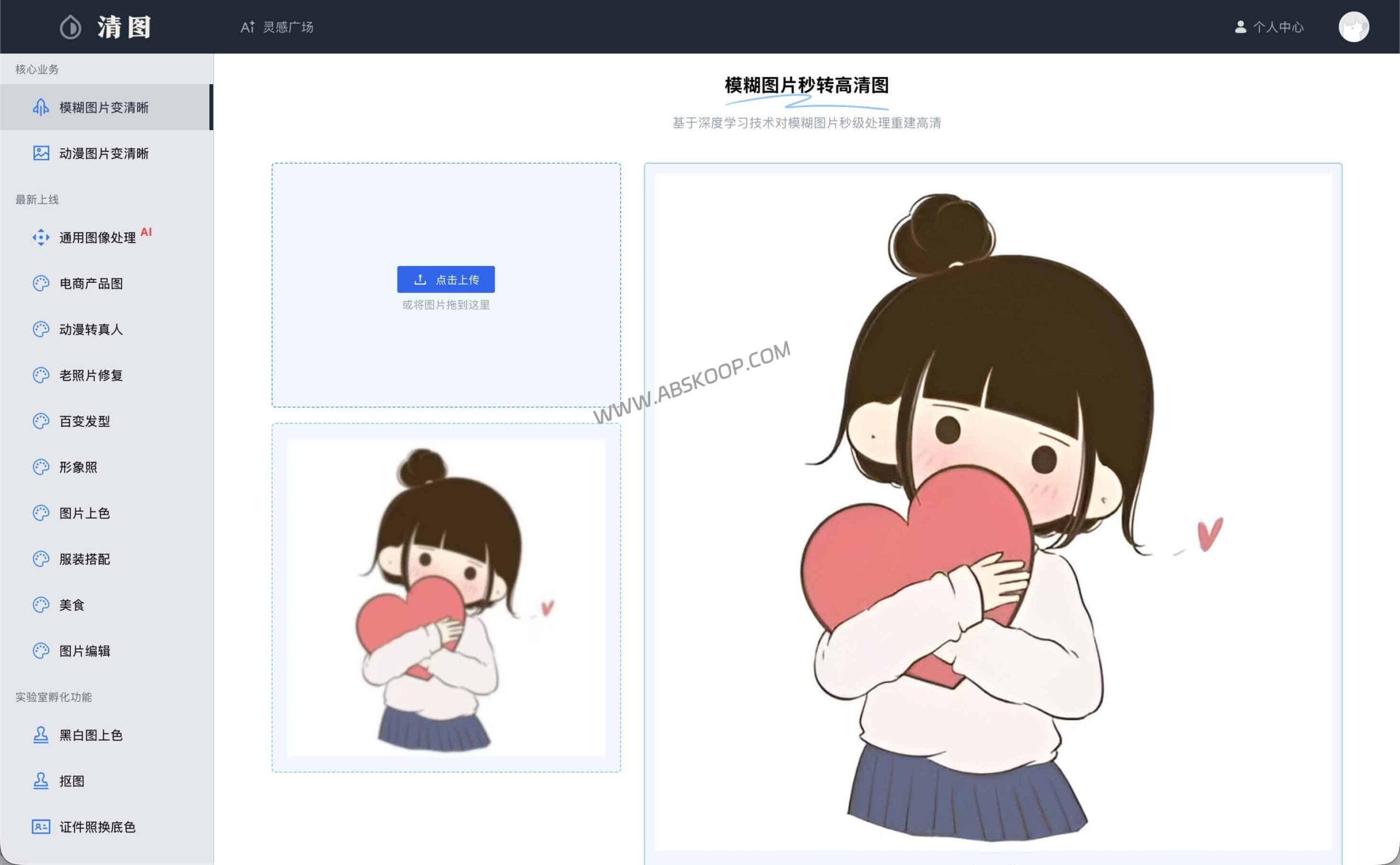
2️⃣ E-commerce-grade intelligent background removal and ID photo generation
It supports one-click precise separation of the subject and background, making it ideal for quickly creating product images with white backgrounds or SKU thumbnails. Furthermore, the built-in ID photo processing module supports automatic cropping and background color replacement, making it highly efficient for corporate HR departments when creating batch employee onboarding files.
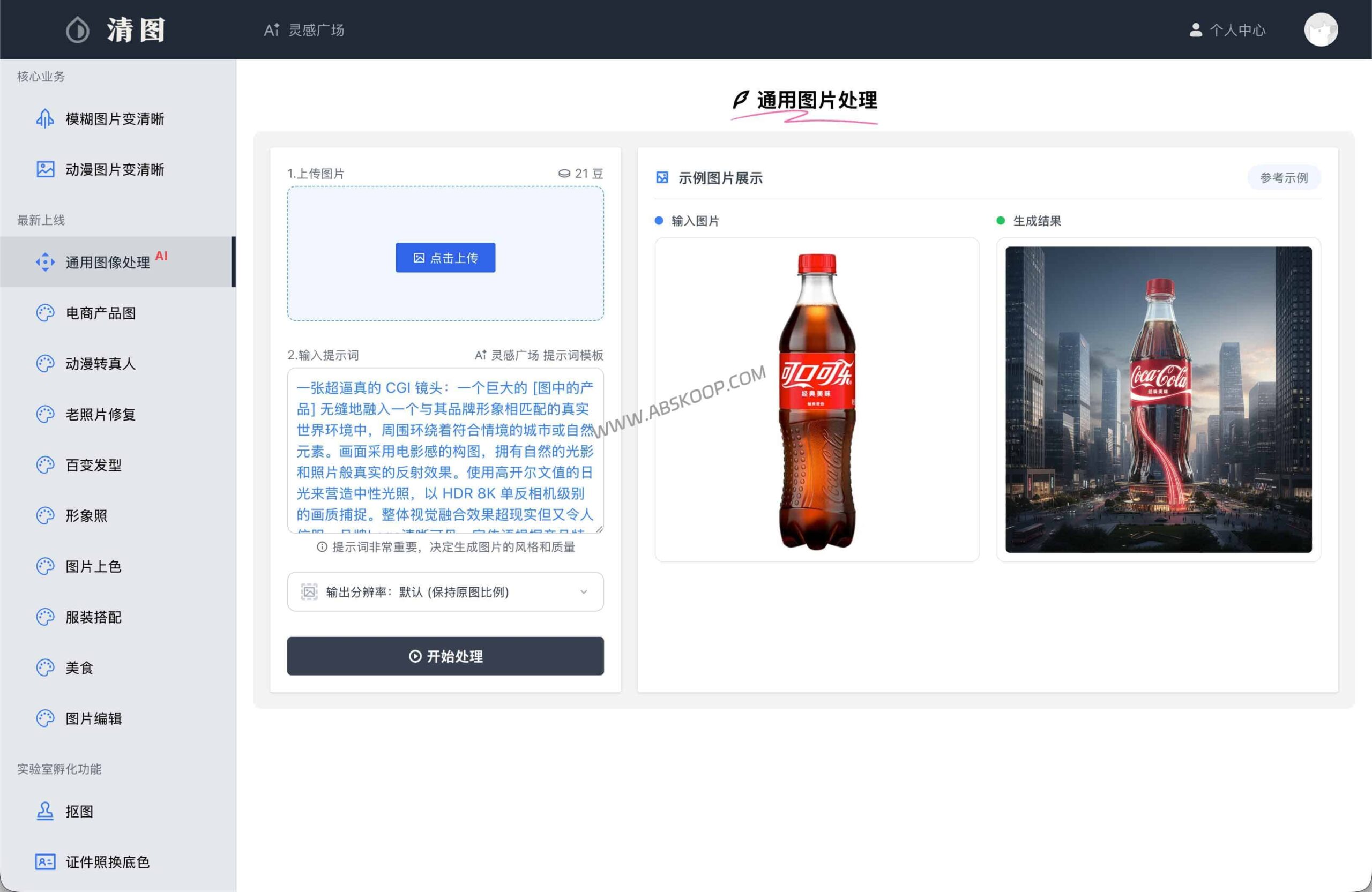
3️⃣ Colorization and additional functions for old photos
In addition to improving the clarity of still images, the platform also integrates intelligent colorization for black and white photos. Furthermore, the platform offers additional features such as image dubbing, but for most people, the core value lies in super-resolution upscaling and intelligent background removal.
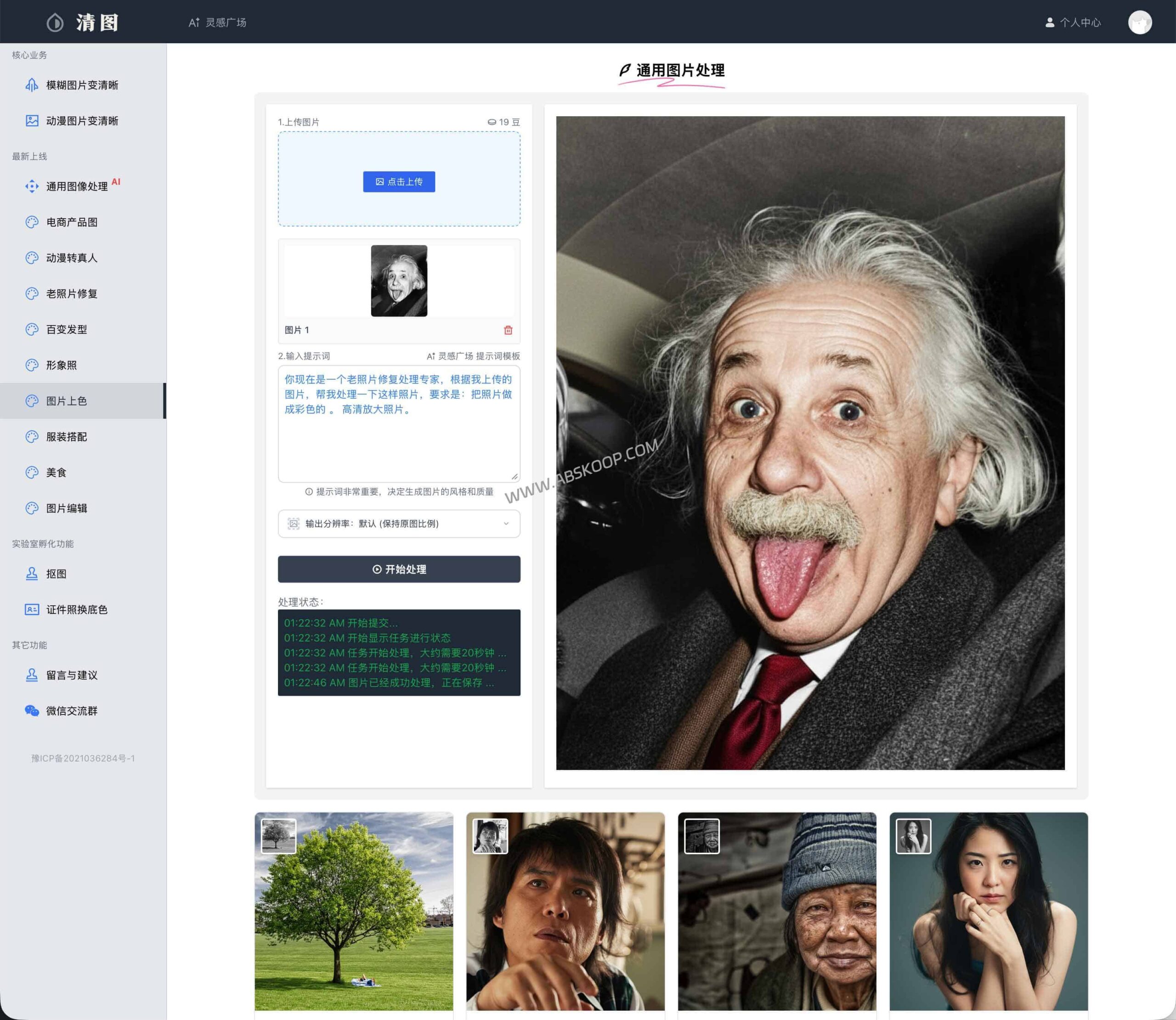
⚠️ The Boundary Between Commercialization Strategy and Real Experience
As a cloud-based AI platform, QingTu also has a clear billing mechanism. You need to understand its limitations before using it, otherwise you may encounter problems:
- Forced login and system watermark: If you use the free trial without logging in, the exported processing results will be forcibly watermarked by the platform.
- Free quota limit: After registering an account, the system typically provides only about one free processing quota. A premium subscription is required to exceed this limit.
💡 Real user experience recommendations: I used a screenshot that was heavily compressed by WeChat for this test, and the difference in image quality was indeed easier to see; however, for the original image that already had a certain level of clarity and was only intended for high-definition export, the difference in optimization was relatively limited.
My suggestion is: If you only occasionally need to process a few emergency images, the free image cleanup allowance is sufficient. However, if a design team or e-commerce operations team needs to process images in batches over a long period, it is recommended to carefully evaluate the membership cost or consider the open-source alternatives below.
Open source alternatives suitable for batch processing
If you are more concerned about long-term usage costs, or have extremely high privacy requirements (do not want to upload images to the cloud), these two are more suitable for bookmarking:
