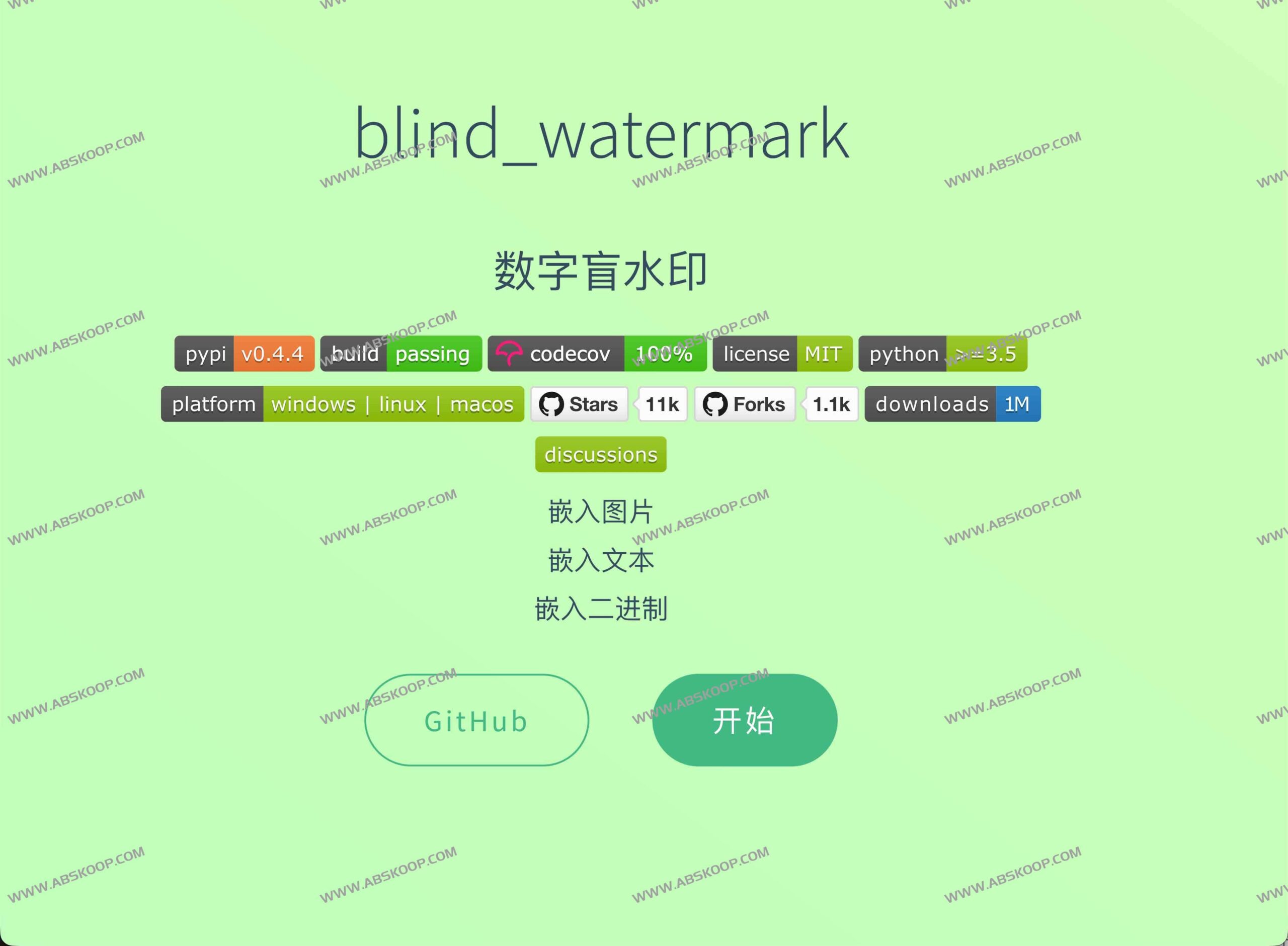
What is Blind Watermark?
Blind Watermark(Project Name) blind-watermarkThis is an open-source digital blind watermarking tool based on frequency domain algorithms. It allows users to embed invisible information into images, achieving the covert transmission of information without compromising visual appeal.
The core advantage of this tool lies in "Blind extraction"—When restoring watermarked content, there is no need to possess the original, unwatermarked image, greatly simplifying the copyright verification and evidence collection process. It not only supports text embedding but is also compatible with images and binary data.

Core technical characteristics
- High concealment and stability The DWT-DCT-SVD (wavelet transform-discrete cosine transform-single value decomposition) frequency domain scheme is adopted to ensure that the watermark is visually invisible and not easily damaged.
- Strong robustness Even if the image has been scaled, cropped, compressed, or its colors changed, the embedded information can still be effectively recovered.
- Flexible interface It provides both command-line (CLI) and Python API access methods, making it easy for developers to integrate it into automation scripts or engineering systems.
- High-efficiency processing It supports parallel computing and can quickly process large images or batch tasks.
Applicable Scenarios
- Copyright protection Add an anonymous attribution to artwork or photographs to prevent image theft.
- Content tracking Mark the source and track the leakage channels during the media asset distribution process.
- Data tamper protection Add a hidden identifier to internal document snapshots or sensitive images.
- Security Audit : Incorporate traceability information into the platform's image distribution chain.

Quick installation and use
1. Environment Installation
The stable version can be installed directly via pip, or the development version can be installed from source code:
# Install stable version pip install blind-watermark # Install development version git clone [email protected]:guofei9987/blind_watermark.git cd blind_watermark pip install . 2. Command line operation examples
Embedded watermark:
--pwd Used to set an encrypted password.examples/output/embedded.png This is the output path.
blind_watermark --embed --pwd 1234 examples/pic/ori_img.jpeg 'watermark text' examples/output/embedded.png Extract watermark:
--wm_shape It must be consistent with the watermark shape parameters when it is embedded.
blind_watermark --extract --pwd 1234 --wm_shape 111 examples/output/embedded.png Resources and Documents
- Source code repository:GitHub – blind_watermark
- Chinese document:Blind Watermark Chinese Guide
- English document:Blind Watermark English Documentation
Precautions
This tool is intended solely for legal and compliant copyright labeling, security research, and license auditing. Users must strictly comply with local laws and regulations and ensure that they have obtained the necessary authorization to process the relevant images.
