When faced with answers from different AIs, are you constantly switching between windows?
When searching for the best answer, we often need to paste the same question back and forth between multiple platforms such as ChatGPT, DeepSeek, and Kimi. This fragmented operation is not only inefficient, but also makes it difficult to intuitively compare the logical differences between different models. If all AIs could answer simultaneously on a single interface, efficiency would be greatly improved.
ParallelChat This open-source desktop application was created to address this pain point. It allows users to call multiple mainstream models in parallel within a single interface, without needing to apply for complex API keys or pay token fees, and directly provides a clean, ad-free conversational experience through the official website's native capabilities.
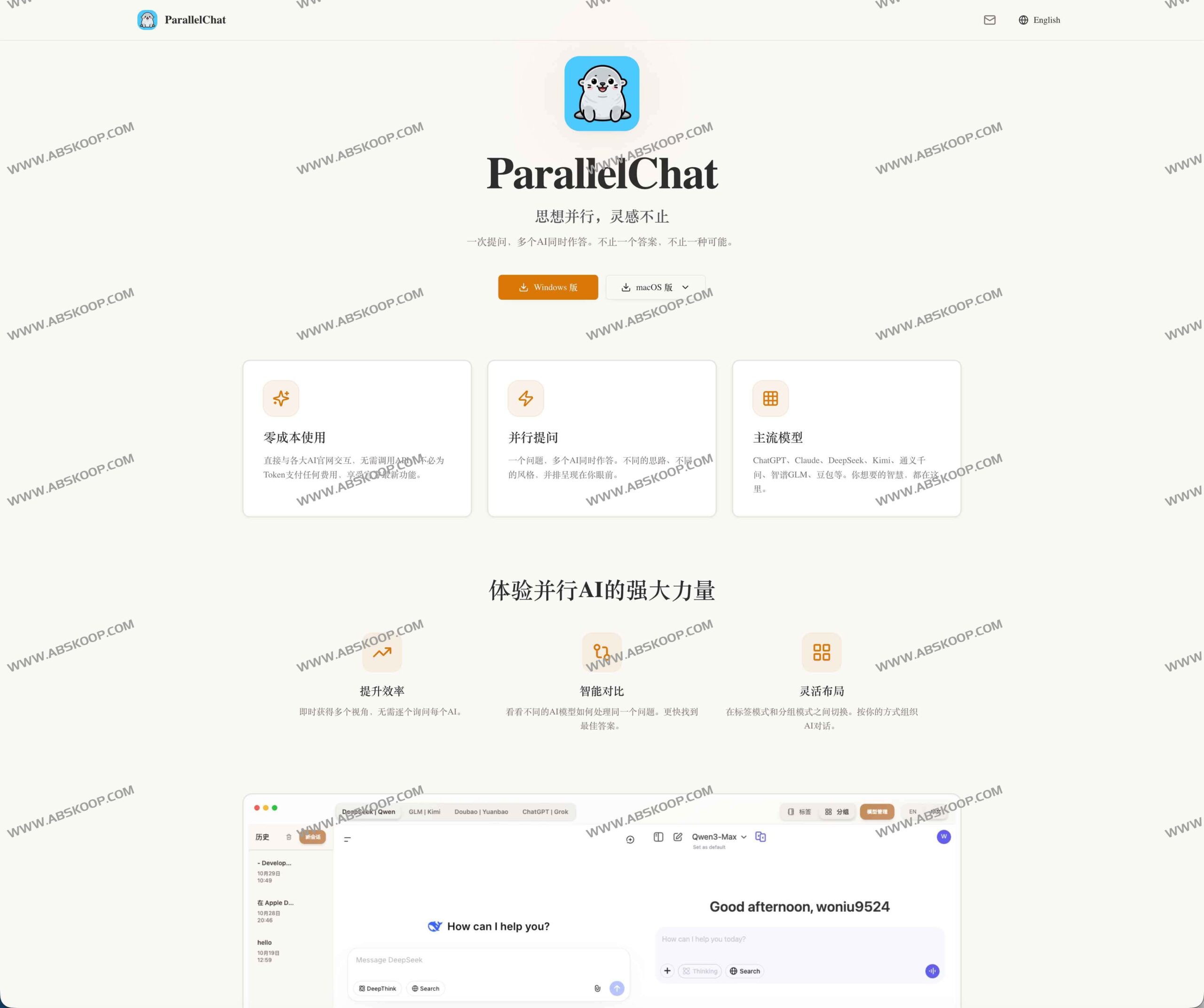
Break down information silos and achieve multi-source intelligent fusion
For researchers, developers, or content creators, the output of a single model may be biased. ParallelChat uses a simultaneous response mechanism to compare the understanding methods of different AIs on the same dimension, helping users quickly select the most accurate approach and achieve "learning from each other's strengths and compensating for each other's weaknesses."
- High-speed comparisonWithout needing to navigate, you can instantly see the performance differences between various models on the same problem.
- Broaden perspectiveTransform the perspectives of different AIs into reference points to avoid falling into the cognitive trap of a single model.
- Comprehensive optimizationBy integrating intelligent outputs from multiple sources, a more complete and higher-quality final result can be constructed.
Core features
- Completely free and with zero barriers to entryDirectly connect to the AI official website; no API Key configuration required, no additional payment.
- Full coverage of mainstream modelsSupports popular models such as ChatGPT, DeepSeek, Qwen, GLM, Kimi, Doubao, Yuanbao, and Grok.
- Flexible view modes:
- Tag modeEach AI has its own independent page, suitable for in-depth reading and immersive conversations.
- Grouping modeMultiple AI windows are arranged side by side, designed specifically for comparative analysis.
- Localized privacy protectionAll conversation logs and caches are stored locally and not uploaded to the cloud, eliminating the risk of privacy leaks.
- Smooth interactive experienceIt supports custom grouping and allows users to quickly switch between different models using the Tab key.
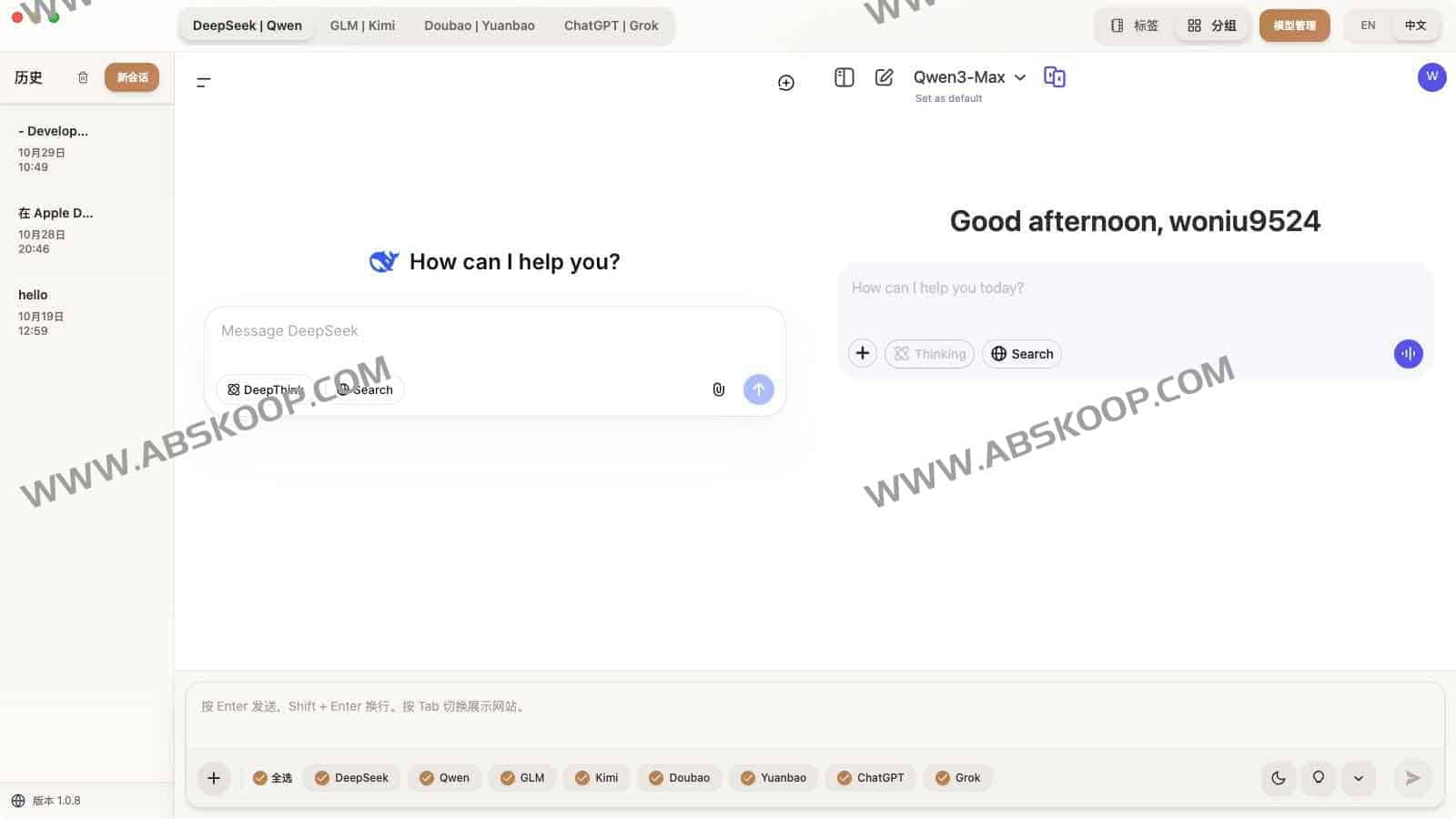
Quick Start Guide
- Install software Visit the official website ParallelChat.top Or through Download from cloud drive Install.
- Configuration ModelIn "Model Management", select the AI assistants you want to enable.
- Account LoginLog in to your AI account in the corresponding window.
- Select modeSwitch between "tag mode" and "group mode" as needed to start a conversation.
- Efficient operationUse the top tabs and Tab shortcuts to freely navigate between different models.
Developer Resources and Privacy Protection
ParallelChat adheres to open-source principles, allowing developers to deploy it locally and perform further development. It can be quickly run using the following command:
npm install npm start Related links:
Open source repositories:GitHub – woniu9524/ParallelChat
Alternative download: Download from cloud drive
Regarding data securityThe application does not collect any user data; login status relies on the session on each AI's official website. Users have full control and can clear local cache or log out at any time.
