Why can't I view or print my iPhone photos on my computer?
Photos taken with an iPhone are typically taken using... HEIC formatWhile this format effectively saves storage space, it often cannot be opened directly in Windows systems or some office software, and compatibility issues are particularly prominent when submitting documents, printing materials, or archiving for long periods. In such cases, converting HEIC to the most universal PDF format is the most convenient solution.
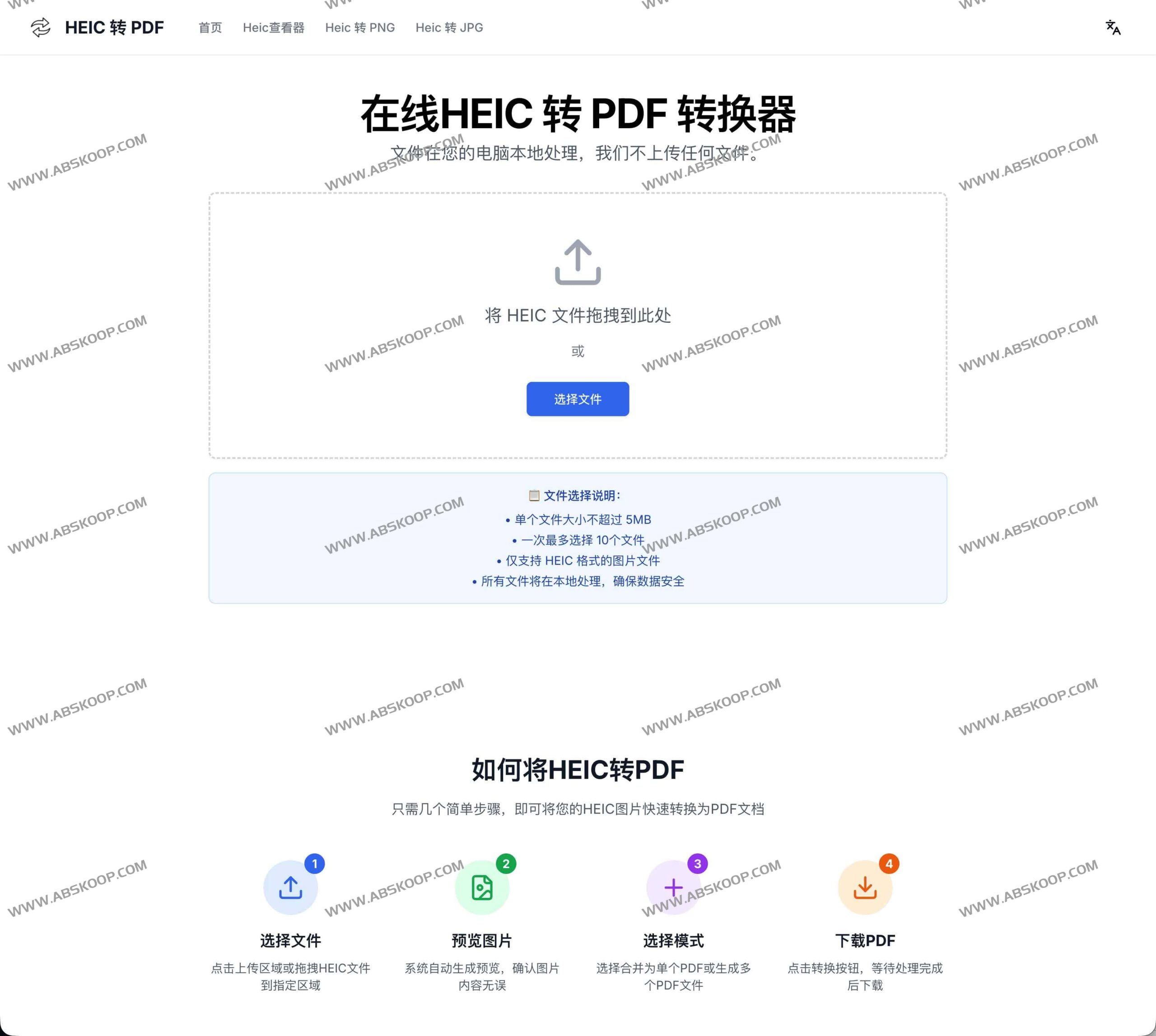
HEIC TO PDF: A Purely Local Privacy Conversion Solution
HEIC TO PDF This is a free online conversion tool designed specifically for iPhone users. Unlike traditional online converters, it uses native browser processing technology, meaning your photos... No need to upload to any serverAll conversion processes are completed on your device, eliminating the risk of privacy leaks at the source.
This tool requires no account registration, has no watermark interference, and is completely free, providing users with a simple and secure conversion environment.
Core Features and Highlights
- Zero upload, high privacyAll operations are performed in the local browser, and files do not pass through the server, ensuring 100% security.
- Flexible export modes Supports multiple HEIC images Merge into one PDF,or Each image is generated independently. A PDF.
- High-efficiency batch processingIt supports concurrent processing of up to 10 images at a time, completing the conversion in seconds.
- Lossless quality outputIt preserves the clarity of the original image during the conversion process, meeting the needs of professional printing and archiving.
- Compatible with all platformsNo plugins are required; it runs smoothly in mainstream browsers such as Chrome, Safari, and Firefox.
Quick Start Guide
- Import filesDrag and drop the HEIC photo directly into the upload area, or click on the area to select the file.
- Check Preview: Confirm photos using automatically generated thumbnails and delete mistakenly selected files at any time.
- Configuration modeChoose "Merge Export" or "Export Separately" according to your needs.
- Get DocumentAfter clicking "Convert," the system will automatically download the generated PDF file or ZIP archive.
Frequently Asked Questions
- What is HEIC format? It is an efficient image format used by Apple devices, designed to reduce file size, but it has weak compatibility.
- What are the benefits of converting to PDF? PDF format is highly versatile, maintaining consistent layout regardless of the device it is opened on, and is ideal for printing and sharing.
- Is it really completely free? Yes, no registration required, no hidden fees, and no intrusive ads.
Applicable Scenarios
This tool is especially suitable for the following groups: those who need to submit electronic photo proof. Office staff 1. Need to organize a portfolio Designer Pursuing efficient archiving Photography enthusiastsThis is also suitable for ordinary users who need to quickly convert iPhone photos into universal documents.
Access address
Official website:https://heictopdf.run/
