Teleprompter Online: A lightweight online teleprompter that requires no installation.
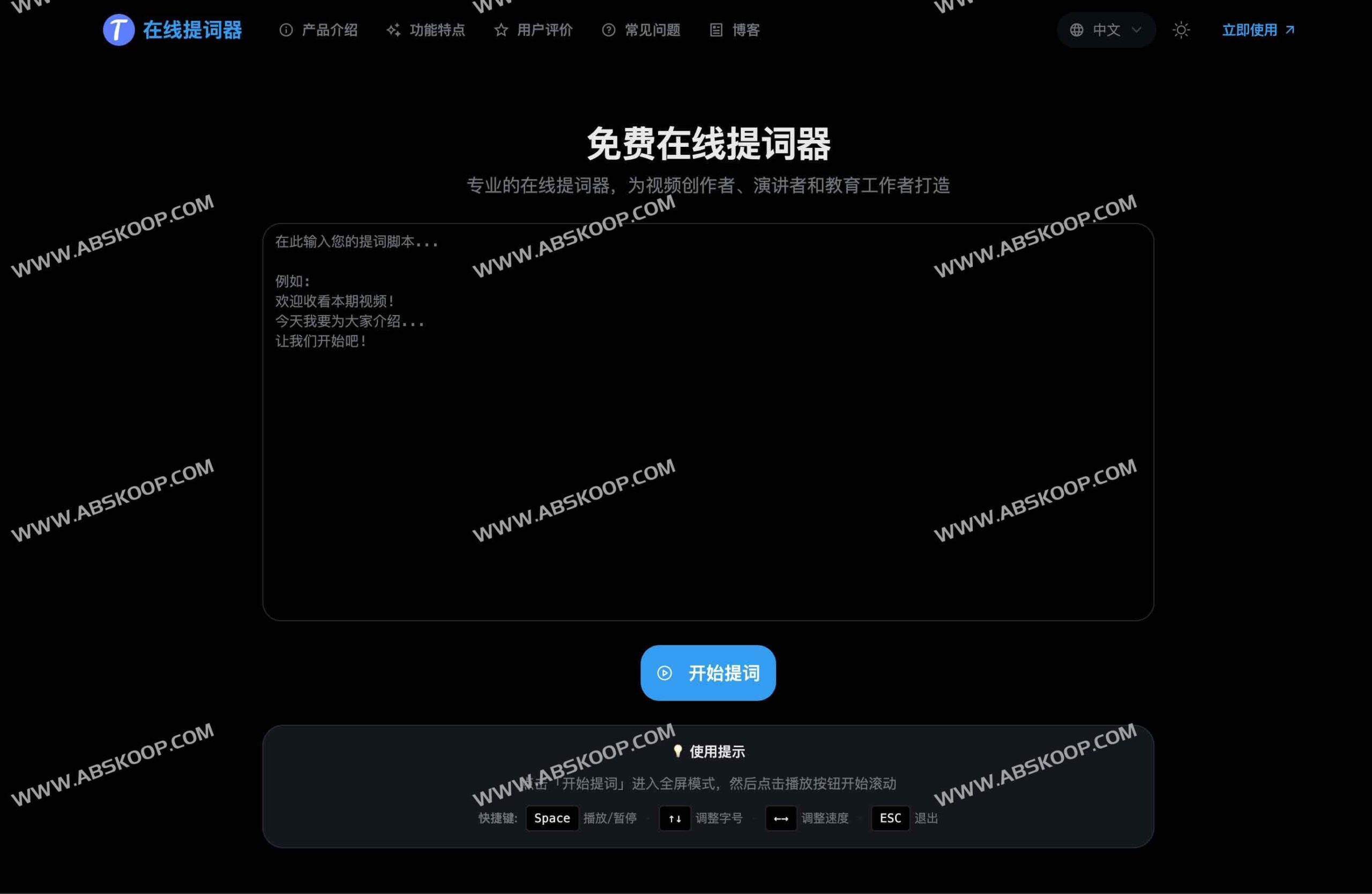
Teleprompter Online is a free web teleprompter for video creators, speakers, and educators. It requires no registration or client download; users can simply visit the official website to use it directly in their browser, greatly reducing the memory burden when recording videos and live streaming.
Core features
- Precise speech rate control:support 20–300 With its adjustable speed range, combined with play, pause, and reset functions, it can perfectly adapt to the speaking rhythm of different individuals.
- Visual customizationFont size can be adjusted 24–120 It can be flexibly adjusted to ensure clear reading at different camera distances; it also supports customizable background and text colors to adapt to various lighting environments.
- Professional hardware compatibility Provides horizontal or vertical Mirror flip The function is compatible with SLR cameras and physical teleprompter hardware.
- Eye guidance systemIt features 6 built-in smart indicator line presets (Standard, Professional, Comfort, Highlight, Minimalist, and Custom), and supports fine-tuning of position, width, thickness, transparency, and color to effectively stabilize vision and prevent eye movement.
- Immersive experienceOne-click activation of full-screen mode eliminates external distractions, allowing you to focus more on recording.
Applicable Scenarios
- Short video recordingMaintaining fluent expression when facing the camera significantly reduces the number of takes.
- Live streaming host/salespersonEnsure that no key information points are missed and control the overall pace of the live broadcast.
- Online teaching/trainingThe use of directional lines makes the teaching process more stable and professional.
- Public speech: Improve readability from a distance by using large font size and high-contrast themes.
Quick Start Guide
Operating procedures
- Visit the official website and click "Start prompting" Enter full-screen mode.
- Click "Play" Start scrolling; it will automatically stop when the text reaches the end.
High-efficiency keyboard shortcuts
- Space barFast play or pause
- Arrow keys (↑ / ↓)Adjust font size in real time
- Arrow keys (← / →)Real-time fine-tuning of scrolling speed
- ESCQuickly exit full-screen mode
Technical details and privacy statement
Device compatibilityThis tool is compatible Chrome, Safari, Firefox, Edge It fully supports access on PCs, tablets, and mobile devices through all major browsers.
Data security All teleprompter texts are Stored in local browser Data is not uploaded to the server. The platform does not collect or store any user content, and users can delete data at any time by clearing their browser cache.
How to obtain
You can use it directly by visiting the official website:https://teleprompteronline.org/zh
