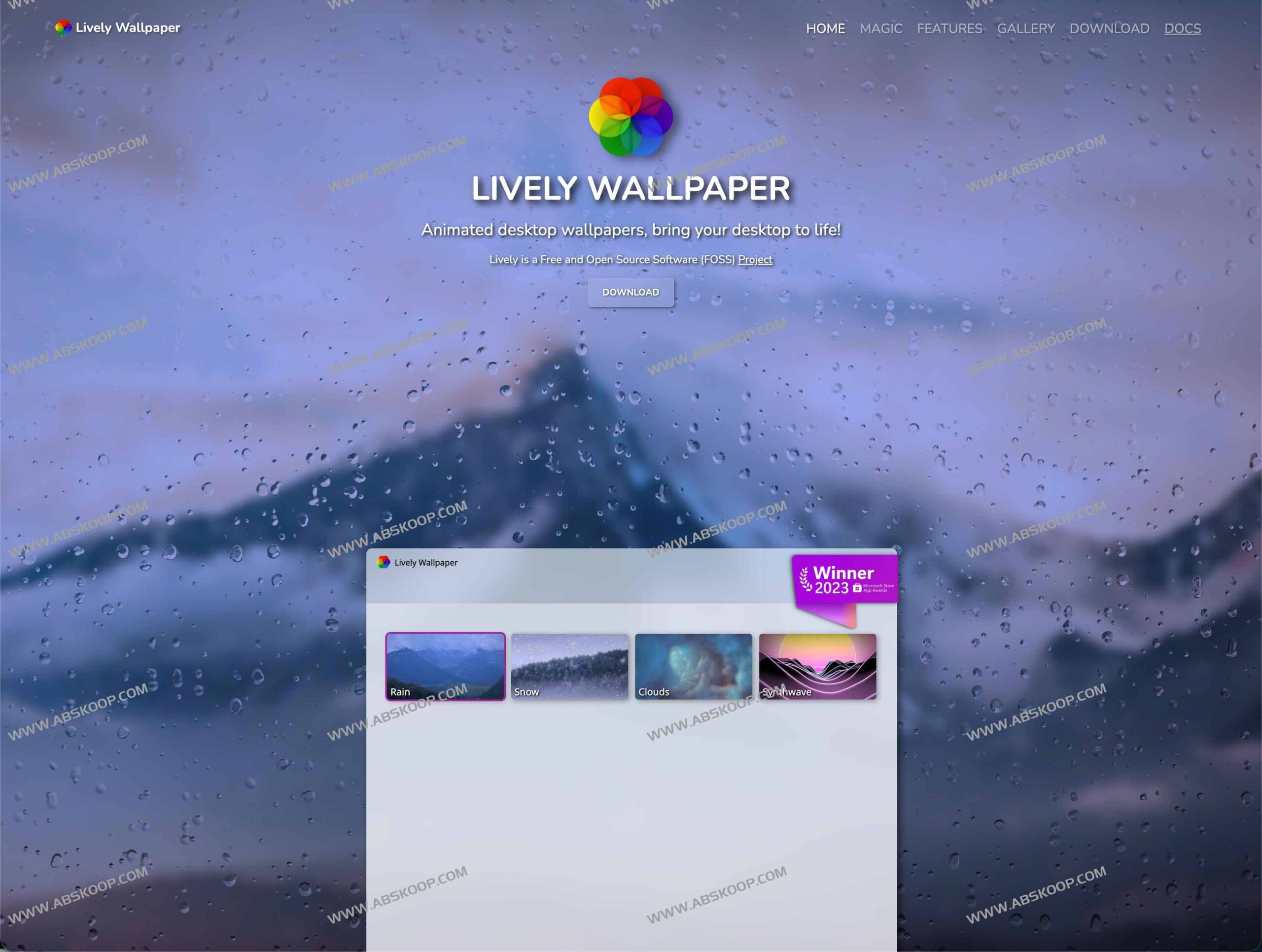
Lively Wallpaper Introduction
Lively Wallpaper is a free and open-source (FOSS) desktop customization tool developed based on WinUI 3 and the Windows App SDK. It allows users to directly convert videos, GIFs, web pages, and even interactive applications into live wallpapers or screensavers. The software features a modern interface, supports multiple monitors and ultrawide screens, and is entirely community-driven with no paid restrictions.
Resource Acquisition:
Official website:rocksdanister.com/lively
GitHub:github.com/rocksdanister/lively
Quick download: cloud drive address
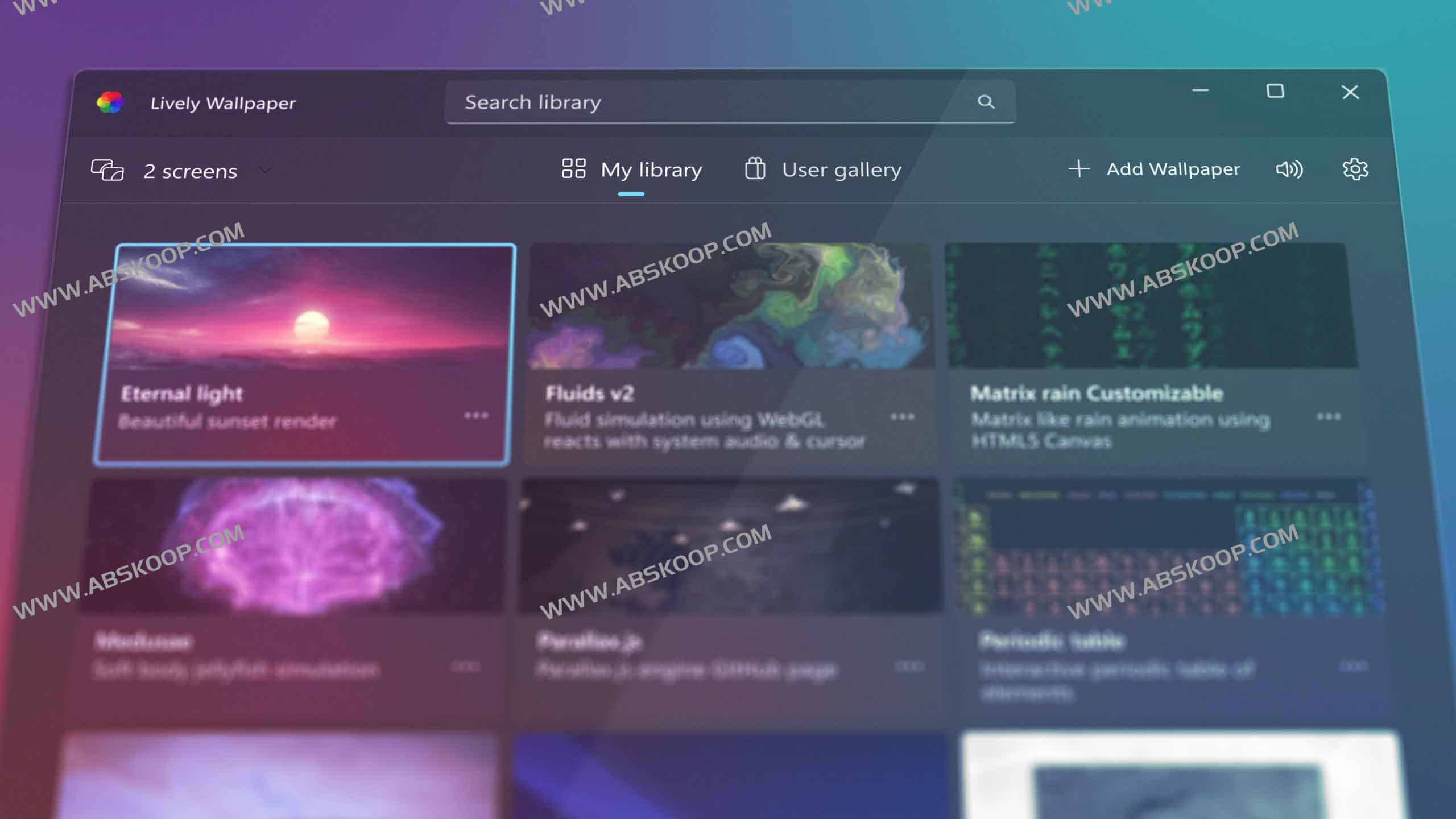
Core features
- Extremely simple operation process It supports directly dragging and dropping media files or web links into the software to quickly apply them as wallpapers.
- powerful rendering capabilities It features a built-in lightweight Chromium-based web page renderer with Shadertoy support; it integrates mpv and VLC player kernels, supporting hardware-accelerated decoding and custom video filters.
- Deep Developer Support Provides the Lively API, which can acquire audio spectrum, hardware readings, and music information in real time, making it easy to build interactive components or data-driven live wallpapers.
- Flexible automation control It supports command-line parameter calls and can be integrated with scripting tools such as Python or AutoHotKey to achieve automatic scene switching or focus mode.
- Full-scene adaptation It natively supports the Windows 11 design language, is perfectly compatible with ultrawide and multi-screen display environments, and all wallpapers can be set as system screensavers.
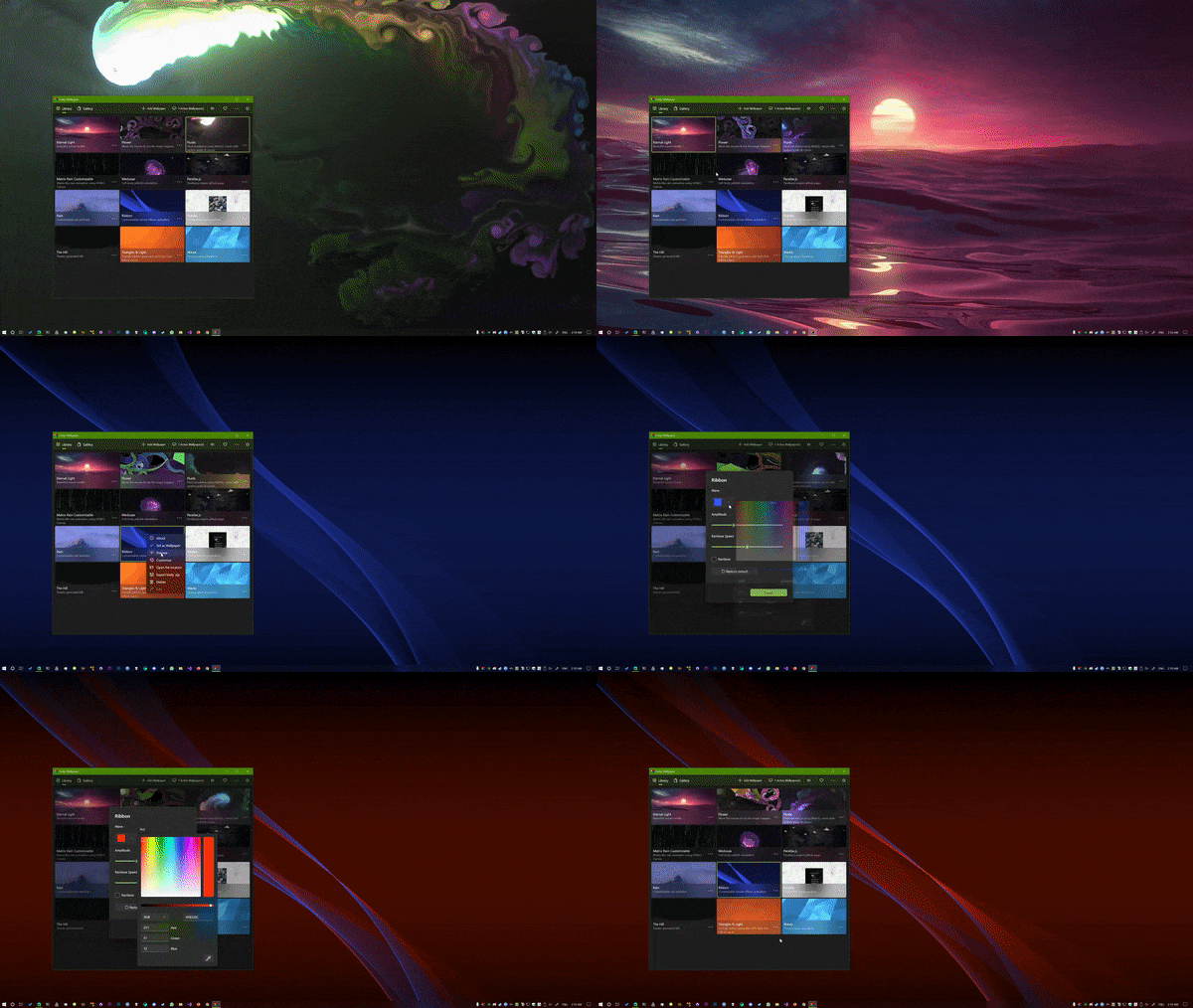
Performance optimization and resource management
To prevent live wallpapers from consuming excessive system resources, Lively Wallpaper provides several intelligent pause mechanisms to ensure that resource usage approaches 0% in high-performance scenarios:
- Smart Pause The wallpaper will automatically pause when a full-screen game or application is running.
- Custom rules Users can configure play/pause logic for specific foreground applications.
- Energy Efficiency Mode When the laptop is powered by battery or connected via remote desktop, the program will automatically pause to extend battery life or reduce bandwidth usage.
Applicable Scenarios
- Personalized desktop The goal is to create a Windows desktop experience that is highly immersive and visually stunning for users.
- Content creation : Live streamers and presentation creators who need dynamic backgrounds or visual stages.
- Technological exploration This is for developers and designers who want to use APIs and scripts to create interactive wallpapers and music visualization widgets.
