ReadCover: Making reading "invisible" in the office environment.
ReadCover is a discreet reading tool designed specifically for office and study scenarios. It cleverly disguises reading as document editing by highly mimicking the Microsoft Word document interface. Users can enjoy reading while maintaining a work atmosphere through a natural "typing-triggered display" interaction, and the ultra-responsive "boss key" and customizable security page ensure that reading content disappears instantly at crucial moments.

Core Features Highlights
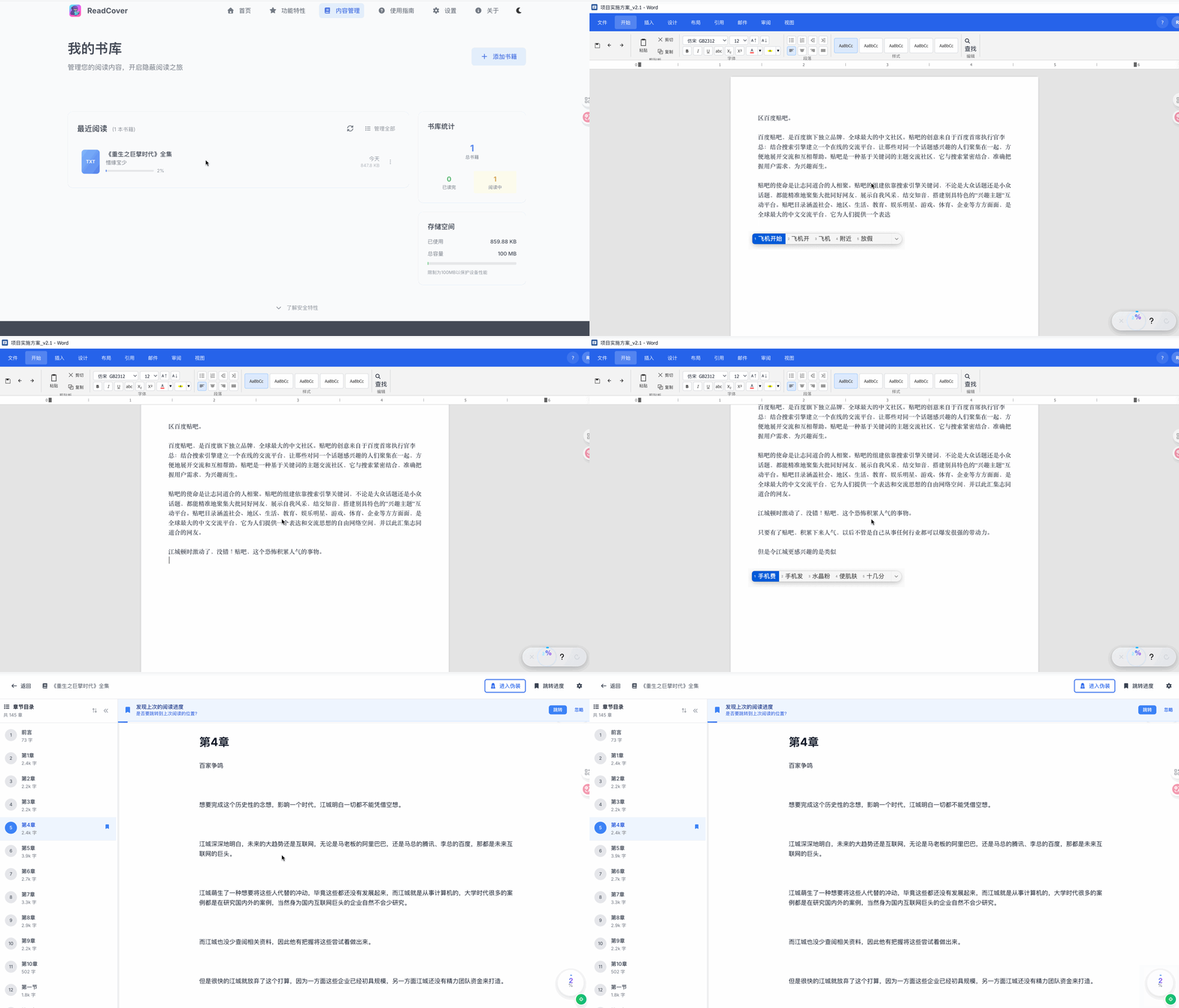
Professional camouflage in deep simulation
ReadCover is more than just a simple interface imitation; it completely replicates Word's toolbar, status bar, page layout, and interaction logic. Its core lies in... "Type and display" The mechanism ensures that the reading action matches the actual input. Furthermore, users can customize interface elements and modes to further enhance the realism of the disguise.
The "Boss Key" with lightning-fast response
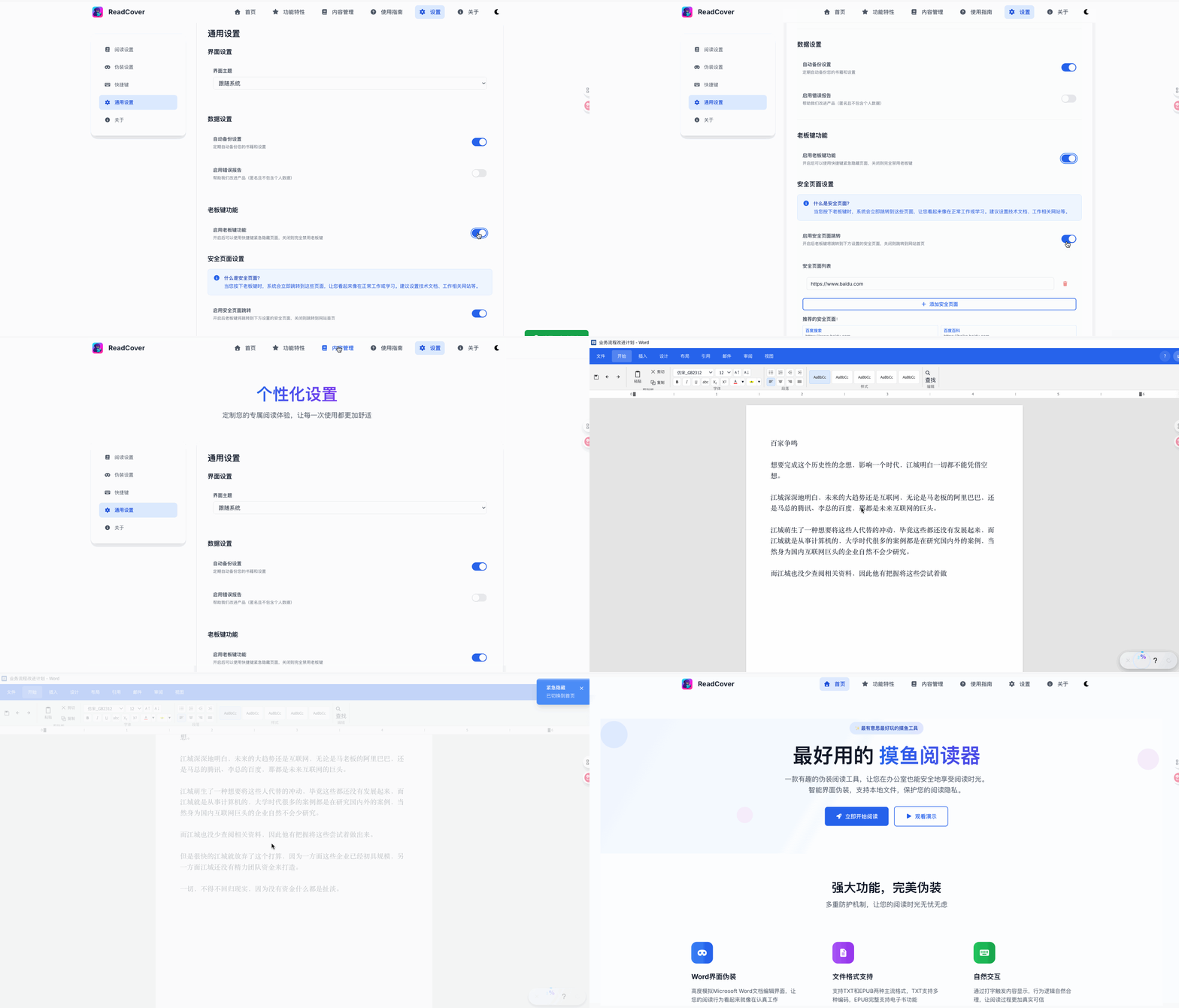
In case of emergencies, ReadCover offers a 0.1-second-level rapid switching capability. Users can instantly jump to preset options via customizable keyboard shortcuts. Security Page(Such as technical blogs, online documents, etc.) Ensure that your reaction time is faster than your eye movement.
Intelligent Interaction and Reading Experience
- Dynamic perception:The system can monitor mouse behavior and window focus, and automatically adjust the display strategy to ensure a stable reading process without accidental touches.
- Flexible positioning:It supports double-clicking the "Proofread" function in the status bar to quickly reset the chapter progress.
- Universally compatible:Native support TXT(自动检测多编码)与 EPUB 格式,提供章节自动提取、书签定位及精准的页码 / 百分比跳转。
- 个性化视觉:支持调节字体大小、行距与段距,提供明亮、深色及护眼三种主题模式。
极致的隐私与安全
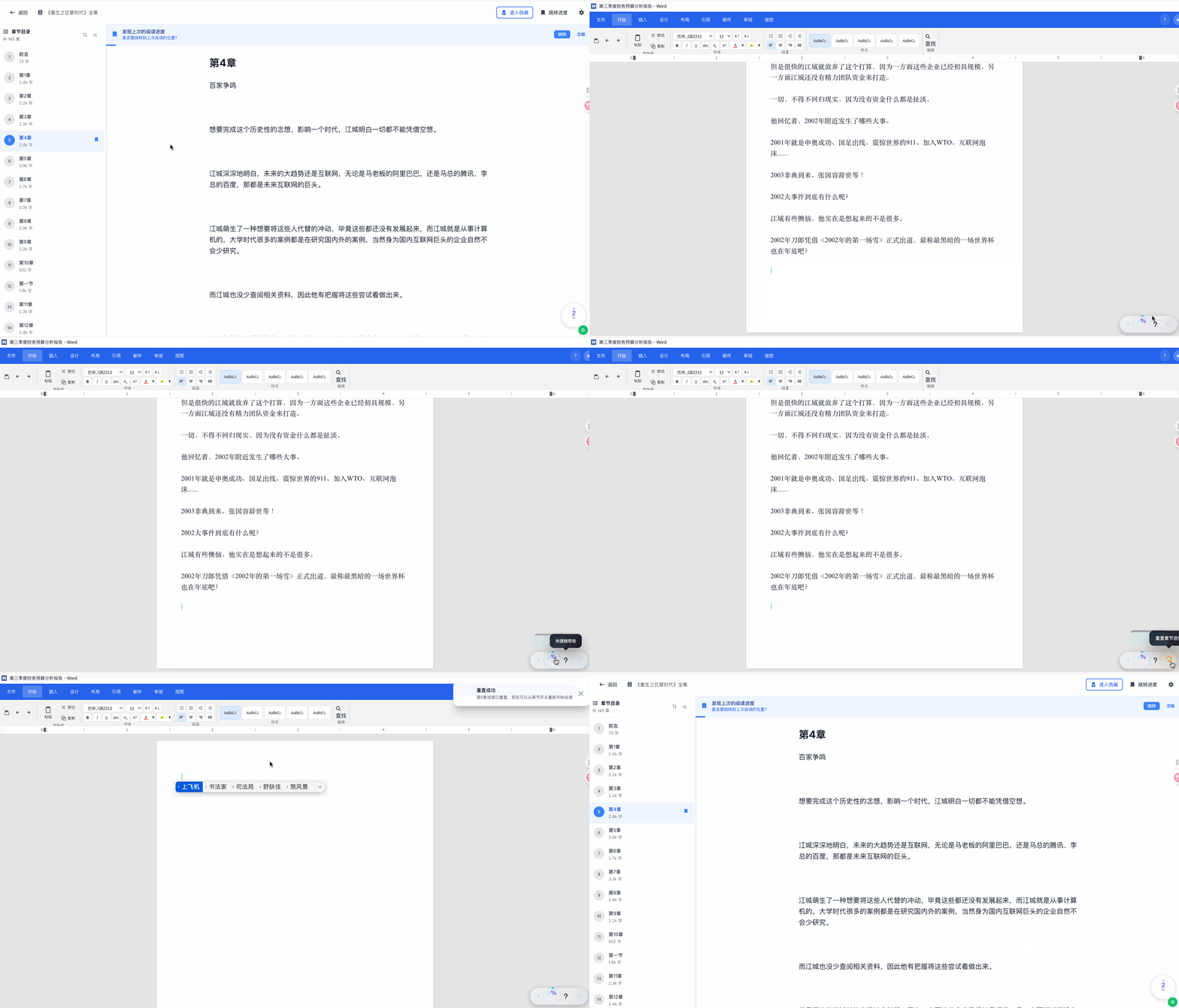
ReadCover 采用 100% 本地存储方案,完全不依赖服务器,无需注册登录。所有阅读数据与隐私均保存在用户设备端,支持完全离线使用,杜绝数据外泄风险。
适用场景
- 职场办公:在工作间隙阅读,界面完美贴合办公状态,维持「在写文档」的氛围。
- 会议等待:在会议休息或等待期间静心学习,画面自然,无突兀感。
- 学习空间:在图书馆、自习室等公共环境下安静阅读,避免不必要的尴尬。
技术实现方案
- 部署形态:基于 PWA 技术,支持一键安装为桌面应用,隐藏浏览器地址栏,增强隐蔽性。
- 技术栈:采用 Vue 3 + TypeScript 构建,利用 Tailwind CSS 实现高效的响应式界面。
- 数据存储:使用 Dexie 封装的 IndexedDB 高性能本地数据库,确保大规模文本读写稳定。
- 性能优化:通过虚拟滚动、智能缓存、防抖节流及内存控制,保证长时运行依然流畅。
- 同步机制:内置智能合并与冲突检测,确保伪装模式与正常阅读模式的进度实时同步。
快速开始
访问官网体验:https://www.readcover.cn/
