Pot: A versatile cross-platform word highlighting, translation, and OCR tool
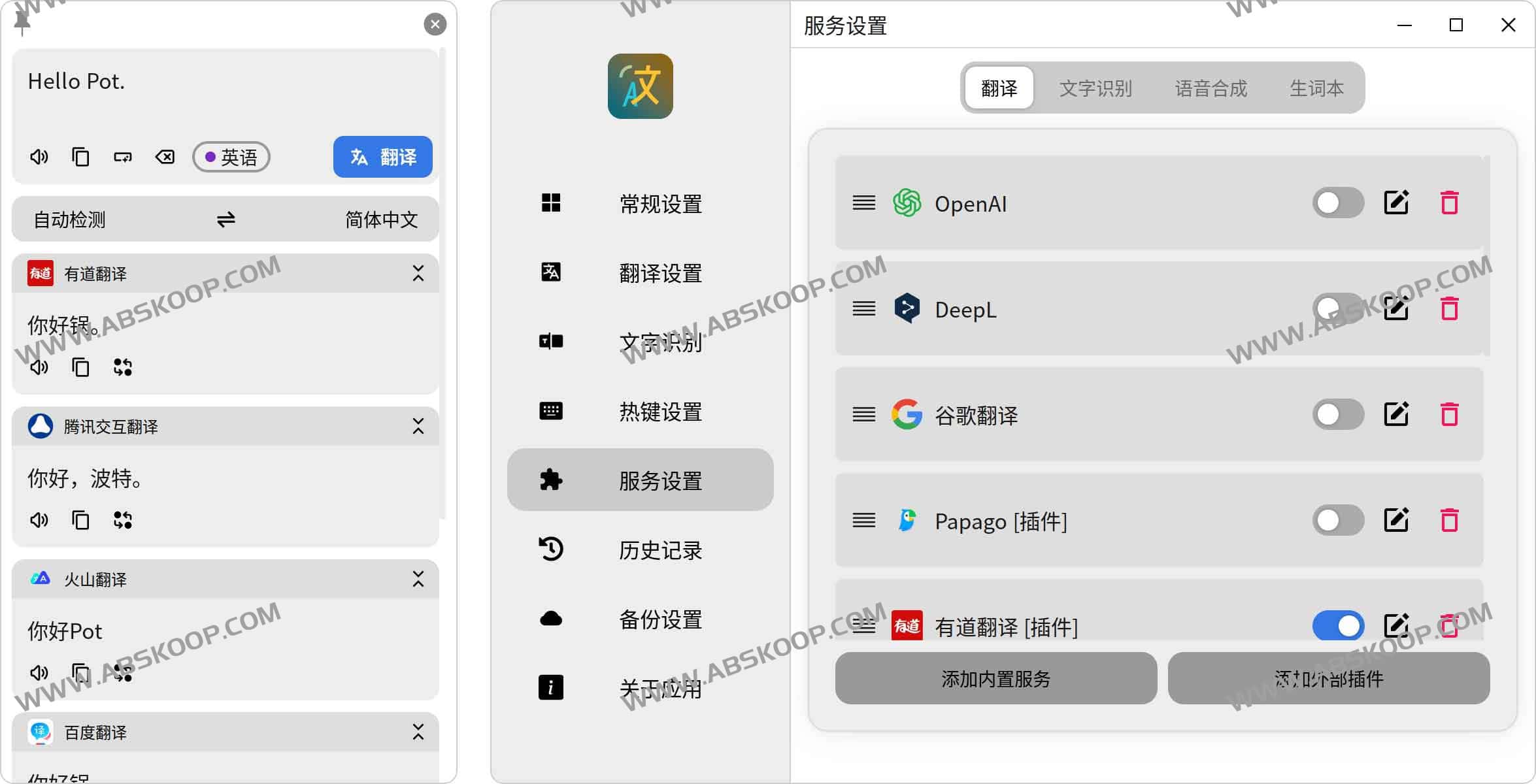
Pot is an open-source translation and text recognition software designed to provide a streamlined, system-wide user experience through a minimalist interface. It not only supports mainstream word-selection translation and screenshot recognition, but also integrates translation, OCR, speech synthesis, and vocabulary management through a powerful plugin system, making it an efficient assistant for handling multilingual reading and technical documents.
Core Function Analysis
1. Flexible translation and recognition modes
- Word highlighting/screenshot translation: Select text or use a keyboard shortcut to quickly translate; screenshot mode supports selecting image content for instant recognition and translation.
- High-precision OCR: It can call the system's native OCR or integrate plugins such as Rapid and PaddleOCR to support offline recognition and batch processing.
- Learning loop: The translation results support voice reading and can be synced to vocabulary lists such as Anki, Eudic, and Shanbay with one click, making it convenient for vocabulary building.
2. Powerful multi-engine drive
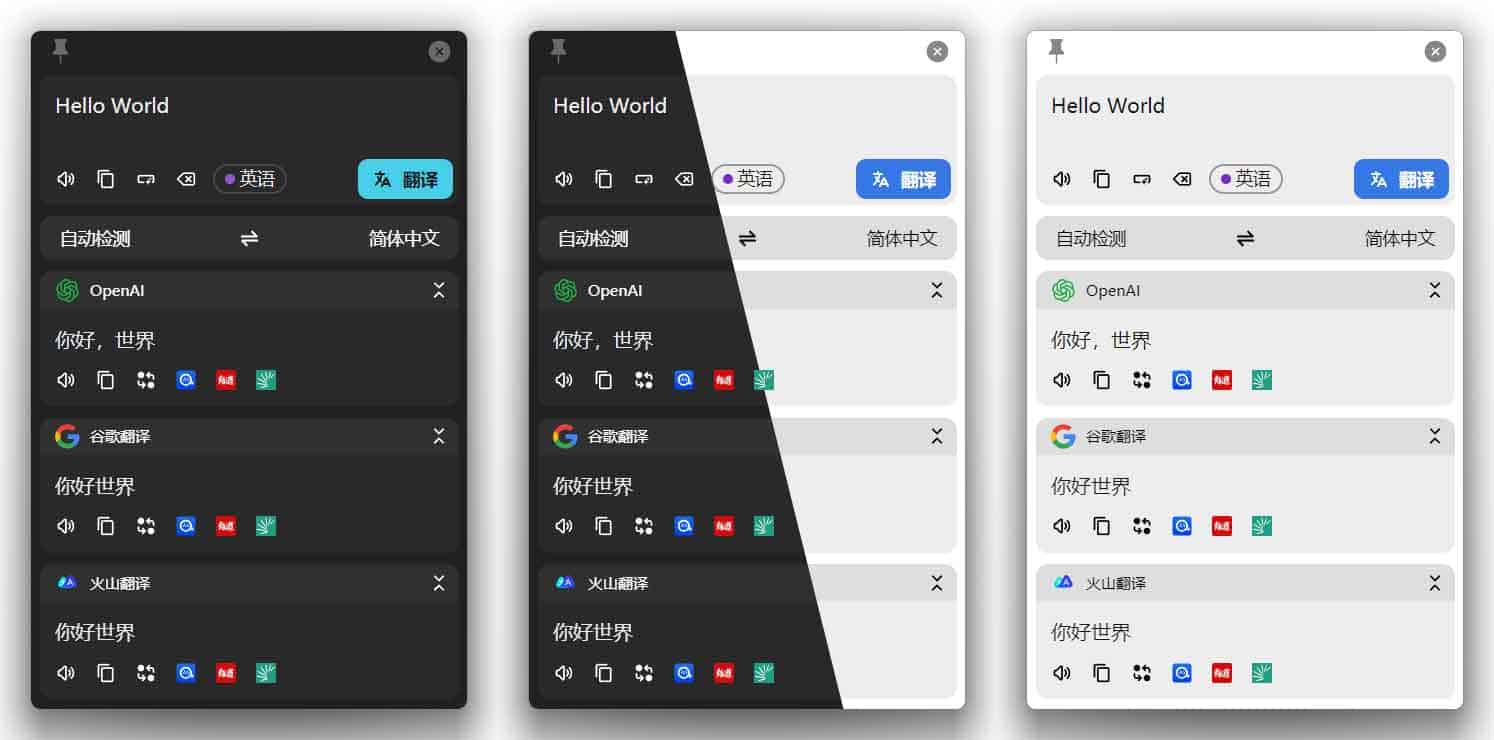
Pot does not rely on a single interface, but integrates more than 20 translation sources, including DeepL, OpenAI (ChatGPT), Google, Bing, Alibaba, Tencent, Volcano, and Caiyun Translation Users can call different engines in parallel and compare the output results to ensure the accuracy of professional text.
In terms of OCR, in addition to the system interface, it also supports solutions such as Tesseract.js, Baidu, and Tencent Image Translation, which can efficiently process code, mathematical formulas, and scanned documents.
3. Privacy protection and offline capabilities
For privacy-sensitive users, Pot offers a localized solution: a built-in offline English-Chinese dictionary with 3 million entries and an offline OCR module, which remains usable even without an internet connection. All translation records are stored locally, eliminating concerns about data leakage.
Applicable Environment and Compatibility
- Multi-platform support: Perfectly compatible with Windows, macOS, and Linux.
- Desktop environment: Tested in Wayland environments such as KDE, Gnome, and Hyprland, it runs smoothly.
- Distribution format: Provides EXE, DMG, and AppImage installers, and supports automatic updates from GitHub.
How to obtain
Official channels:
- Official website:pot-app.com
- GitHub open-source repositories:pot-app/pot-desktop
Quick Download: Cloud drive backup address
Recommended related translation resources
- gpt-translated-pdf-zh: A collection of Chinese-translated PDFs of academic resources
- BabelDOC: An open-source PDF translation tool that preserves the formatting of formulas and tables.
- HumanizeText: A translator that converts technical jargon into plain language.
- DocTranslator: An online PDF translator that supports multiple formats while preserving the original layout.
- MTranServer: Low-resource-consumption, privately deployed offline translation server
- View more translation-related tools
