About PasteMe: Giving your clipboard AI intelligence
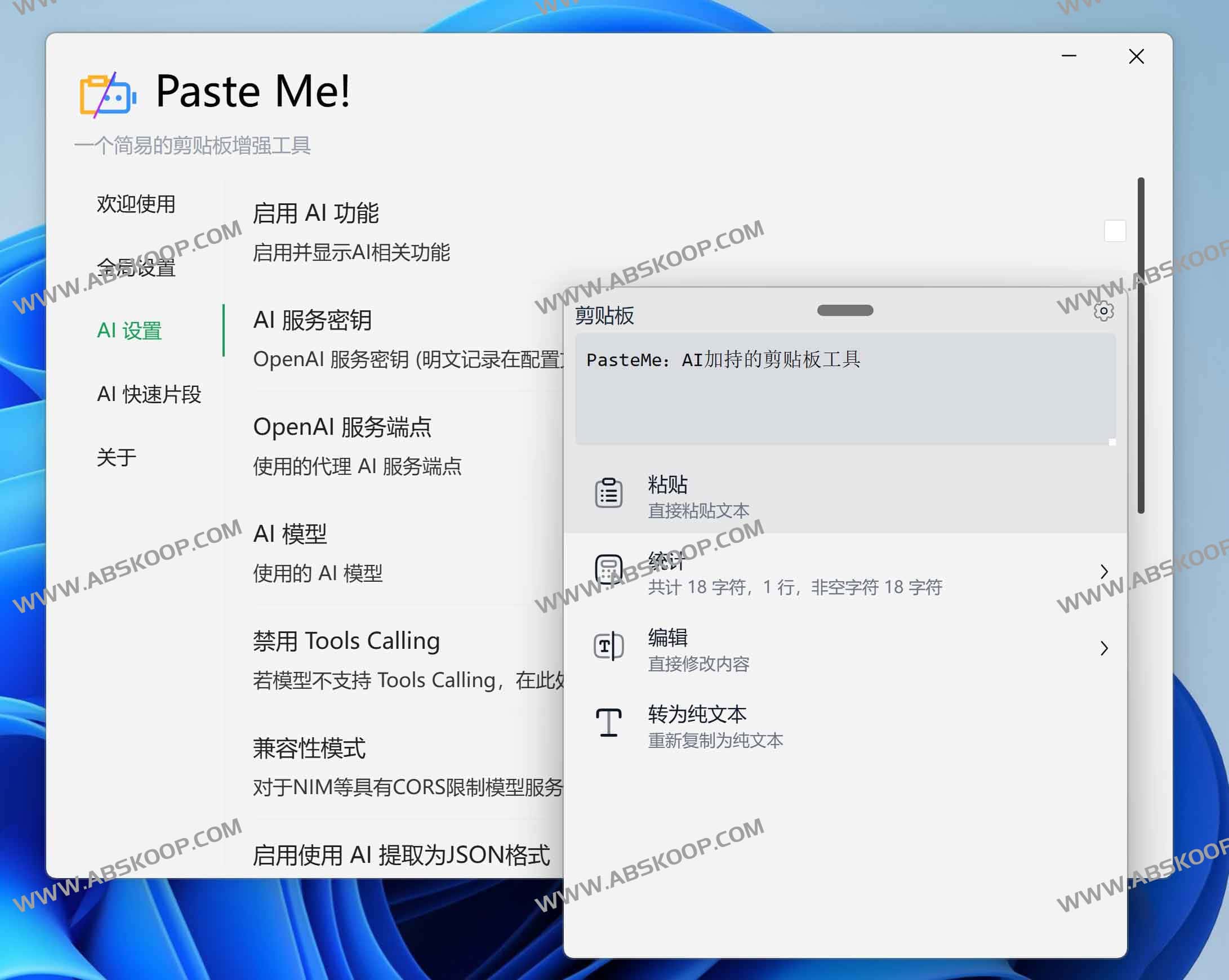
PasteMe is an AI-enhanced clipboard tool designed specifically for the Windows platform. It breaks away from the monotonous traditional copy-and-paste process, enabling users to easily copy and paste using keyboard shortcuts. Ctrl+Shift+V This brings up a lightweight floating panel, allowing users to preview, process, and optimize clipboard content intuitively before pasting.
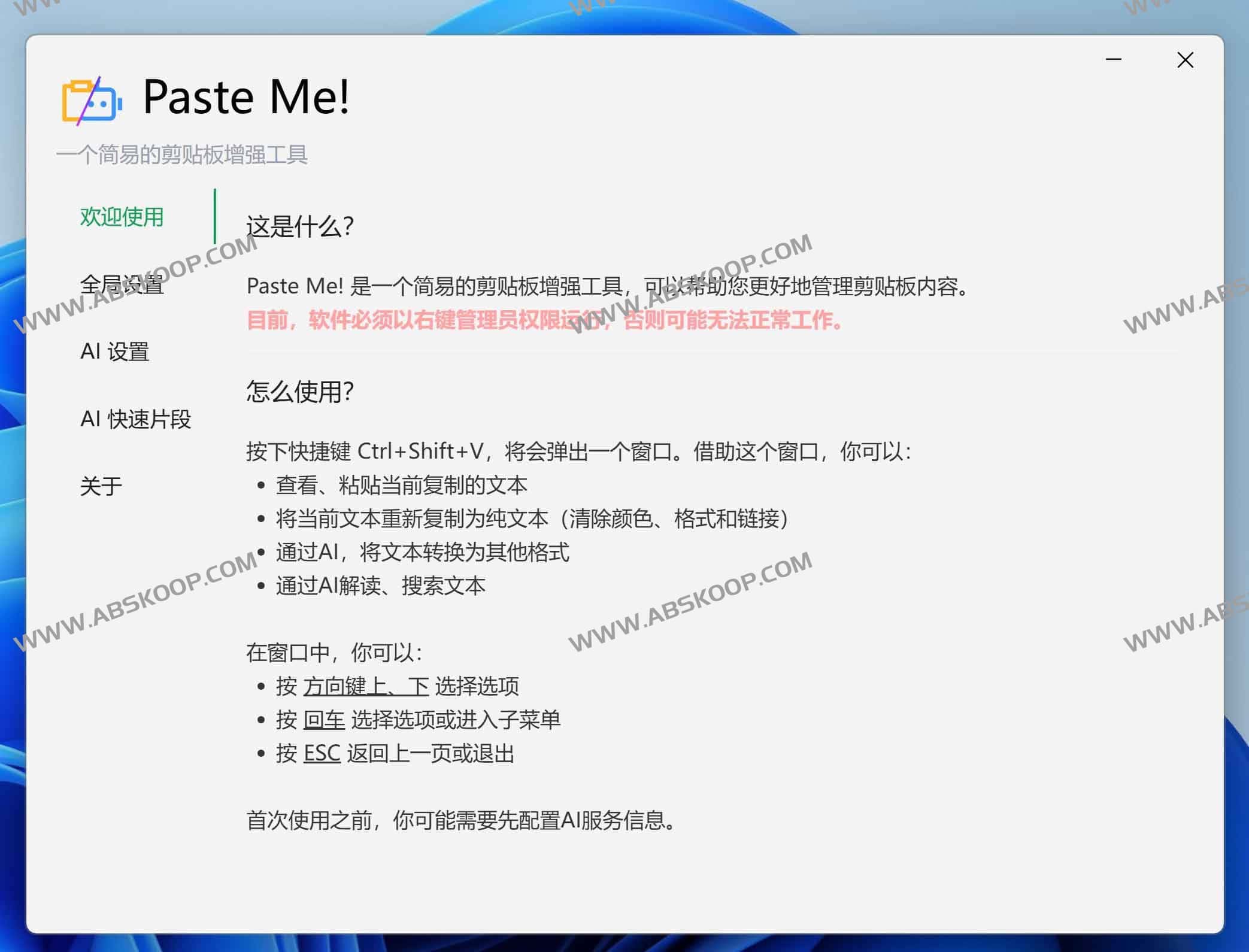
Beyond basic text processing, PasteMe's core competitiveness lies in its deeply integrated AI capabilities. After configuring an API Key, users can quickly convert clipboard fragments into JSON format, perform intelligent continuation writing, or answer questions in real time based on the content. To further improve efficiency, the software has a built-in library of prompt words, allowing users to preset commonly used commands such as translation and rewriting to avoid repetitive input.
This tool is highly compatible with OpenAI standard interfaces and supports integration with various custom AI services. Its design philosophy leans towards "efficiency and fluency," with most functions quickly triggered via the keyboard, greatly reducing the frequency of mouse operations, making it ideal for programmers, copywriters, and heavy office users.
Core Features and Highlights
- Quick preview and processing: View copied content in real time and edit text directly before pasting.
- Plain text conversion: Remove complex formatting with one click, leaving only plain text and solving formatting problems.
- Text statistics: Quickly retrieve the number of characters and lines in the current clipboard content.
- AI-enhanced intelligence: It supports editing, querying, continuation, and format conversion based on clipboard content.
- Hint dictionary: Save frequently used AI command fragments for one-click recall.
- 高度兼容: 支持接入任何兼容 OpenAI 标准的自定义 AI 服务。
- 键盘优先: 致力于实现“双手不离键盘”的操作体验。
快速上手指南
- 唤出面板: 使用默认快捷键
Ctrl+Shift+V(支持自定义)唤出工具面板。 - 配置 AI: 由于工具不内置 AI 服务,首次使用需在设置中填写 API KEY 和 Endpoint。
- 功能操作: 通过鼠标点击或使用
上下方向键 + Enter选择所需功能。 - 面板控制:
- 在非编辑状态下,按
Backspace返回上一页。 - 按
ESC快速关闭面板。 - 通过拖动面板顶部可自由移动位置。
- 在非编辑状态下,按
- 程序管理: 设置界面支持最小化隐藏,可通过右下角任务栏图标右键退出程序。
资源下载
下载地址: 夸克网盘
开源项目: GitHub – PasteMe
相关工具推荐:
