What is Radiocast?
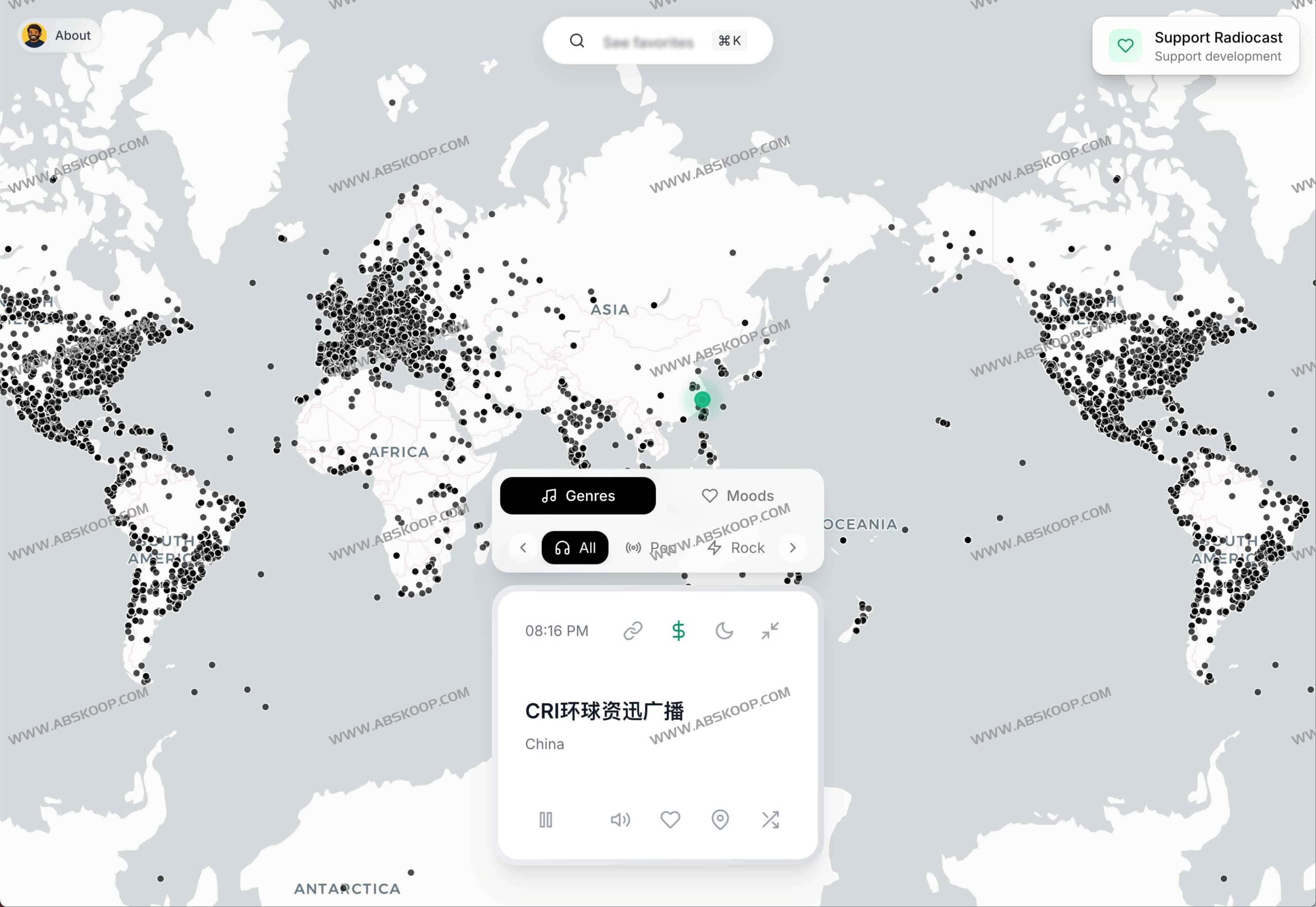
Radiocast is an online radio platform that combines geographic visualization with audio streaming, aiming to provide users with an interactive experience of exploring the sounds of the world. The platform integrates over 8,000 public radio streams, covering a wide range of content from international news and popular music to in-depth talk shows.
Its most core feature lies in the use of 3D Virtual Earth As an interactive interface, users can intuitively locate and listen to local FM and international live channels from various continents by rotating the globe. Since it requires no registration and is fully compatible with web, mobile, and desktop applications, listeners can embark on this "sound journey" anytime, anywhere for free.
How to use Radiocast
- Visit the official website: Open your browser and go to Radiocast official website 。
- Exploring Earth: Rotate the 3D globe on the main interface using your mouse or touchscreen to find countries or cities that interest you.
- Select Channel: Click on a radio station marked on the globe to browse a list of available radio stations in that area.
- Start listening: Simply select your preferred channel to start playing immediately; no account registration or plugin installation is required.
Recommended related resources
If you are looking for more similar global radio stations or AI-powered listening experiences, you can refer to the following tools:
