在不同设备间传文件,非要安装软件吗?
当你需要将手机里的照片快速传到电脑,或者把电脑上的文档发给手机时,经常会遇到尴尬的场景:安卓与 iOS 不互通,Windows 与 macOS 传输繁琐,而即便是在同一局域网内,安装第三方传输软件也显得过于沉重。如果能像 Apple 的 AirDrop 那样,无需配置、即开即用,且不限平台,体验会好得多。
这正是 Snapdrop 试图解决的问题。它是一款开源的跨平台浏览器文件传输服务,让用户通过简单的网页访问,即可实现高效的 局域网文件传输 或内网文件传输。
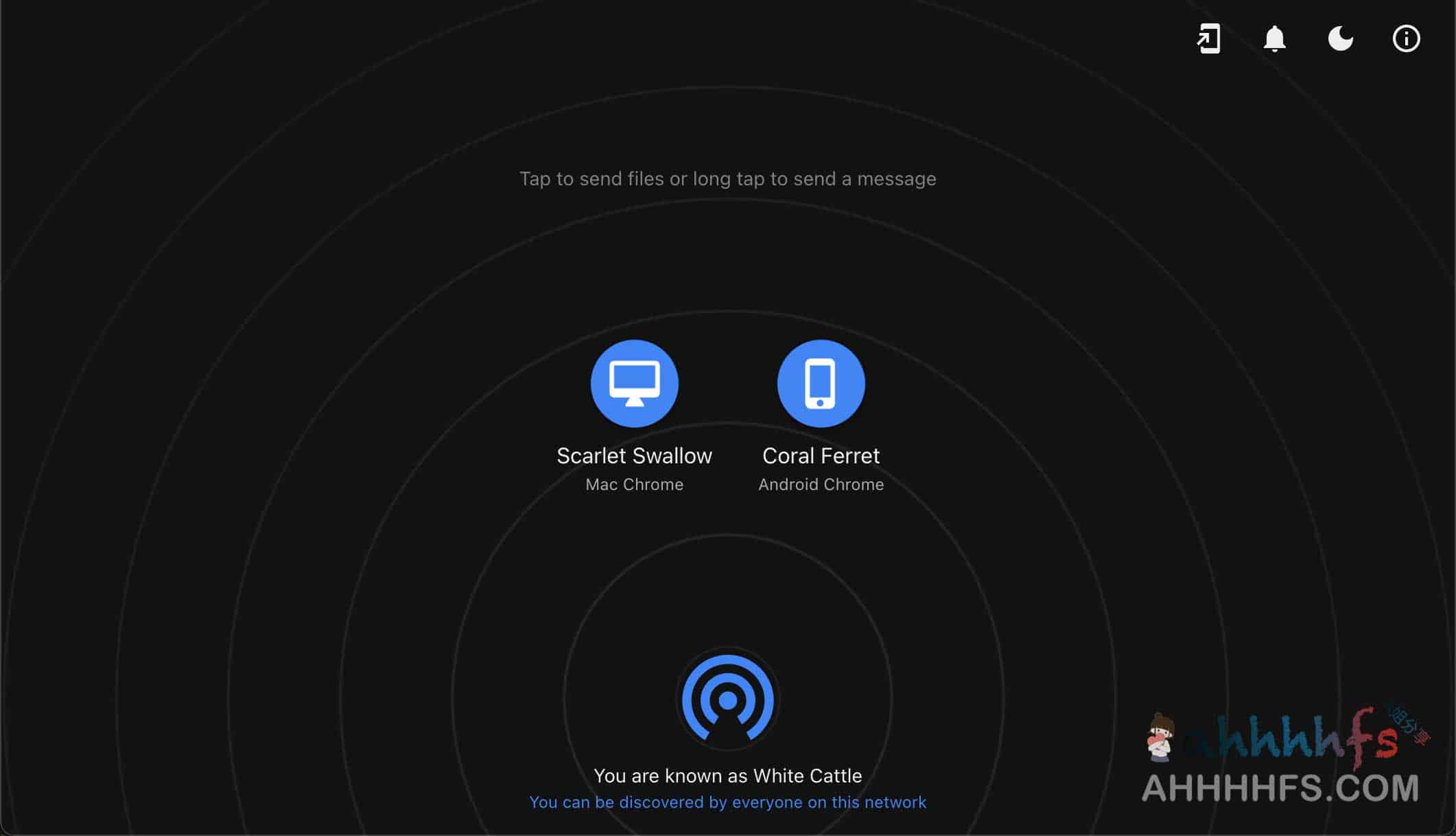
Snapdrop 的核心优势
Snapdrop 的设计哲学是“极简”,其核心竞争力体现在以下三点:
- 零安装成本: 无论 Android、iPhone 还是 Windows、macOS,只要有浏览器即可使用,无需下载任何 App 或安装插件。
- 无需账户体系: 摆脱了注册、登录和繁琐的配对设定,只要设备处于同一个无线局域网,打开网页即可自动发现彼此。
- 隐私与安全: 基于 WebRTC 接口实现 P2P(点对点)传输This means that files flow directly between devices without passing through servers or being stored in the cloud.
Quick Start Guide
以电脑与手机互传为例,操作流程仅需三步:
- 同步网络: 确保手机和电脑连接在同一个 Wi-Fi 环境下。
- 访问页面: 两端浏览器同时打开官网 snapdrop.net。连接成功后,页面会以图标形式显示出局域网内的其他设备。
- 选择发送: 点击页面上代表目标设备的图标,在弹出的文件选择窗格中挑选需要传输的文件即可。
Precautions
- 传输对象确认: 由于该工具基于局域网自动发现,如果同一网络下有其他用户也在使用 Snapdrop,请务必核对设备名称,避免将文件误传给他人。
- 安全性保障: Snapdrop 是一个开源项目,代码透明,安全性较高。对于有更高私密需求或企业内部使用的用户,也可以选择自行搭建私有服务。
Related Resources
Official service address: https://snapdrop.net/
GitHub 开源仓库: https://github.com/RobinLinus/snapdrop
End of text
